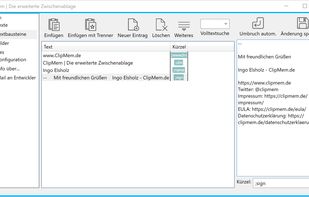
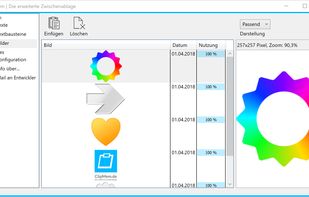
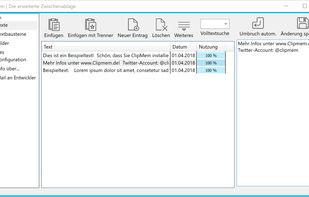
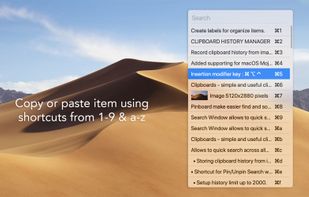
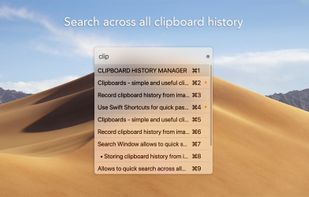
Simulates a couple of clipboards. Save your clipboard data automatically. Reuse copied content afterwards as much as you like. Paste your clipboard in any application.
Cost / License
- Paid
- Proprietary
Application type
Platforms
- Windows
 Germany
 EU
EU




C


Apps similar to Comfort Clipboard Pro include CopyQ, which is free and open source. Other options are Ditto, Maccy, ClipPocket and TFCBM. There's no shortage of Clipboard Managers like Comfort Clipboard Pro, with more than 100 alternatives for Mac, Windows, Linux, iPhone and iPad.
Simulates a couple of clipboards. Save your clipboard data automatically. Reuse copied content afterwards as much as you like. Paste your clipboard in any application.
GermanyEU
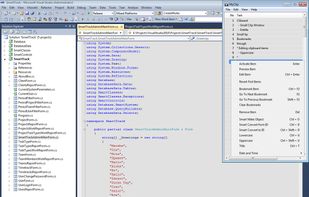
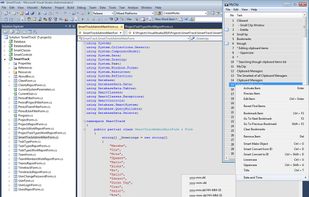
The Smartest of all Clipboard Managers. And best of all - it's FREE! MyClip is not yet another Clipboard Manager, but one of the handiest tools for any IT specialist (Software Developers, DB Administrators, Web Masters, Business Analysts). Just read some (not close to all) of.
 Mexico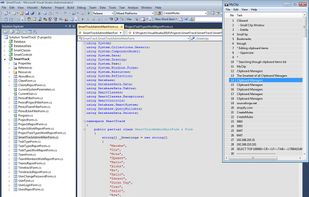



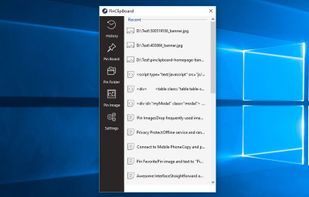
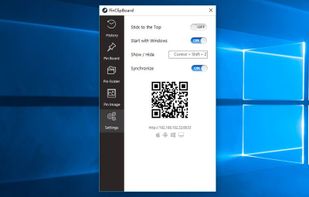
PinClipBoard is one of the best clipboard manager software that enables you to track and record clipboard data for future use. As a universal clipboard manager, you can copy and paste images/text across Android/ios/Mac/Windows/Tablet.



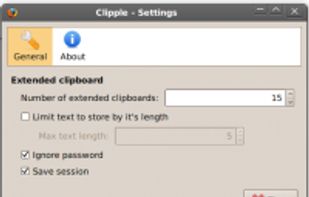
Clipple provides extended clipboard system to Firefox. All text you copied will be stored and you can paste text in it later.
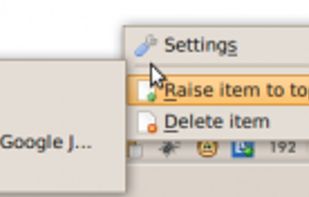


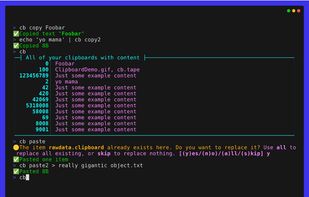
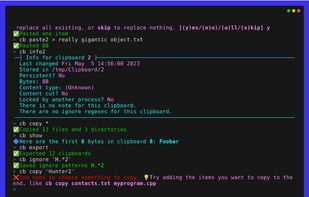
The Clipboard Project (CB for short) is the full-featured yet oh-so-easy-to-use clipboard manager for everyone.


Copy Log is a powerful app that makes your every day copy/paste operations much easier. It keeps every text youve copied and lets you access and use your saved text anywhere. More than this, Copy Log records date and hour of your copies and enumerates them.
 RomaniaEU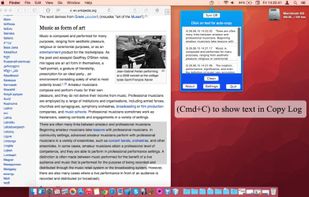


Minimal, native clipboard manager for macOS — one-time purchase, cross-type history (text, code, images, files), and instant search.
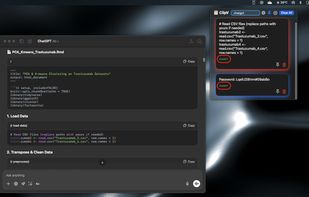
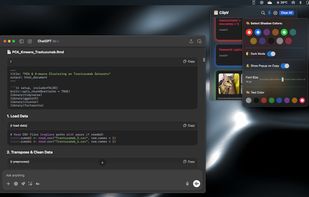
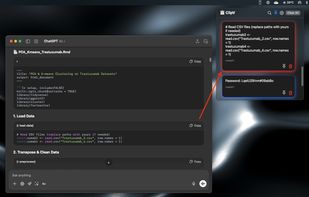


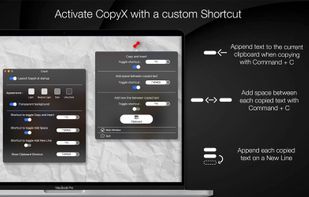
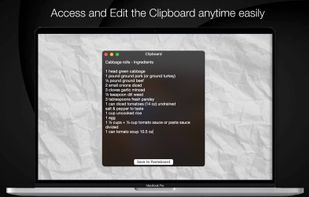
Copy text with Command + C and append it to the last copied text instead of replacing it! Activate inserting with a custom shortcut.



Save Terminal commands in the Mac menu bar. Run and copy them with keyboard shortcuts.
 United States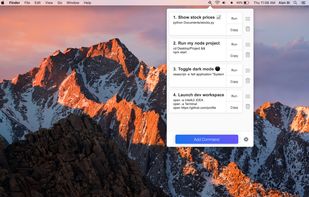




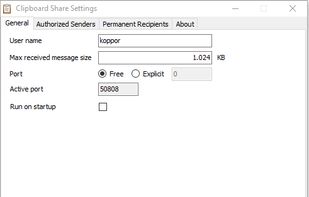
Clipboard Share is small utility that allows sending clipboard content from one computer to another. It is accessible through icon in system tray. User can send content of his/her clipboard to another user on another computer.


Auto-copies any text the moment you select it — no Ctrl+C needed. Provides deep click paste and a searchable local clipboard history. Works on Mac and Windows.