Cost / License
- Free
- Open Source (BSD-3-Clause)
Application type
Platforms
- Linux
 Lithuania
 EU
EU



+4


C


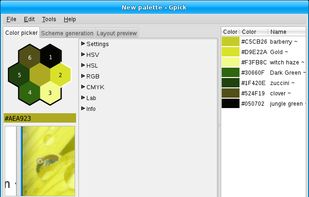
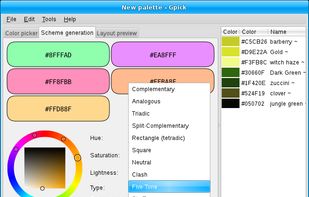
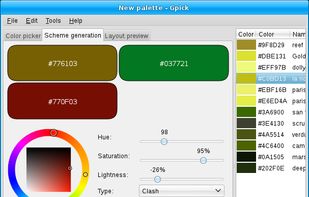
Apps similar to Color Grabber 2.0 include gpick, which is free and open source. Other options are Just Color Picker, Eyedropper, Pika and System Color Picker. You can choose from more than 10 Color Picker Tools like Color Grabber 2.0 for Windows, Mac, iPhone, iPad and Linux.
LithuaniaEU
Just Color Picker is a tool that captures the colour of any pixel in any screen area and displays its code in a variety of formats.
 CzechiaEU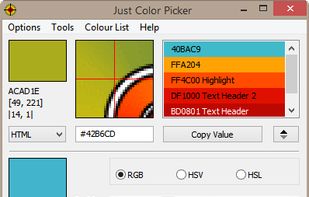


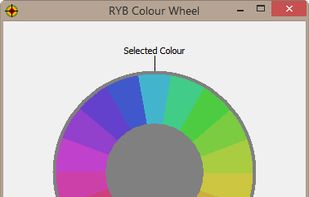


This application is geared towards advanced users (developers, designers, etc…), who not only need to pick a color but also modify or view it in different formats. For simply picking a color on Gnome, the color-picker extension is far better suited.
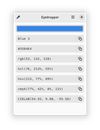
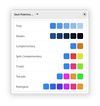
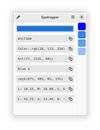


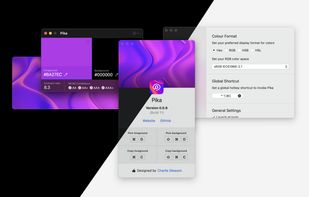
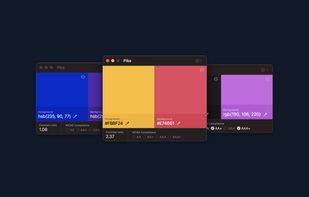
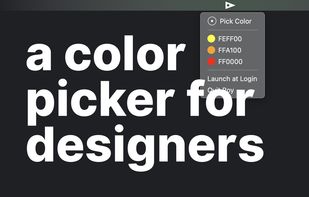
Pika (pronounced pi·kuh, like picker) is an easy to use, open-source, native colour picker for macOS. Pika makes it simple to quickly find colours on screen, in the format you need, so you can get on with being a speedy, successful designer.



 Norway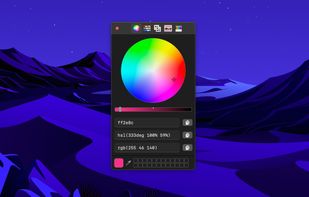
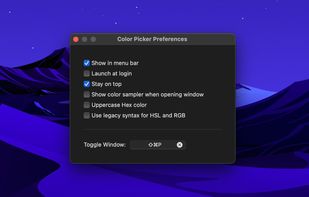


Color converter, screen color picker and color palettes for Windows. Colora is a small but powerful color converter and screen color picker for Windows.
 GermanyEU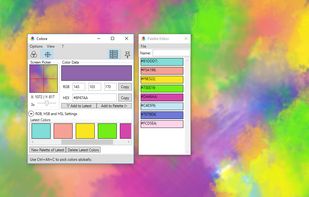
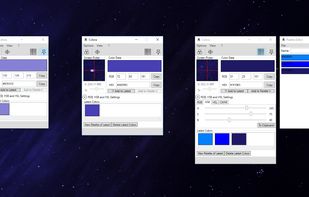


Free Color Picker is a program that lets you capture the color of any pixel displayed on the screen. To capture a color, just move the cursor to the desired position and press the F4 key. The color below the cursor will be added to the color palette located in the right part of...
 PolandEU
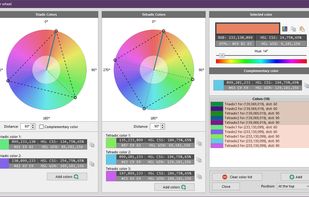

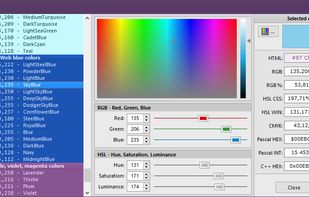


Ever tried using a color picker on a high resolution monitor? Its impossible. Thats why this color picker has a magnifier attached. Grab palettes of up to 16 colors at once and use four advanced color mixers to select a spectrum of possibilities.


Offers real-time on-screen magnification under the cursor with a lightweight footprint, featuring a custom color picker, unlimited palette storage, color mixer, customizable harmonies, and workflow tools for inspecting artwork and aligning interface elements.

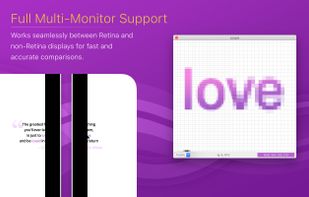
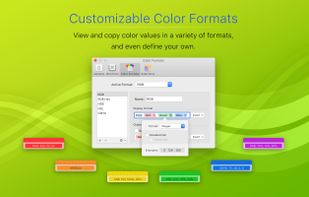



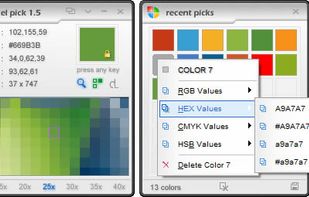
Pixel Pick is a free color picker tool that pick the pixels color under your mouse cursor on the desktop and translates it into a number of different color formats such as RGB, CMYK, HSB, HEX or Web Color format. A free color picker for grabbing color under your mouse .






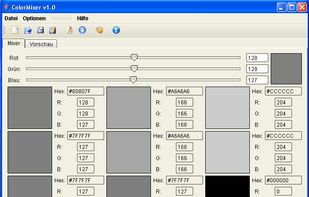
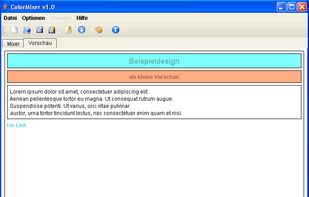
ColorMixer is a powerful application for mixing colors. You choose a color and ColorMixer will calculate 8 harmonic colors based on the one you’ve chosen. It’s user interface offers lots of utilities to choose colors.
GermanyEU