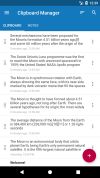
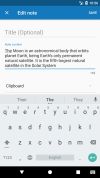
Clipboard Manager is simple and powerful application to manage your clipboard, keep history, fast access to your notes in history, etc.
Cost / License
- Freemium
- Proprietary
Application type
Platforms
- Android
- Android Tablet





ClipX has been discontinued. Similar apps include CopyQ, which is free and open source. Other options are Ditto, Planck, CopyCat Clipboard and Maccy. You're spoiled for choice with Clipboard Managers like ClipX: we list more than 100 alternatives for Mac, Windows, Linux, iPhone and iPad.
Clipboard Manager is simple and powerful application to manage your clipboard, keep history, fast access to your notes in history, etc.

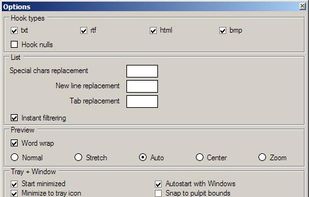
Fast, reliable multi-clipboard tool. It allows to save text, rtf, html and bitmap formats for future use. Especially useful for software engineers.



Clip Cat is a powerful clipboard manager for Windows, it reinvents the way you copy, extend the clipboard by making it your go-to tool for storing and organizing.


Copy Log is a powerful app that makes your every day copy/paste operations much easier. It keeps every text youve copied and lets you access and use your saved text anywhere. More than this, Copy Log records date and hour of your copies and enumerates them.
 Romania
 EU
EU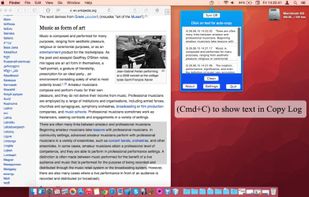


A fast, easy-to-use and customizable clipboard manager. Be more productive by using keyboard shortcuts and the integrated search to move through your history.
 FranceEU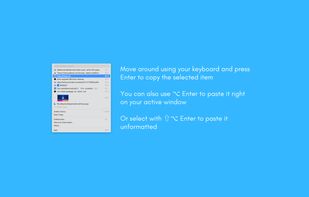





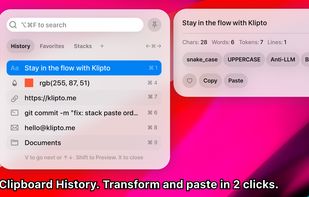
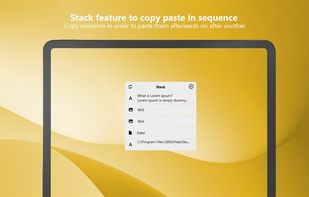
Clipboard tool for macOS built around a paste queue: collect several items, then paste them back one at a time in order, with text transformations and text capture from images.





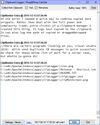
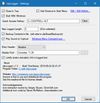
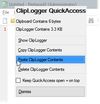
clipLogger logs text copied to the clipboard, putting everything in one textbox for easy access. Clipboard captures can be separated & labeled with a timestamp, or just appended by themselves. It can also log the paths of copied or dragged&dropped files.


ClipDo - Clipboard Manager finally done right on Windows ClipDo stores everything you copy on PC so it's always there whenever you need it again. ClipDo makes it easy to instantly find and access any text, link, image, or file you've ever copied.
 ItalyEU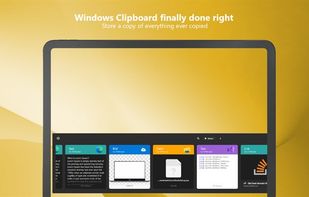


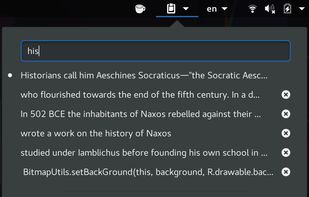
Clipboard Manager extension for Gnome-Shell: Adds a clipboard indicator to the top panel, and caches clipboard history.


Clipboardic is a small utility that listen to the clipboard activity, and each time that you copy something into the clipboard, it automatically save the copied data into Windows clipboard file (.clp). Later, when you need the copied data again, you can simply select the right...
 Israel


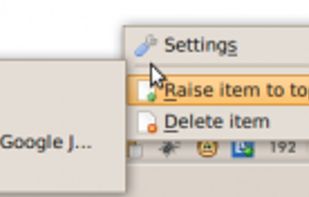
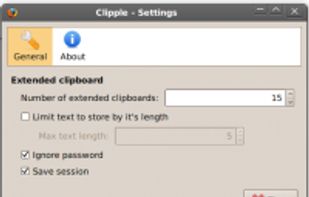
Clipple provides extended clipboard system to Firefox. All text you copied will be stored and you can paste text in it later.