


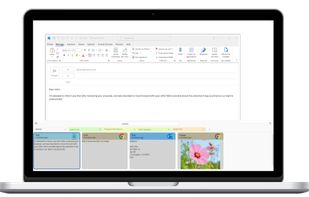
PasteIt is a clipboard manager for Windows 10/11 which keeps track of everything you copy and paste, lets you organize it with tabs of favorites.
Cost / License
- Freemium
- Proprietary
Application type
Platforms
- Windows




Apps similar to ClipBook include Planck, which has a free version. Other options are CopyCat Clipboard, WindowSill, ClipPocket and ClipShelf. There's no shortage of Clipboard Managers like ClipBook, with more than 50 alternatives for Mac, iPhone, iPad, Windows and Linux.
PasteIt is a clipboard manager for Windows 10/11 which keeps track of everything you copy and paste, lets you organize it with tabs of favorites.

Copi is an open-source, lightweight, and secure clipboard alternative for macOS. It offers the same copy and paste functionality as the system clipboard, but its contents cannot be accessed by any third-party applications, effectively protecting your privacy data.
 China
China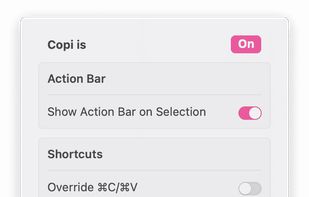
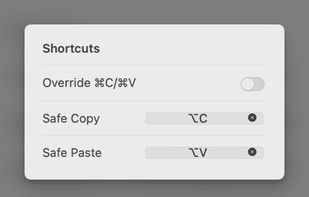
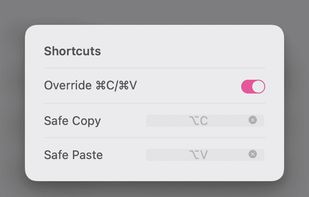
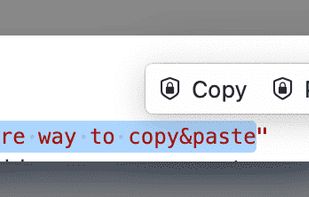


An open-source clipboard manager for macOS featuring ultra-lightweight local storage, searchable history, instant hotkey access, OCR for extracting text from images, developer-friendly large snippet support, bookmarks for favorites, and no cloud syncing.
 India
India
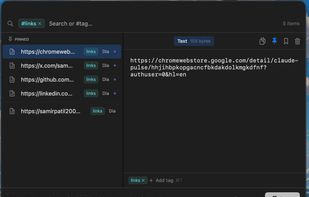
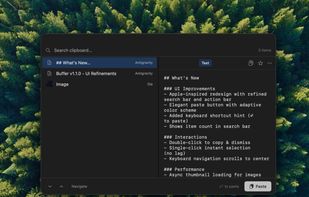



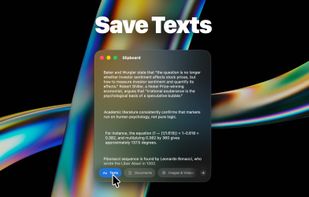
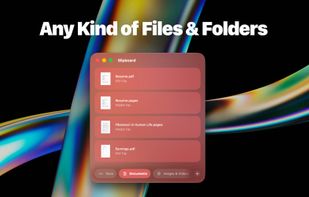



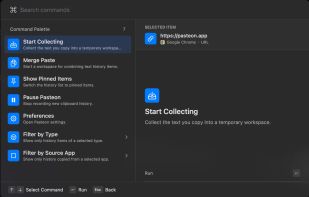
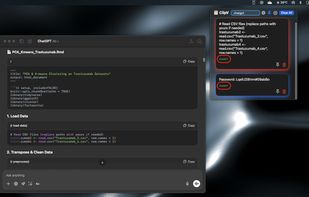
Clipboard history remains searchable and actionable with local network sync, no cloud, content-aware actions, OCR, previews, batch copy, merge, split, paste queue, keyboard controls, URL cleanup, metadata inspection, color conversions, and privacy.
China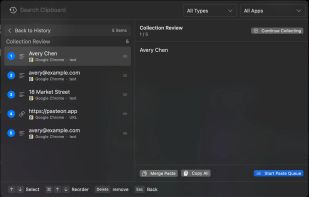



Minimal, native clipboard manager for macOS — one-time purchase, cross-type history (text, code, images, files), and instant search.
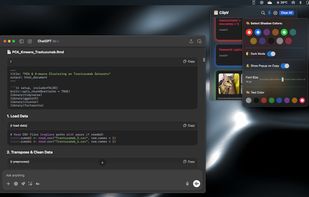
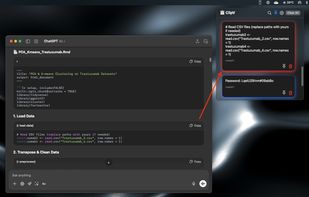


ClipCapsule is a minimalist clipboard manager for Linux. It supercharges your productivity by allowing you to manage and switch clipboard entries using only keyboard shortcuts—no mouse or GUI required.

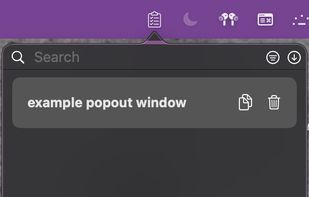
A lightweight, native macOS clipboard manager that lives in your menu bar, fits the platform aesthetic, and gets out of the way.
 United Kingdom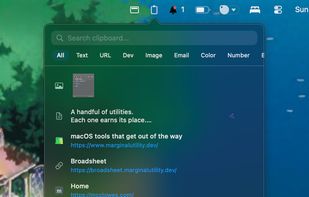

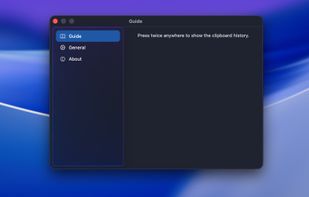
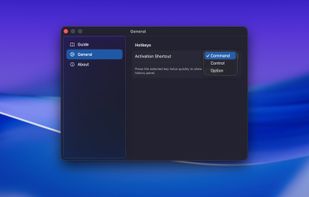
PasteFast is a lightweight, fast clipboard history manager for macOS. Double-press your hotkey to instantly access your clipboard history featuring both text and images. Customizable shortcuts, automatic panel hiding, source app identification, and minimal resource usage.
China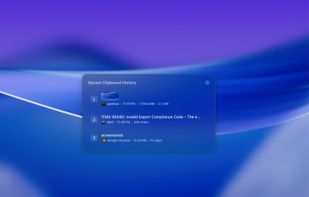


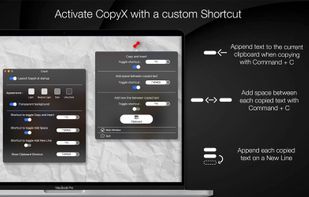
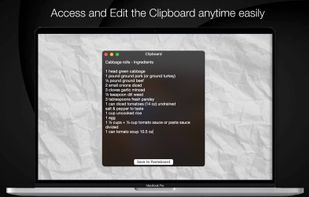
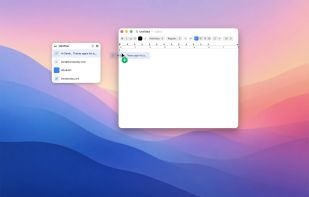
Copy text with Command + C and append it to the last copied text instead of replacing it! Activate inserting with a custom shortcut.


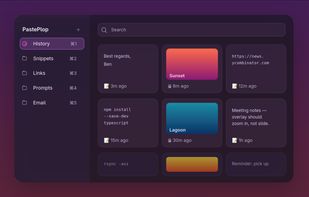
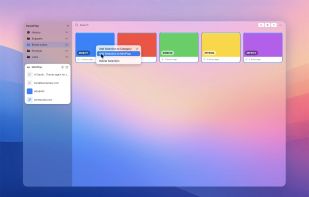
Your clipboard, but a grid. Hit a keyboard shortcut, see everything you've ever copied, file the keepers into categories, paste with a click.
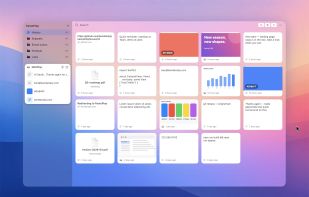


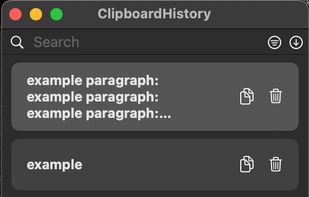
Mac clipboard history manager inspired by Windows, holding text, images, files, folders, and groups. Customize up to 50 items. Access via shortcuts and command keys. Opens at the bottom right, with a status menu bar icon. Provides comprehensive usage tips.



 Nigeria


