





Caxton
1 like
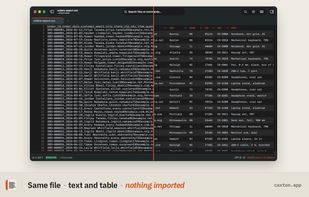
A native Mac editor for text and data files of any size. Open, filter, sort and edit multi-gigabyte logs and CSVs directly, without importing them.

Cost / License
- Freemium (Pay once or Subscription)
- Proprietary
Application type
Platforms
- Mac


Features
Highlights All activities
Caxton News & Activities
Recent activities
- HWYEnigmaLLC updated Caxton
- HWYEnigmaLLC updated Caxton
- Ben liked Caxton
 HWYEnigmaLLC added Caxton as alternative to Large Text File Viewer, klogg, BBEdit and Large File Editor
- HWYEnigmaLLC updated Caxton
 HWYEnigmaLLC added Caxton as alternative to glogg and Large text viewer
- HWYEnigmaLLC added Caxton
 HWYEnigmaLLC added Caxton as alternative to Visual Studio Code, Sublime Text, VSCodium, Vim and 47 more


Developed by
 HWY Enigma LLC
 Licensing
Proprietary and Freemium product.Pricing
One time purchase that costs $180, and / or subscription ranging between $10 and $100 per month + free version with limited functionality.Alternatives
56 alternatives listedBadge
Get an embeddable badge for CaxtonSupported Languages


No comments or reviews, maybe you want to be first?