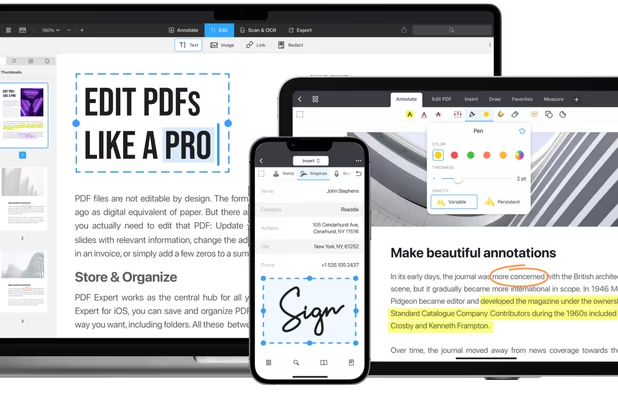
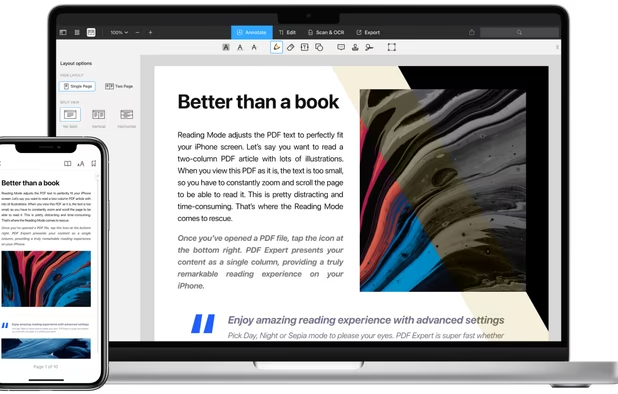
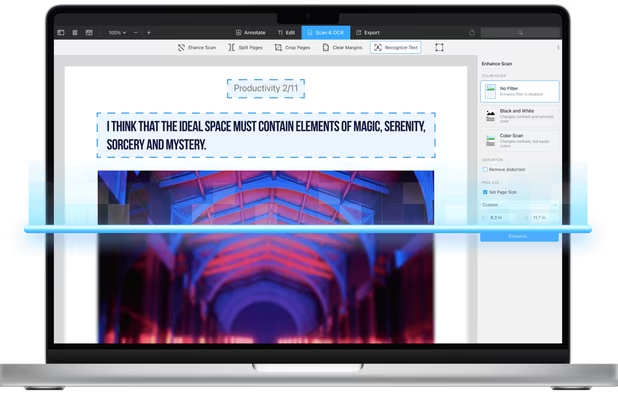
Read, edit, convert, merge, and sign PDF files across devices, for completely free and without signing up.
 Singapore



+2
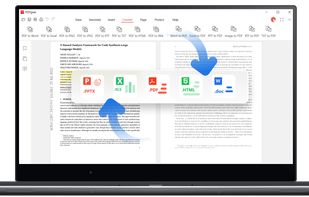


Apps similar to Caviar: PDF Redaction include PDFgear, which is free. Other options are Adobe Acrobat Reader, Adobe Acrobat DC, PDF Expert and Wondershare PDFelement. In total there are eight PDF Readers like Caviar: PDF Redaction for Mac, iPhone, iPad, Windows and the web.
Read, edit, convert, merge, and sign PDF files across devices, for completely free and without signing up.
Singapore
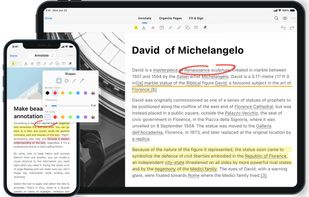
Seamlessly view, annotate, and collaborate on PDFs with freehand drawing and sticky notes. Utilize cloud storage for effortless access and upgrade for advanced editing and conversion to formats like Word and Excel.
 United States


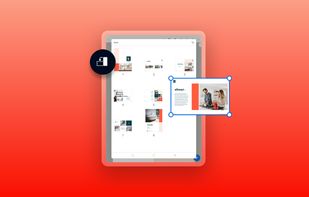


Manage documents effortlessly, edit PDFs, create them from other formats, and e-sign anywhere. Secure sharing and comparison tools ensure smooth workflows and data protection. New AI Assistant offers quick document insights. Perfect for desktop and web platforms.
United States
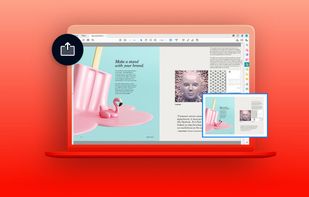

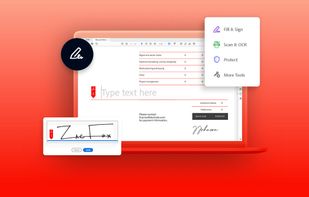


Read, annotate, and highlight PDFs, fill interactive forms with saved input, underline or strike through text, manage bookmarks, sync files from cloud services, and share documents. Compatible with Preview and Adobe Acrobat annotations, supporting extensive iOS features.
 Ukraine
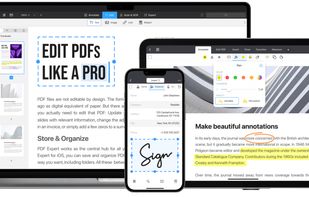
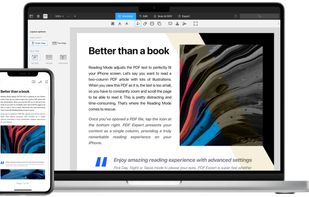
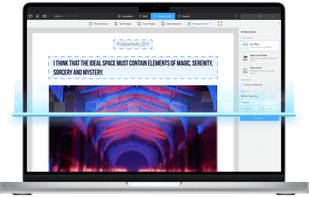
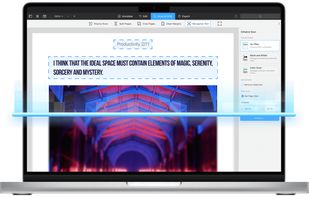


Provides editing of text, images, and objects in PDFs, annotation options, OCR for scanned files, conversion to multiple formats, form filling and signing, page management, merging and splitting, cloud integration, camera to PDF functionality, and sharing tools.
 China
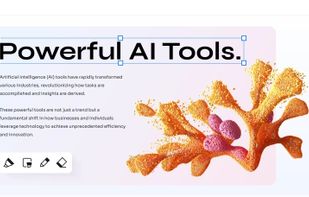

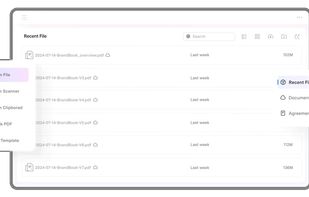
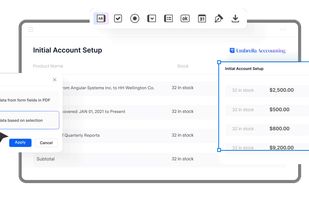

Auto-redact PDFs, screenshots and images on macOS. Detects emails, names, addresses, IPs, URLs, amounts and account numbers automatically. 100% offline. Much more with PII Community presets.
 Italy
 EU
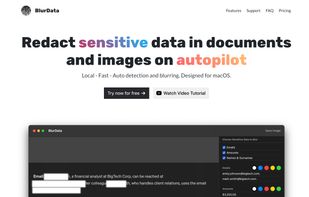


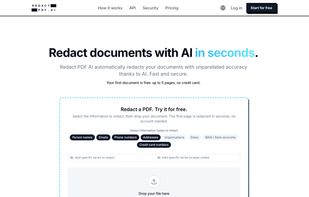
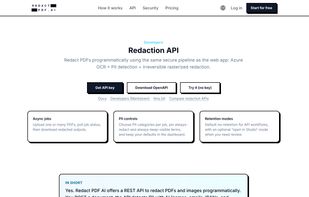
Redact PDF AI is an AI-powered redaction tool that finds and permanently removes sensitive information (person names, emails, phone numbers, addresses, IBANs, credit card numbers, ID numbers, dates, organizations) from PDFs, scanned documents and images.
 Switzerland


Redacted is a fast and efficient way to quickly hide sensitive parts of an image, using a blur, pixelation or black bar. Just drop an image into the app or paste it in and make your changes. Then share on social networks right from the app.
United States