

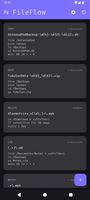
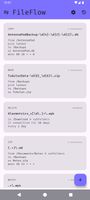
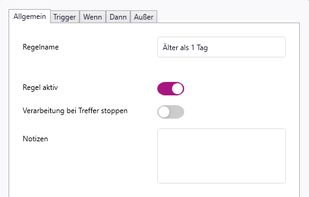
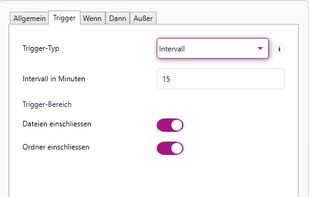
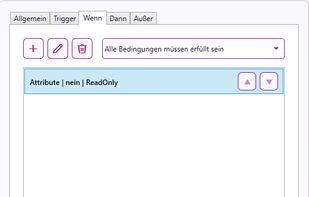
FileFlow scans your files periodically and organizes them according to your rules.
Cost / License
- Free
- Open Source (GPL-3.0)
Platforms
- Android
- F-Droid
- Obtainium
 India
India





Apps similar to CaveButler include Mouzi, which is free and open source. Other options are FilePipe, DropIt, Floxtop and File Arbor. File Managers like CaveButler are a crowded field, with more than 25 alternatives for Mac, Windows, Linux, Android and the web.
FileFlow scans your files periodically and organizes them according to your rules.
India
The application automatically processes files and folders based on the rules specified by the user.
The app is open source, based on Python/PySide6.
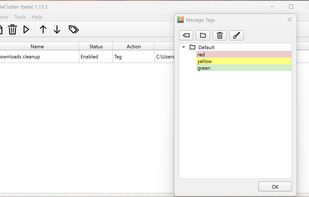
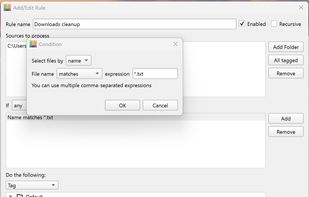


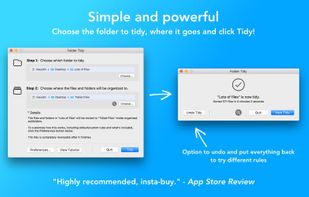
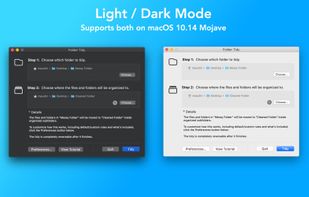
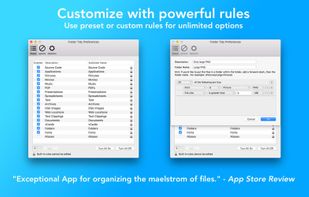
Helps organize disorganized folders by sorting files into subfolders like Pictures, Music, Spreadsheets, or custom groups using pre-set or custom rules, supports undo, exclusions, full CPU usage, and handles vast amounts of files efficiently.
 United States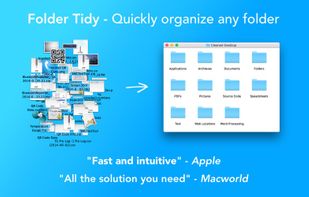


Forget about the mess in your Downloads folder! This extension allows you to set custom download locations with a flexible and strong RegExp-based rules.


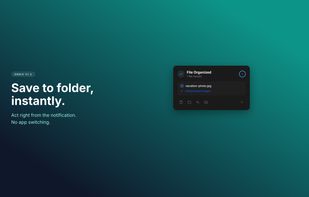
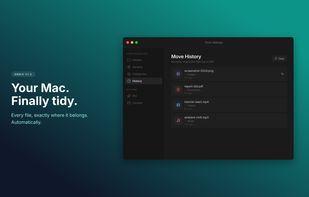
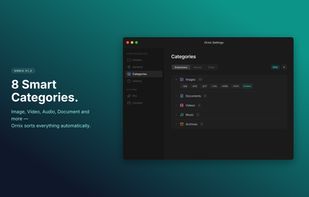
Ornix automatically organizes your messy Downloads folder. Set it once, and Ornix watches your folders, sorting files into categories like Documents, Images, Videos, and more.
 South Korea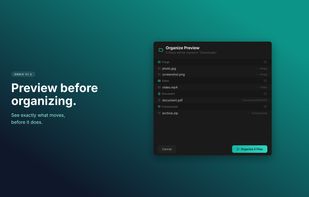

Be lazy. Let Maid clean up after you, based on rules you define. Think of it as "Hazel for hackers".

rsk.guardian monitors folders and automates file workflows on Windows. Create rules to copy, move, rename, sort, archive or extract files locally. With triggers, conditions, dry-run preview and history, it keeps your files organized without cloud dependency.
 Germany
 EU
EU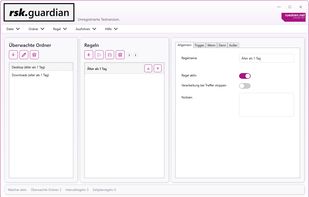


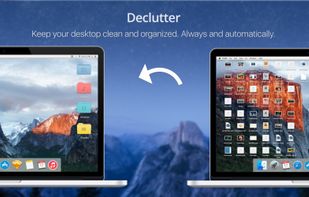
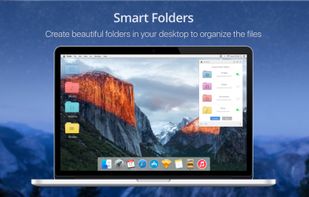
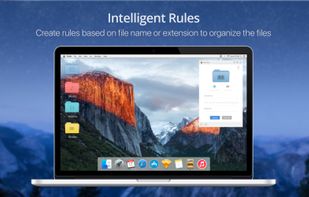
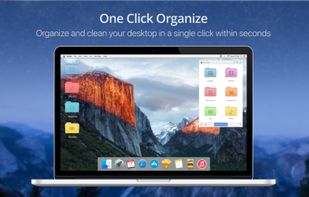
Declutter is an elegant solution to Desktop Clutter that every Mac user faces. It automatically keeps your desktop organised and clean always by moving the files on the Desktop to smart folders using rules based on file names and extensions.


WatchDirectory monitors a file system directory and performs tasks when certain conditions are met.


Set up rules, and Rulebook quietly sorts, renames, converts, beeps, moves, copies, archives and tags your files in the background. Like a personal assistant for your folders, so you never have to organize files manually again.
 NetherlandsEU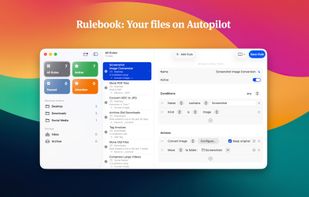
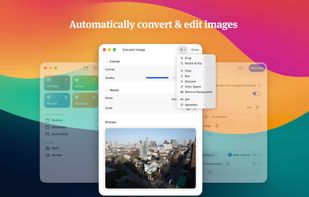
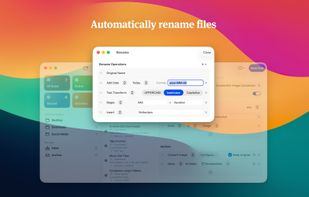
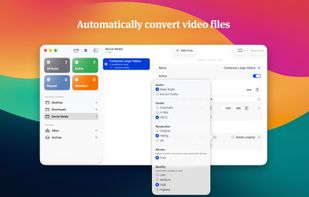


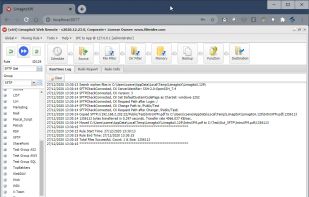
Automates file transfers using rules and filters for moving, copying, deleting, or renaming; supports numerous cloud storage and protocols; handles multiple file transfer jobs with scheduling, admin monitoring tools, email notifications, and advanced error handling.
 BelgiumEU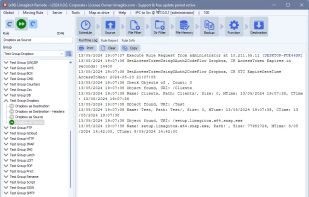


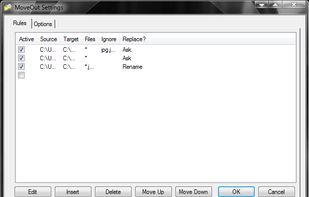
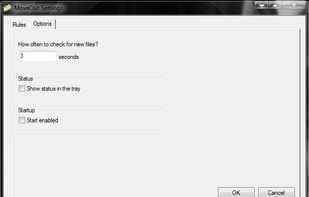
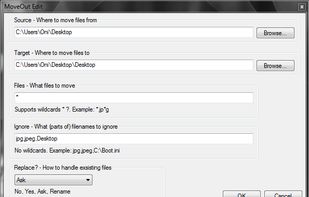
MoveOut will help you make rules to move files automatically. Use it to make a rule that moves files from the desktop to a subfolder, based on file type, part of a filename, or whatever.