

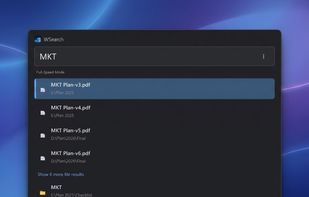
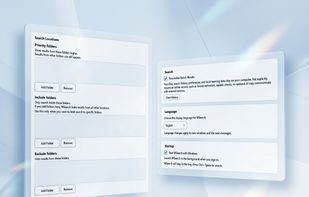
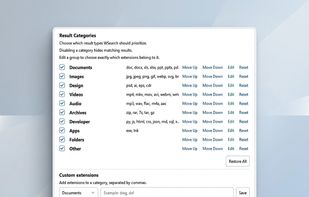
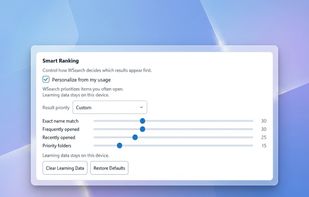
WSearch is a lightweight Windows desktop search application designed to help you quickly find files, folders, and applications.
Cost / License
- Freemium
- Proprietary
Application type
Platforms
- Windows
 Vietnam



+2


Apps similar to Cardinal File Search include Everything, which is free. Other options are FSearch, Listary, DocFetcher and Agent Ransack. File Search Utilities like Cardinal File Search are a crowded field, with more than 50 alternatives for Windows, Mac, Linux and iPhone.
WSearch is a lightweight Windows desktop search application designed to help you quickly find files, folders, and applications.
Vietnam
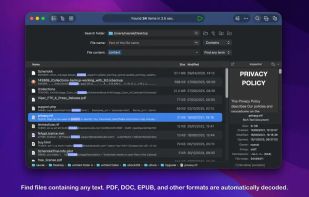
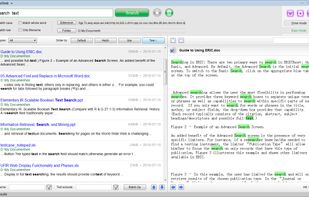
TextSeek is a professional full-text desktop search tool for Windows and MacOS. It supports PDF, Word, Excel, Powerpoint, RTF and other formats.



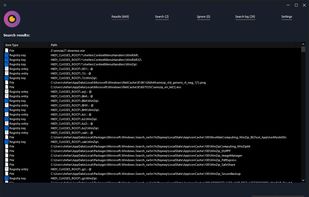
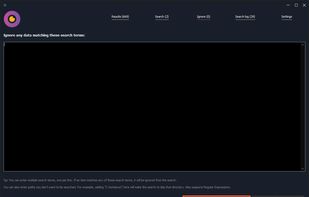
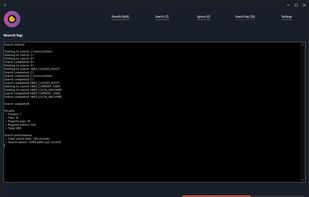
WinFindr is an easy to use, yet powerful data searching tool for Windows. WinFindr allows you to search for files, folders, registry keys and registry entries with multiple search terms at the same time.
 United States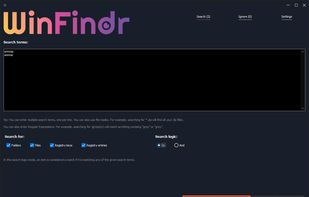


Locate32 is software which can be used to find files from your harddrives and other locations. It works like updatedb and locate commands in Unix based systems. In other words, it uses databases to store information about directory structures and uses these databases in searches.
 Finland
 EU
EU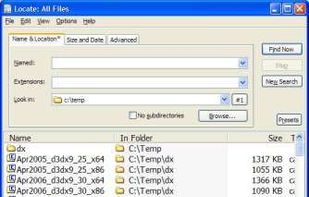


EasyFind is an alternative to (or supplement of) Spotlight to find files, folders, or contents in any file without indexing.
 GermanyEU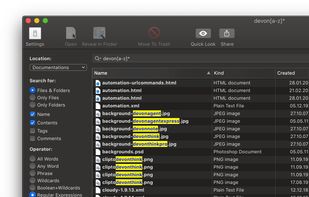





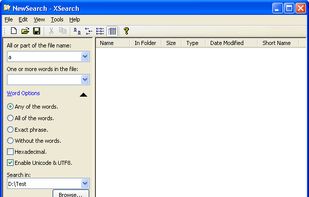
XSearch is a free search tool that with more features that Windows Search didn't provided. It can search files on your computer in high speed. When searching for special words in files, you can specify the words option such as "Any of the words", "All of the...


FileSeek is an easy-to-use file search app that includes advanced functionality for power users! Search through files using simple queries or regular expressions. You can even sync your search settings between computers.
 Canada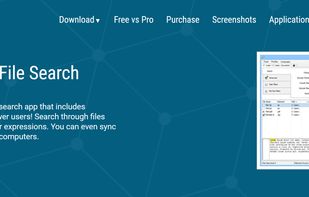
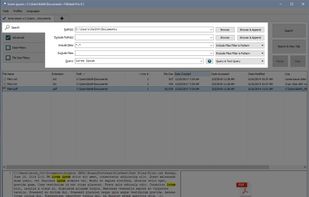




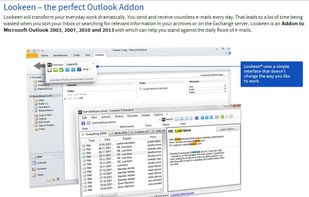
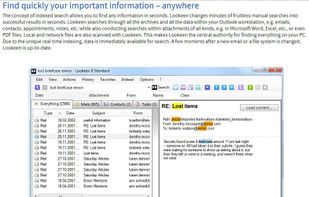
Indexed search tool enabling file and email discovery across local, shared, and network paths. Supports Office, PDF, and web formats. Outlook integration with preview windows and search result highlights. Features include filters, customizable indexing, and enterprise support.
GermanyEU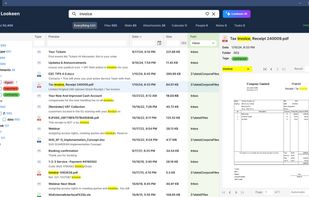


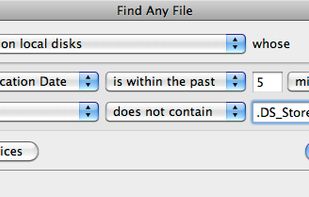
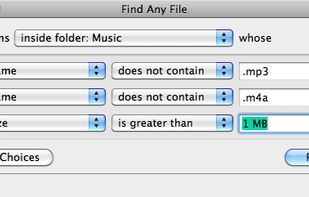
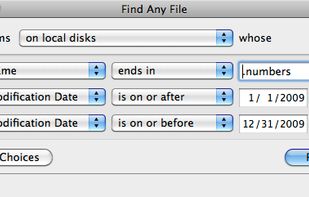
Find Any File searches your local disks for files by name, creation or modification date, size, or type and creator code (not by content, though). As there are other tools with a similar search operation, here are the special features unique to Find Any File:
GermanyEU


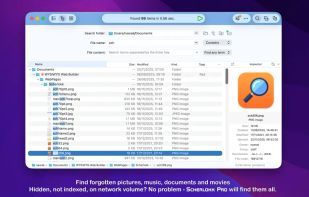
Performs high-speed file searches using a proprietary engine across built-in, portable, and network drives, including hidden and non-indexed files, supports detailed result filtering, provides file comparison, hex editing, autosave, advanced sorting, and multitasking.
 Thailand