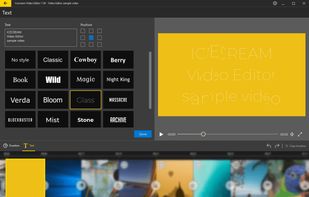
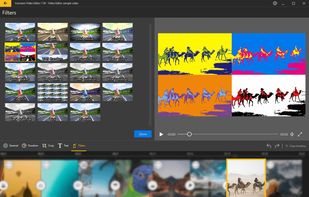
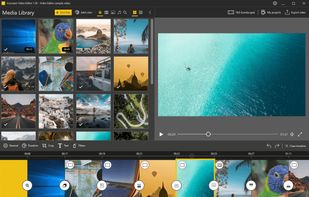
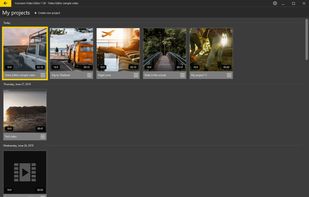
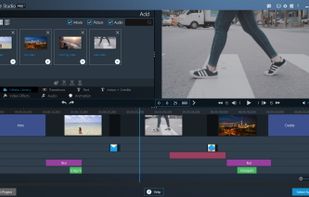
Powerful and easy video editor to manage video, images, audio files in one place. Trim, flip and rotate, add transitions and effects, add text and much more.
Cost / License
- Free
- Proprietary
Application type
Platforms
- Windows
 Cyprus
 EU
EU



+2


CapCut provides a free video editor with AI tools like automatic captions, text-to-speech, and background removal, plus templates, effects, and royalty-free music. Users appreciate its mobile-friendly approach that makes trimming and merging straightforward, though some report more features being pushed behind paywalls recently and express privacy concerns related to Bytedance.
Kdenlive is the top-ranked alternative and offers open-source multi-track editing with AI subtitle generation for serious desktop workflows. Shotcut ranks second as an open-source option with multi-format timelines and frame-accurate seeking across platforms. Omniclip positions itself as fully free and open-source in the browser, targeting users tired of paying to unlock editor features.
Camtasia includes built-in screen capture plus editing, making it better suited for tutorials and demos that start with recording. The landscape spans from mobile-first social editors to pro desktop suites and open-source tools.
Open source alternatives like Kdenlive, Shotcut, and OpenShot provide transparent licensing and full desktop timelines without relying on CapCut. Linux users have native options in Kdenlive, DaVinci Resolve, and Shotcut, giving desktop editors alternatives beyond mobile-centric workflows.
Web-based editors like Clipchamp, Omniclip, and Mastershot run in browsers, helpful when you can't install software on work or school machines. For privacy-focused users, Omniclip and OpenCut offer self-hosting options on your own infrastructure. Android users have mobile-first options in InShot, YouTube Create, and LightCut with effects, music, and captions for creators who rarely touch desktop editors. Windows-only desktop suites like VEGAS Pro, Pinnacle Studio, and Corel VideoStudio target users who want dedicated pro-style desktop workflows exclusively on Windows systems.
Powerful and easy video editor to manage video, images, audio files in one place. Trim, flip and rotate, add transitions and effects, add text and much more.
CyprusEU
Turn voice and video into social-ready videos. High-quality recording, on-device transcription, animated visualisers. One-tap export for portrait, landscape, and square formats to social media and DMs.





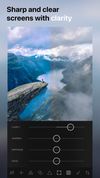
Ultralight: Photo Video Editor is a tool for editing photos and videos. It offers full screen editing, filters, customizable presets, real-time previews, non-destructive editing, and direct media collection access.
 FinlandEU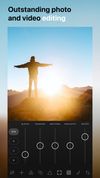



 United States



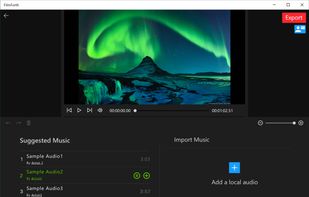
FilmForth is an intuitive and powerful free video editor. It is a free windows movie maker and slideshow maker. As a movie maker windows 10, you can make movies from your photos, video clips, and music.
United States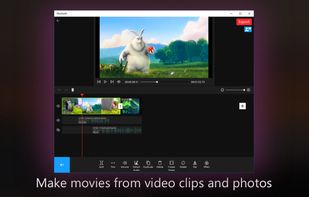
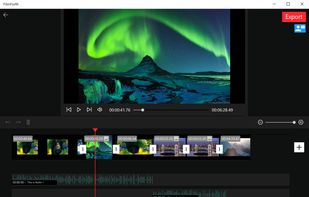
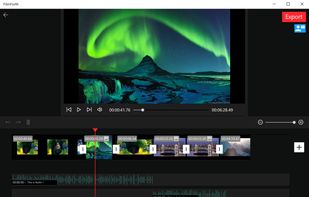


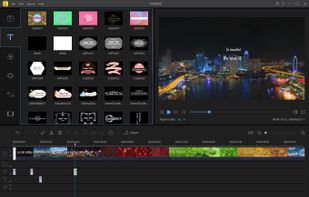
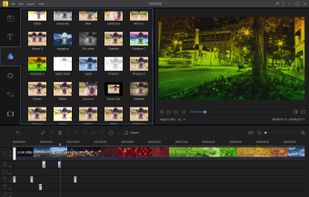
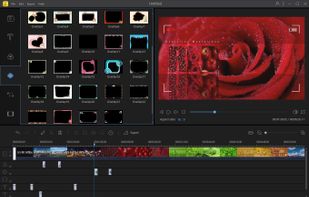
BeeCut is an award-winning video editor which comes with lots of functions including cropping, cutting, merging, making PIP, adding mosaic to video, zooming and freezing frame, etc. It offers you hundreds of crafted transitions, overlays, elements, texts and filters.
 Hong Kong SAR China


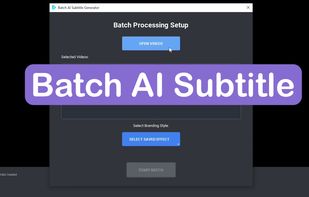
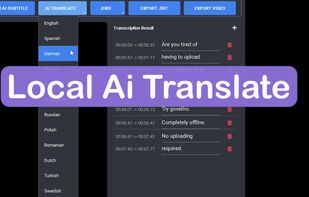
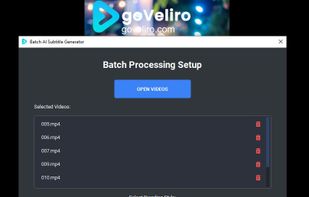
Stop wasting hours waiting for cloud uploads and say goodbye to expensive monthly fees with goVeliro, the ultimate offline subtitle generator for Windows. Our professional-grade AI subtitler runs entirely on your local hardware, allowing you to create caption files and...
 HungaryEU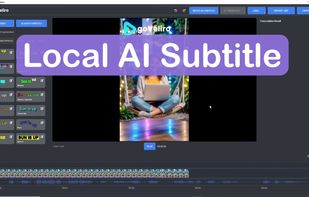


Part of the Roxio Creator Suite. Easily edit your standard and HD videos. Add picture-in-picture effects, titles and scrolling credits. Rotate video with one click; auto-adjust color, brightness and contrast.


Filmm is a new effects and filter app, which allows users to add authentic film textures, light effects, and VHS distortions to any video clip—perfect for stories.





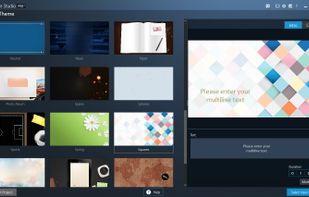
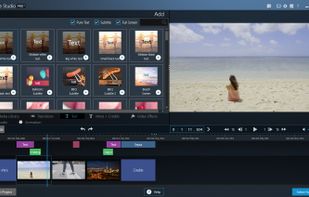
Ashampoo Movie Studio is the ideal multi-purpose application for video creation and editing. Cut, convert or share your movies and merge photos and videos with elegant transitions.
 GermanyEU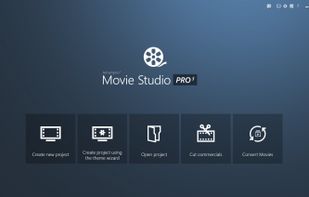


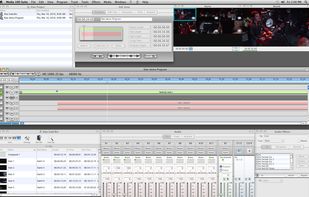
Fast, Professional Video Editing for macOS. Media 100 Suite is a full-featured SD , HD and 4K video nonlinear software editor that adds 3rd party video capture card support and hardware drivers.
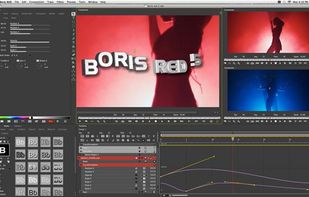
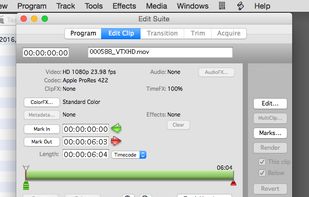



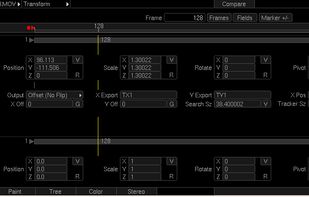
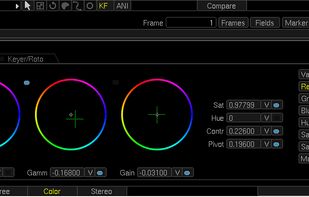
Piranha 8 is a high performance end to end editing and finishing solution for film and video professionals. Edit, composite, retouch, color grade and output using Piranha's lightning fast GPU architecture.