


goVeliro Studio
Like
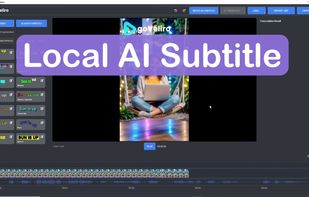
Stop wasting hours waiting for cloud uploads and say goodbye to expensive monthly fees with goVeliro, the ultimate offline subtitle generator for Windows. Our professional-grade AI subtitler runs entirely on your local hardware, allowing you to create caption files and...

Cost / License
- Pay once or Subscription
- Proprietary
 EU
EUPlatforms
- Windows


Features
goVeliro Studio News & Activities
Highlights All activities
Recent activities
- goVeliro updated goVeliro Studio
- goVeliro updated goVeliro Studio
- goVeliro updated goVeliro Studio
 whyaang added goVeliro Studio as alternative to Bowdler
 Ehsan Jahandarpour added goVeliro Studio as alternative to Envizion AI
- goVeliro updated goVeliro Studio
 goVeliro added goVeliro Studio as alternative to CapCut and Descript
- goVeliro added goVeliro Studio


goVeliro Studio information
Developed by
 goveliro
 Licensing
Proprietary and Commercial product.Pricing
One time purchase that costs from $36, and / or subscription that costs from $3 per month.Alternatives
4 alternatives listedBadge
Get an embeddable badge for goVeliro StudioSupported Languages


No comments or reviews, maybe you want to be first?