

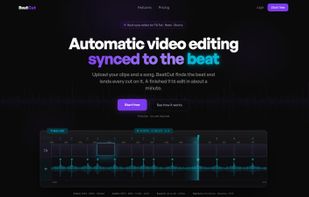
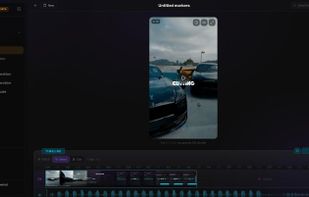
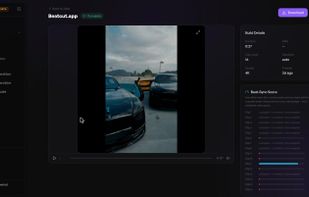
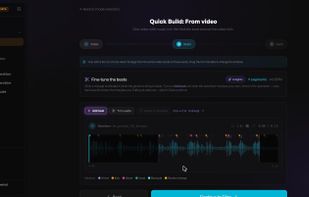
Beat sync video editor in the browser: drop a song and your clips, it finds the beats and cuts the footage exactly on them.
Cost / License
- Freemium
- Proprietary
Application type
Platforms
- Online



+1


CapCut provides a free video editor with AI tools like automatic captions, text-to-speech, and background removal, plus templates, effects, and royalty-free music. Users appreciate its mobile-friendly approach that makes trimming and merging straightforward, though some report more features being pushed behind paywalls recently and express privacy concerns related to Bytedance.
Kdenlive is the top-ranked alternative and offers open-source multi-track editing with AI subtitle generation for serious desktop workflows. Shotcut ranks second as an open-source option with multi-format timelines and frame-accurate seeking across platforms. Omniclip positions itself as fully free and open-source in the browser, targeting users tired of paying to unlock editor features.
Camtasia includes built-in screen capture plus editing, making it better suited for tutorials and demos that start with recording. The landscape spans from mobile-first social editors to pro desktop suites and open-source tools.
Open source alternatives like Kdenlive, Shotcut, and OpenShot provide transparent licensing and full desktop timelines without relying on CapCut. Linux users have native options in Kdenlive, DaVinci Resolve, and Shotcut, giving desktop editors alternatives beyond mobile-centric workflows.
Web-based editors like Clipchamp, Omniclip, and Mastershot run in browsers, helpful when you can't install software on work or school machines. For privacy-focused users, Omniclip and OpenCut offer self-hosting options on your own infrastructure. Android users have mobile-first options in InShot, YouTube Create, and LightCut with effects, music, and captions for creators who rarely touch desktop editors. Windows-only desktop suites like VEGAS Pro, Pinnacle Studio, and Corel VideoStudio target users who want dedicated pro-style desktop workflows exclusively on Windows systems.
Beat sync video editor in the browser: drop a song and your clips, it finds the beats and cuts the footage exactly on them.

Moshion generates professional motion design animations from a text prompt, in seconds. Describe what you want, export an MP4, drop it in your timeline. 7-day free trial at moshion.app.
 United Kingdom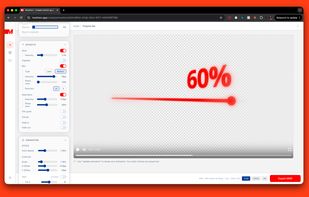
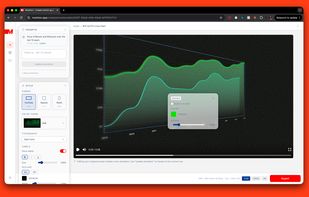
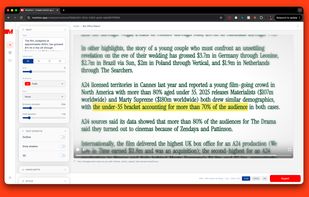
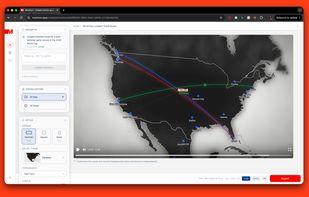


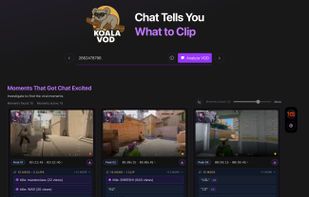
KoalaVOD is an AI-driven SaaS tool for Twitch streamers and editors. It analyzes VOD chat activity to automatically detect hype moments, generate clips, and create branded content optimized for revenue.
 Denmark
 EU
EU


Windows app that smooths only the skin in recorded video, with per-person masks, local processing and a one-time license.
 United States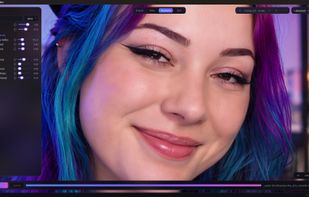
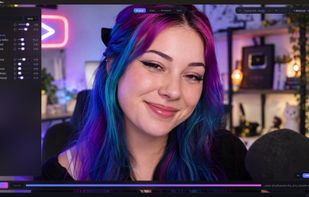
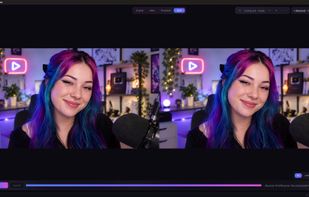


VideoFlow assembles a finished video from your narration and your own clips or images, with no timeline. Upload a voiceover and your AI-generated or recorded clips, and VideoFlow syncs them to the narration and burns in the subtitles.
 India
India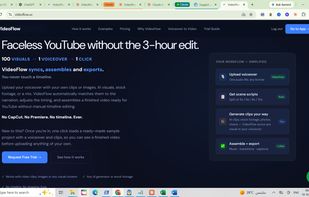




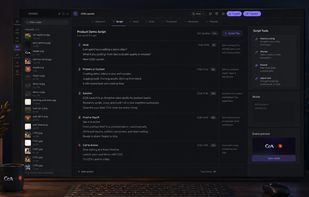
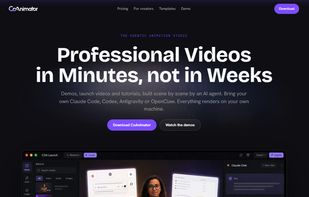
CoAnimator is the agentic animation studio where an AI agent becomes your co-animator, building product demos, launch videos, and tutorials while you watch.
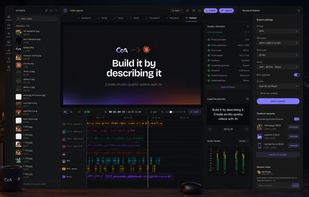


Create professional-looking video to impress your audience and elevate your video to the next level!
 China
China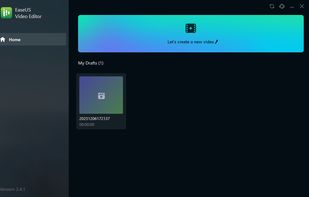
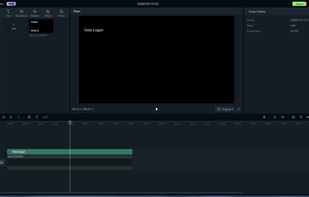


VideoX is a mobile video editor built for speed, real-time GPU-accelerated effects (no re-rendering when adjusting slow-motion or speed), AI-powered body segmentation, a full text engine with object tracking, 3D camera transforms, color grading, and more.
 FranceEU




Turns any clip into a seamless loop entirely on-device. Finds the loop point automatically (up to 4 candidate cuts), Crossfade or Hard Cut blends, optional on-device AI frame interpolation, background rendering.





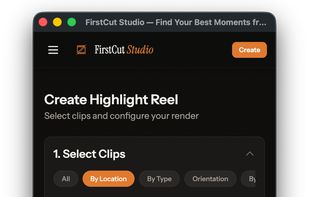
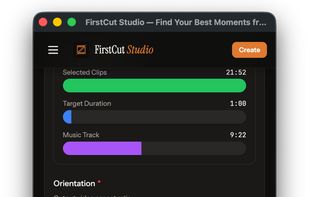
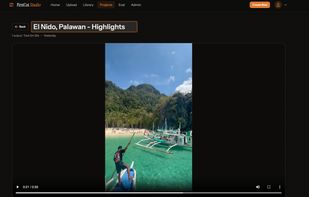
AI-powered highlight reel maker for creators who don't have time to edit. Upload raw footage — our AI finds your best moments and creates a shareable video automatically.



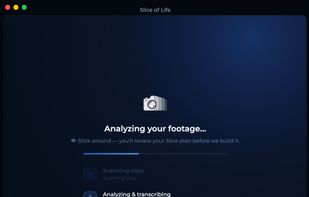
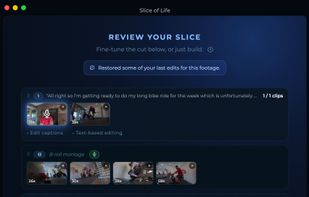
Slice of Life is a Mac app that edits your vlog for you. Drop in a day of raw footage and it finds your talking-to-camera moments, builds them into a narration spine, cuts in matching b-roll, and exports a finished video.
United States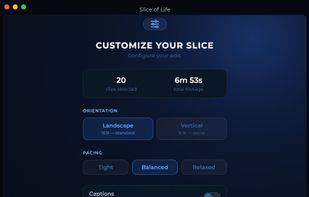



🔇 Censorship - Detects profanity using local AI and automatically mutes or replaces it with a sound.