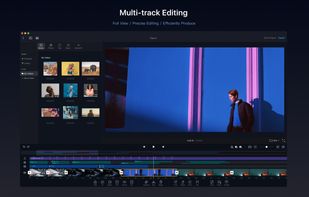
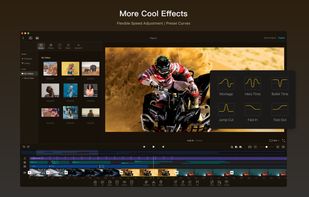
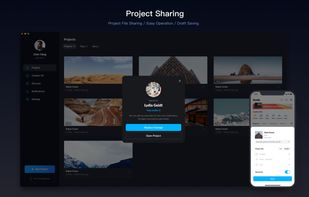
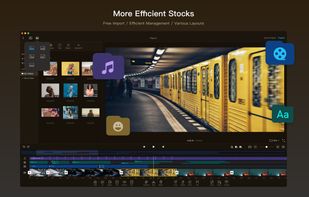
VN, a professional mobile video editor, allows you to become a director of your own life via VN video editor maker. Simple, but powerful as desktop editor, VN is suitable for both beginners and professional users.
 United States



+9


The best free alternative to Camtasia is OBS Studio, which is also Open Source. If that doesn't suit you, our users have ranked more than 100 alternatives to Camtasia and loads of them are free so hopefully you can find a suitable replacement. Other interesting free alternatives to Camtasia are Kdenlive, Shotcut, DaVinci Resolve and OpenShot.
VN, a professional mobile video editor, allows you to become a director of your own life via VN video editor maker. Simple, but powerful as desktop editor, VN is suitable for both beginners and professional users.
United States
LightCut is an AI-powered video editing app with awesome templates and effects that help you create stylish videos and vlogs with ease. Try the AI video editor for unique videos with just a tap, or the Inspire Cam feature, which lets you shoot like a pro.
 China
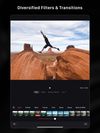
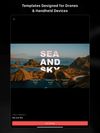



Flixier is an online video editing tool with 1 minute video rendering for any video on any computer, streamlined communication features for sending project drafts for review or sign-off without the need for rendering and real-time Google Docs collaboration.
 Romania
 EU
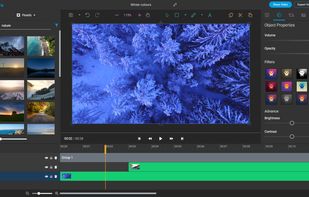
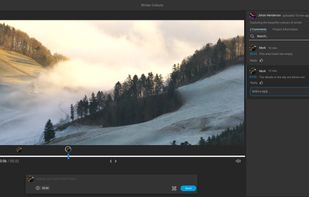
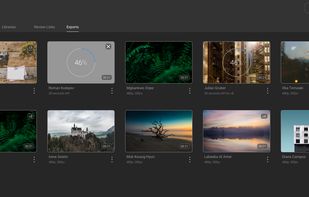


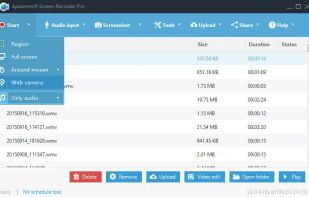
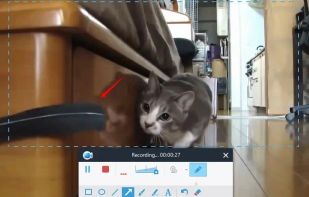
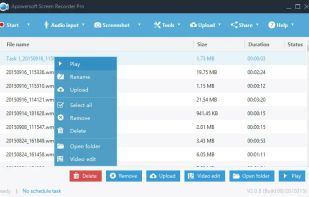
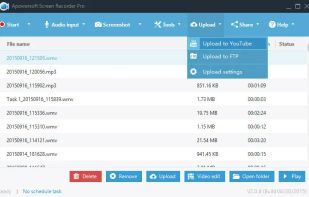
Apowersoft Screen Recorder captures screen and audio activity, saving it as WMV video files. It includes a converter for transforming WMV files into formats like AVI, MP4, FLV, SWF, and more. The software records PC screen activity with audio, webcam videos, external device...
 Hong Kong

 China
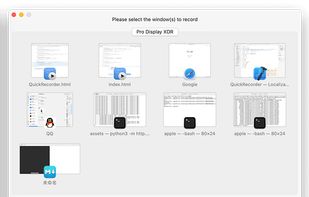
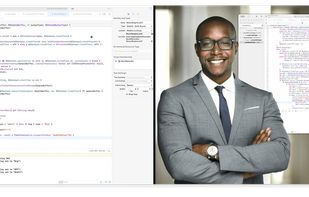


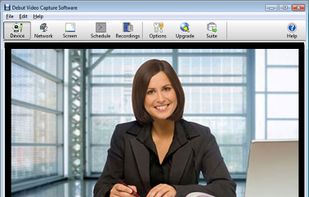
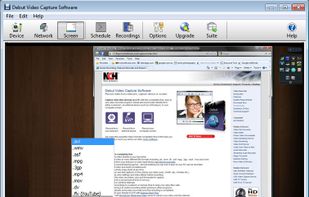
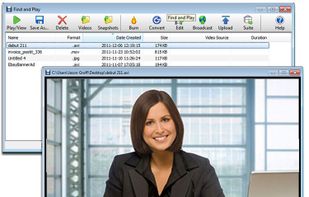
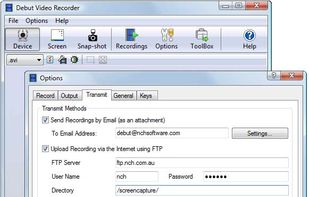
Debut is a screen capture and video recording software that records videos from your screen, webcam or other video devices.
 Australia


Clippa is an online video editor that enables everyone to effortlessly create stunning watermark-free videos. Where creativity meets simplicity!.
China


Kap is an open-source screen recorder built with Electron and designed to be easy to use but extensible.
 SwedenEU


Online video editor with timeline and storyboard modes, supports multiple media formats and high-resolution videos, offers motion titles, screencasting, music library, green screen, cloud storage, drag-and-drop editing, collaboration, and direct social sharing.
United States


Get to know Game Bar on Windows Open Game Bar to take control of all your favorite gaming activities while playing on your Windows 10/11 device.


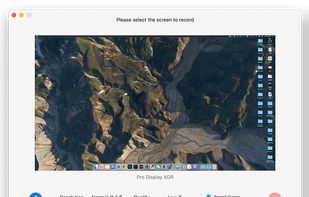
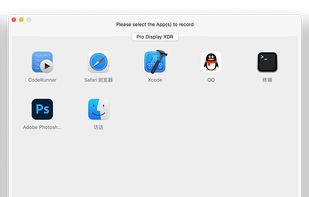
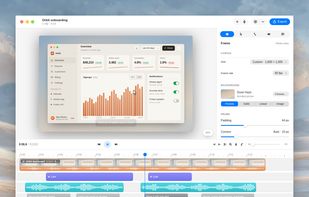
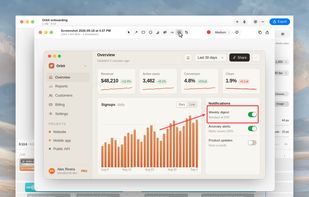
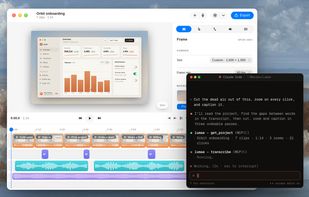
A free native Mac studio for recording displays, windows or areas, then editing with automatic click-based zooms, a redrawn cursor and motion blur. It also creates editable annotated screenshots, transcribes captions locally, records voiceovers, and stitches takes.
 Canada


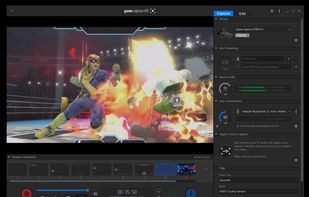
Designed for content creators, Elgato Game Capture is a professional videogame recording and live-streaming software for Windows.
 GermanyEU