


Calise Alternatives
Apps similar to Calise include f.lux, which is free. Other options are Redshift, LightBulb, RedshiftGUI and Dimmer. Color Temperature Tools like Calise are a crowded field, with more than 25 alternatives for Windows, Mac, Linux, Android and iPhone.
Alternatives list
 34 CF.lumen alternatives
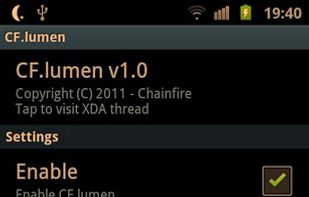
CF.lumen - don't let your phone blind you! CF.lumen changes the colors of your Android device's display based on the position of the sun. With the default settings, your display will get a warmer tint (lower color temperature) when the sun is down, to look more like indoo.
Cost / License
- Freemium
- Proprietary
Application type
Platforms
- Android
 Netherlands
 EU
EU


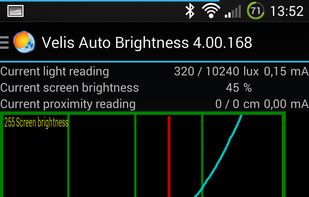
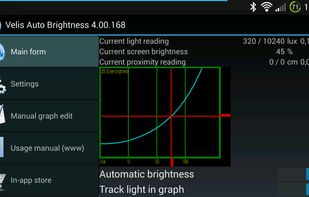
Velis Auto Brightness is a pretty powerfully adjustable auto-brightness app for your android device.
Cost / License
- Freemium
- Proprietary
Platforms
- Android
- Android Tablet
 +2
+2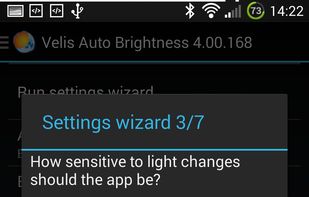

 155 Iris alternatives
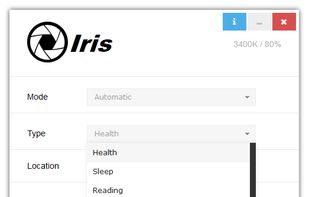
Reduces blue light and flicker for eye comfort, supports auto color temperature adjustment based on time, customizable modes, overlays, color and font options, docking station support, and accessible part-screen filtering for diverse needs.
Cost / License
- Freemium
- Proprietary
Application typeApplication types
Platforms
- Mac
- Windows
- Linux
 Bulgaria
- EU


 57 CareUEyes alternatives
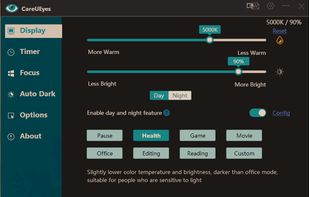
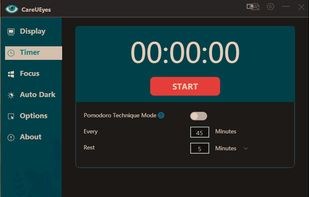
CareUEyes is a very simple but useful program when it is about your eye care. The program comes with a very simple and clean interface and needs to technical knowledge. Even a novice computer user can download and use it easily.
Cost / License
- Paid
- Proprietary
Application typeApplication types
Platforms
- Windows


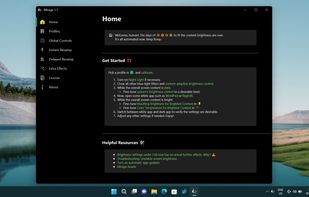
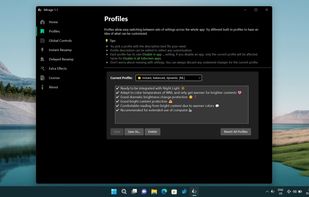
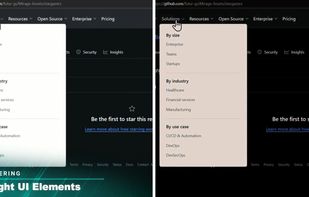
World's first instantaneous content-aware brightness control app that let your screen’s brightness and color temperature adapt instantly and automatically to provide the most optimal viewing experience for your eyes.
Cost / License
- Paid
- Proprietary
Application typeApplication types
Platforms
- Windows
 +3
+3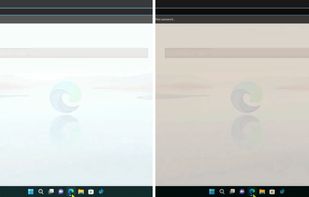


Platforms
- Mac
- Windows
- Linux
- Global



Cost / License
- Freemium
- Proprietary
Platforms
- Android

 52 Windows Night Light alternatives
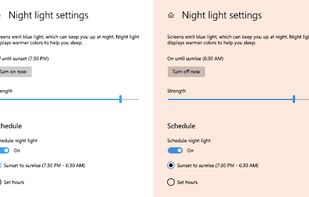
To schedule Night Light so it turns on automatically, select Start > Settings > System > Display > Night light > Night light settings.
Cost / License
- Free
- Proprietary
Application typeApplication types
Platforms
- Windows


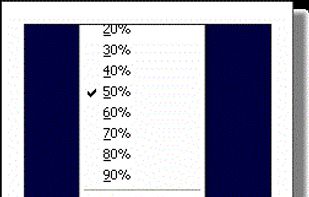
Form 1 Hour Software by skrommel, it can dim the screen by applying a transparent gray layer on top of your opened applications
Cost / License
- Free
- Proprietary
Application type
Platforms
- Windows
 United States


Free software for eye protection and more! It protects your eyes while you are working on the computer. Eye Saver has three main functions: blue light filter; eliminates the invisible flickering of the display backlight; reminds you to take breaks;
Cost / License
- Free
- Proprietary
Application typeApplication types
Platforms
- Windows
 United Kingdom

 Denmark


