Cost / License
- Free
- Open Source (MIT)
Application type
Platforms
- Windows
- Mac
- Linux
 Japan
Japan
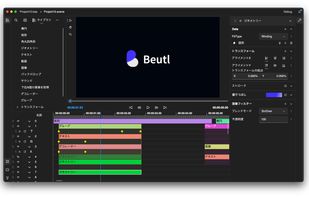


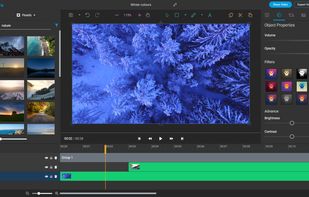
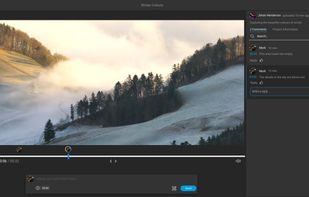
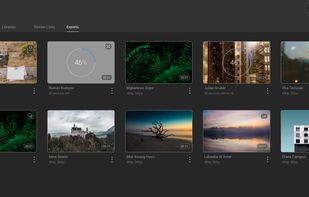
Apps similar to Bunny Media Editor include Kdenlive, which is free and open source. Other options are Shotcut, Avidemux, OpenShot and DaVinci Resolve. Video Editors like Bunny Media Editor are a crowded field, with more than 50 alternatives for Windows, Mac, Android, Linux and iPhone.
Japan
Comprehensive video-editing software enabling HD and standard-definition movie creation with intuitive editing tools, advanced creative control, and seamless sharing on social media, mobile devices, and disc formats for both beginners and experts.
 Canada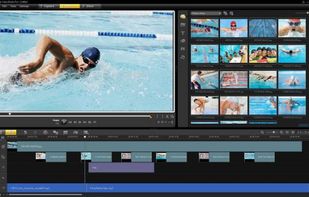

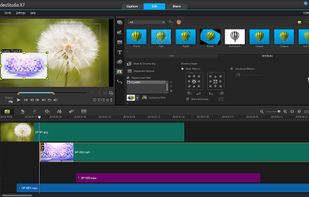


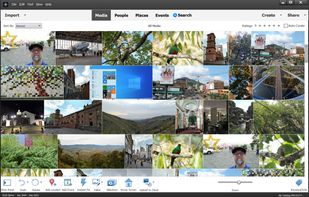
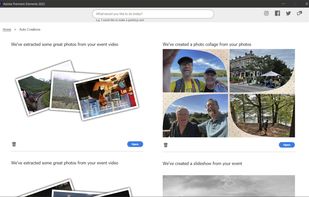
Consumer video editing software offering AI-powered automation, beginner-friendly guided edits, creative effects, easy trimming and merging, media organization, movie and collage creation, social sharing, mobile and web access, and support for Windows and Mac.
 United States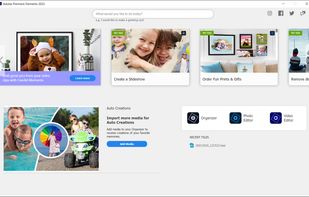
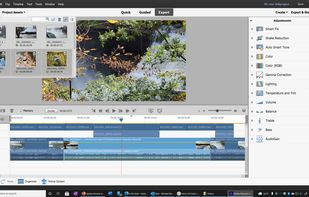


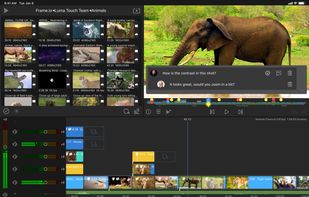
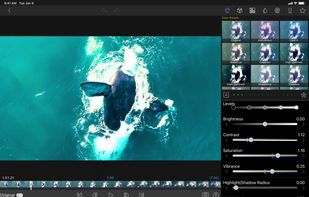
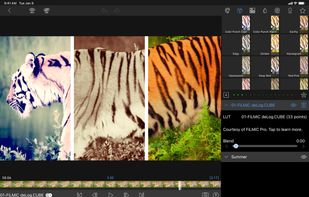
LumaFusion offers powerful features and an elegant UI. The simple-start timeline gives new users an intuitive head start, and professionals will find all the powerful features they need.
United States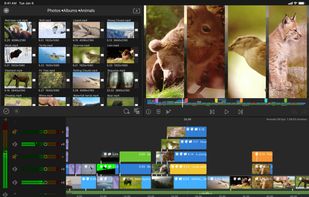


Zero-dependency browser video editor that AI agents can drive — JSON timeline, MCP + REST, live-reloading UI.
 India
India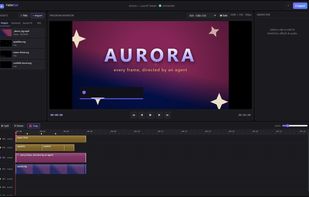


Video editor featuring AI-driven tools like video enhancement, speech to text, and motion tracking. Includes custom avatars, professional titles, templates, and stock content for creative projects.
 Taiwan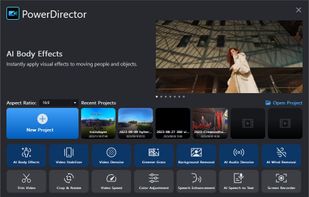
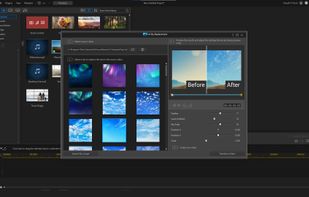
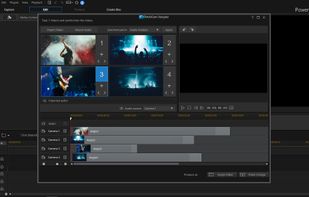


VideoProc Vlogger is intuitive and capable video editing software for all creators. Make cinematic videos for everyday creativity, special moments, or fun.
 China
China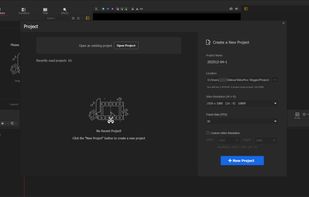
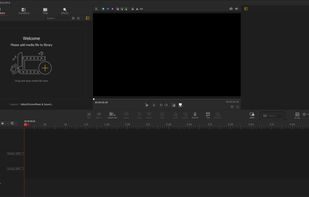
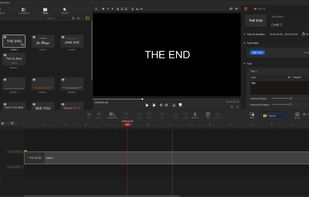


Professional editing platform with speech-to-text transcription, script-based workflows, Pro Tools integration, high-res and HDR support, proxy editing, Apple Silicon optimization, virtual post production, subtitles, and real-time collaboration for large teams.
United States
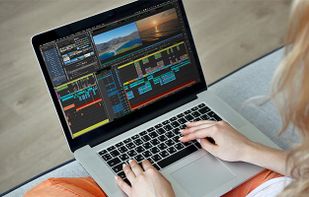



Advanced video editor supporting DV, HDV, and AVCHD. Features include special effects, audio dubbing, AI tools, easy importing, and customizable interface, perfect for content creators.
 Germany
 EU
EU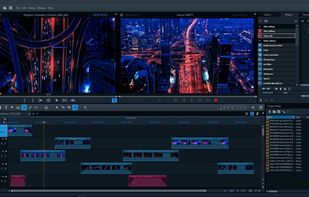
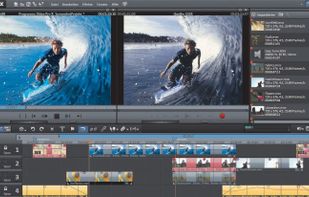


Mastershot’s intuitive web-based video editor will have you churning out high quality videos in no time at all. And best of all, it's 100% Free


Timeline video editor provides drag-and-drop functionality, screen recording, webcam capture, 60 fps support, multi-format export, transitions, chroma key, custom text, effects layering, split and trim, audio tools, stock media, preview, and direct uploads.
Canada


Flixier is an online video editing tool with 1 minute video rendering for any video on any computer, streamlined communication features for sending project drafts for review or sign-off without the need for rendering and real-time Google Docs collaboration.
 RomaniaEU