


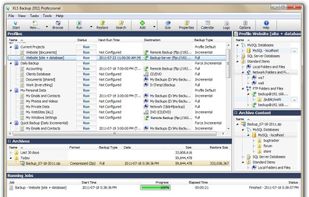
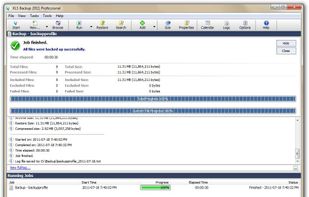
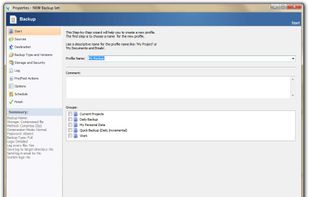
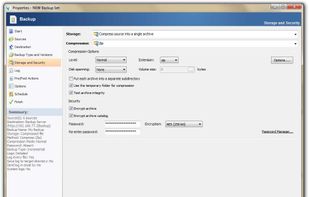
KLS Backup - Powerful backup and synchronization program with FTP, WebDAV and cloud support (Windows Azure, Amazon S3, Eucalyptus Walrus)
Cost / License
- Paid
- Proprietary
Platforms
- Windows
 Germany
 EU
EU



+3


Bonkey has been discontinued. Similar apps include FreeFileSync, which is open source with a free version. Other options are Duplicati, rsync, BackBlaze and SyncBack. You're spoiled for choice with File Sync Tools like Bonkey: we list more than 50 alternatives for Windows, Mac, Linux, Android and iPhone.
KLS Backup - Powerful backup and synchronization program with FTP, WebDAV and cloud support (Windows Azure, Amazon S3, Eucalyptus Walrus)
GermanyEU
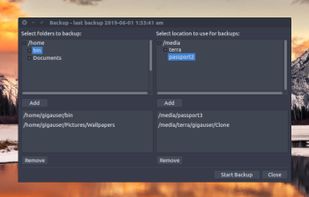
Backer is a visual front end to the rsync command. It allows the user to select multiple folders and back them up to multiple locations. It stores your backup settings for you so that all your backups can be run easily using a single button click.


Personal-Backup is an English/German program to save personal data to any destination folder. This folder may be located on a local fixed or removable drive, on a windows network server or on a FTP server.
GermanyEU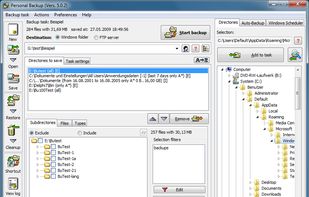


Back4Sure is a feature-rich backup solution for typical backup use. No VSS Volume Shadow Copy function for open files. The program can make a backup to hard-disk, USB drive or network and can also be compressed using high or low compression settings to a ZIP or 7-zip file of...
GermanyEU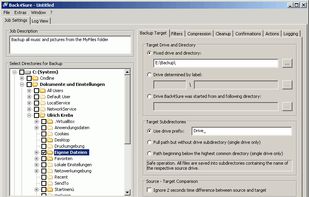


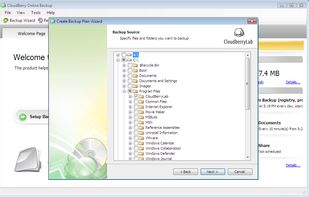
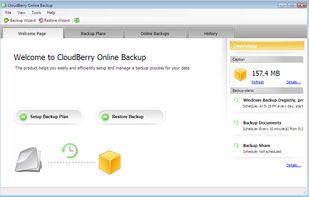
MSP360 Backup provides SMBs with an affordable and secure backup solution that works on all major platforms, including Windows, Linux, Mac, Hyper-V, and VMware.
 United States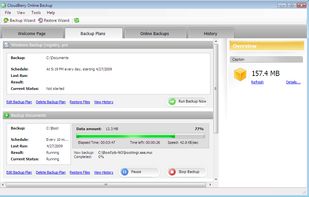


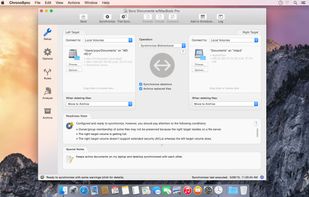
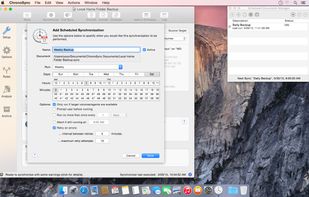
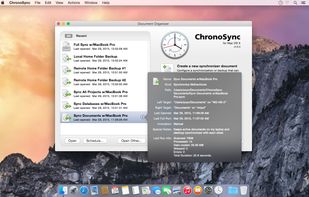
ChronoSync can synchronize, backup, and create bootable backups to almost anything you can connect to your Mac: select cloud services, other Macs, NAS drives, external drives, PC's or anything you can mount as a volume.
United States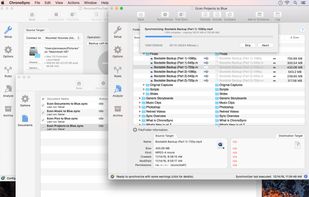


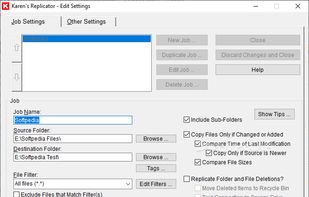
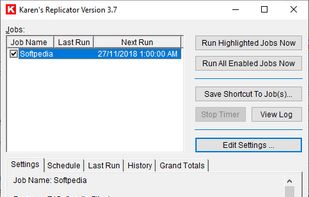
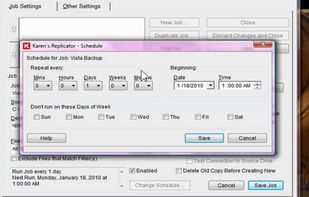
Karen's Replicator copies selected files from one drive/folder to another. Source and Destination folders can reside anywhere on your network.
United States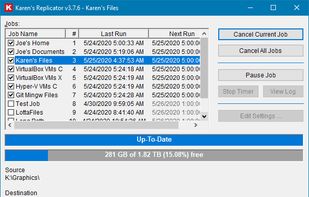


A graphical interface for the Rsync engine that will synchronise files between two computers either locally or over the internet. The beauty of Rsync is that it only transfers the exact part of a file that has changed (differential synchronisation), saving bandwidth and time.


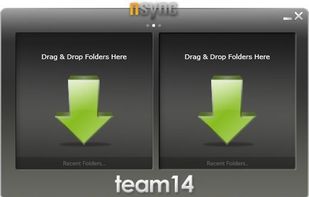
nsync is a free, open source software that performs synchronization of your data between desktop PCs, laptops, USB drives and more.


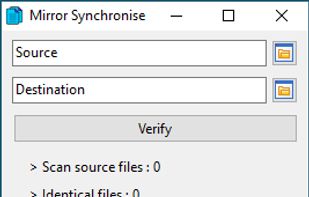


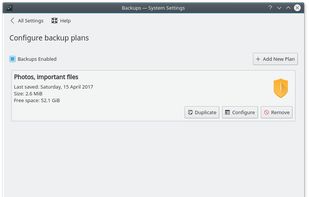
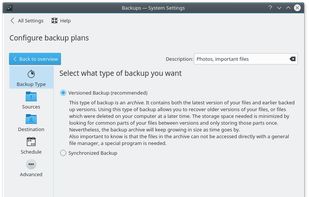
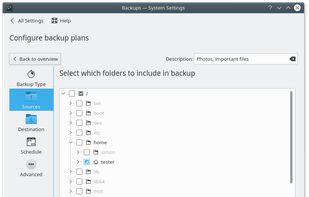
Kup is created for helping people to keep up-to-date backups of their personal files. Connecting a USB hard drive is the primary supported way to store files, but saving files to a server over a network connection is also possible for advanced users.


 Norway


