


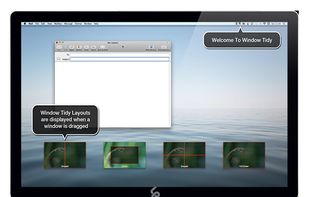
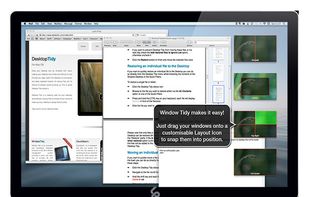
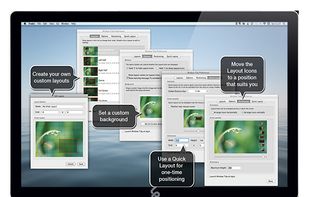
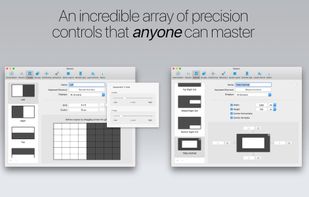
Arrange your application windows using nothing but drag and drop! There are no hot-keys to remember or menus to click, just drag and drop a window onto Layout Icon and it will instantly snap to that layout.
 United Kingdom




There are many alternatives to BetterTouchTool for Mac if you are looking for a replacement. The best Mac alternative is Rectangle, which is both free and Open Source. If that doesn't suit you, our users have ranked more than 50 alternatives to BetterTouchTool and loads of them are available for Mac so hopefully you can find a suitable replacement. Other interesting Mac alternatives to BetterTouchTool are Karabiner Elements, SnapZones, ClickFit and Swish.
Arrange your application windows using nothing but drag and drop! There are no hot-keys to remember or menus to click, just drag and drop a window onto Layout Icon and it will instantly snap to that layout.
United Kingdom
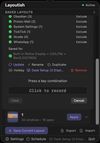
Saves complete macOS window layouts and restores them with one click or hotkey, including multi-monitor and multi-Space setups.
United Kingdom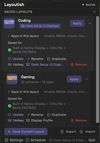



 Ukraine


Display Maid allows you to save and restore window locations based on your display configuration or user created profiles.
 United States
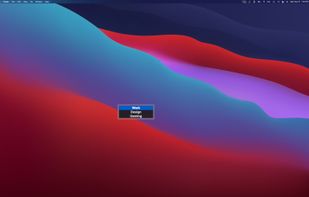
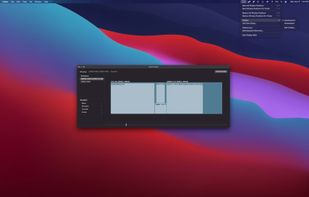


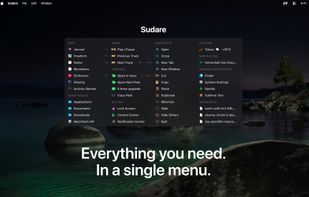
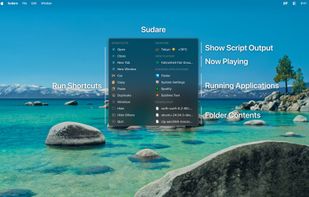
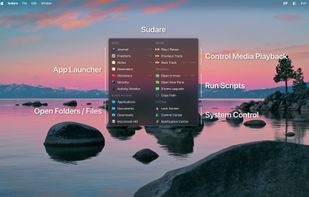


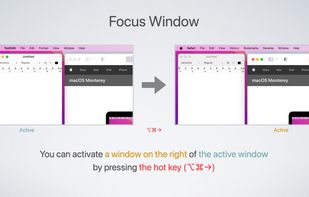
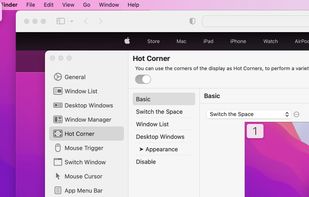
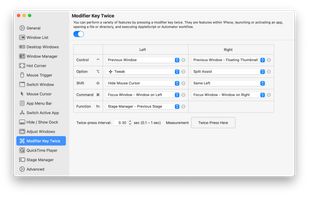
1Piece includes many features to improve the usability of your Mac. Window List that displays the list of all your open windows, a feature that switches the Space or the active window by using Hot Corner, a feature that resize and reposition the window and so on.


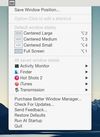
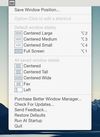


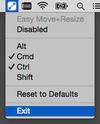
Easy Move+Resize is based on behavior found in many X11/Linux window managers, adding easy modifier key + mouse drag move and resize to OS X.


My idea is to create a platform for creating plugins to customize the TouchBar. I very much like BTT and having a full custom TouchBar (my BTT preset), and I wanted to create it. It's my first Swift project for MacOS.
 Russia


 Germany
 EU
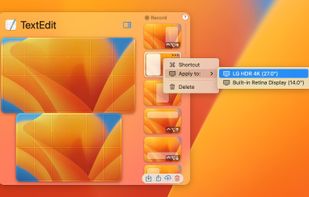
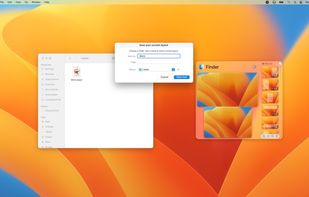
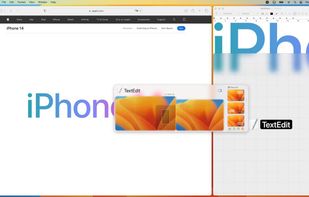


Mosaic allows you to effortlessly resize and re-position windows on your Mac with a simple Drag & Drop, seamlessly integrated into macOS.
United Kingdom
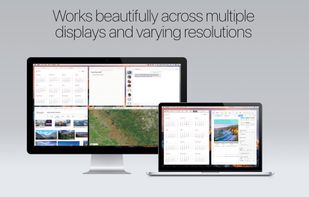


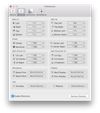
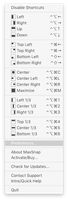
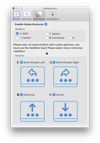
SizeUp allows you to quickly position a window to fill exactly half the screen (splitscreen), a quarter of the screen (quadrant), full screen, or centered via the menu bar or configurable system-wide shortcuts (hotkeys).
United States


