AceText is a smart software tool that simplifies working with text by enabling you to store, manage, edit and reuse text from a central location.
Cost / License
- Paid
- Proprietary
Application type
Platforms
- Windows
 United Kingdom




Apps similar to Allo include Raindrop.io, which has a free version. Other options are Notesnook, Zim, CherryTree and Trilium Notes. Note-taking Tools like Allo are a crowded field, with more than 100 alternatives for Windows, Mac, the web, Android and iPhone.
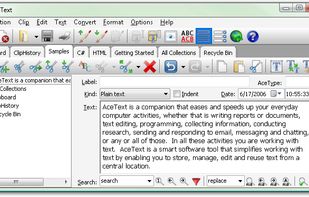
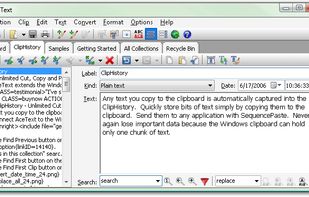
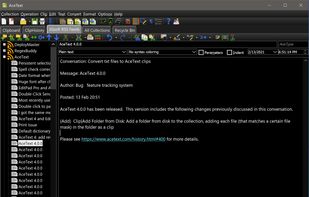
AceText is a smart software tool that simplifies working with text by enabling you to store, manage, edit and reuse text from a central location.
United Kingdom
P3X OneNote Linux is, actually, an independent browser window for the online OneNote. You can use this program without having to clutter your browser. The main functions are:
 Hungary
 EU
EU


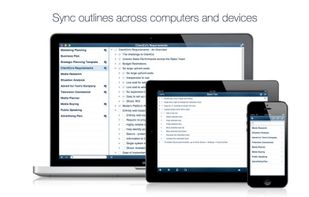
Cross-platform app for Mac, iPhone, iPad, and iPod Touch. Sync outlines between computers and devices with iCloud. Sync outlines with Evernote, Import and export outlines in OPML format.
 Ukraine



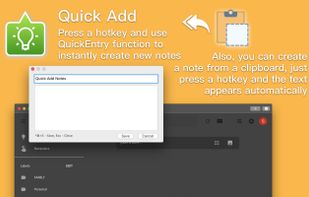
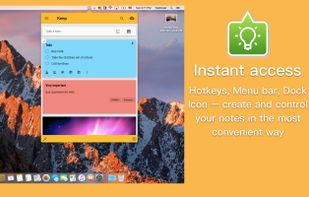
«Miya Notes for Google Keep» is the easiest and the most convenient way to access Google Keep Notes on your Mac.
Ukraine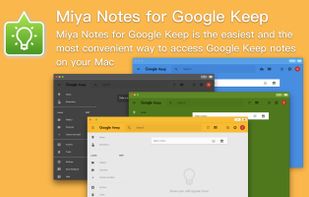



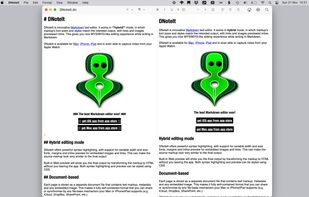
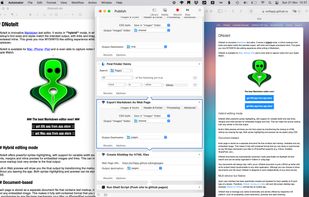
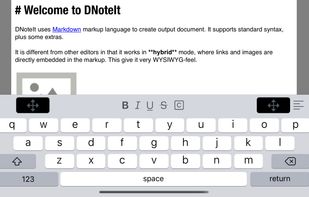
DNoteIt is innovative markdown text editor. It works in hybrid mode, in which all links and images are directly embedded in the markup. This gives you nice WYSIWYG-like editing experience while writing in Markdown.
 NetherlandsEU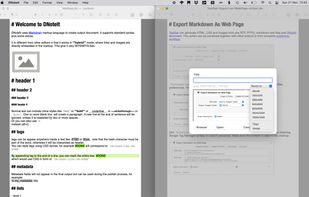


A beautiful, uncluttered all-in-one tool. Write, plan, take notes, capture ideas and get organized.





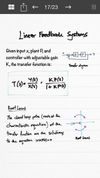
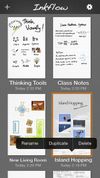
Inkflow works like a word-processor for visual thinking. Capture your ideas as easily as with pen and paper, then arrange and reorganize them with your fingers!
 United States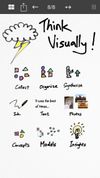






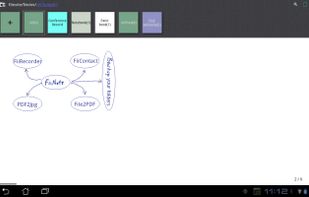
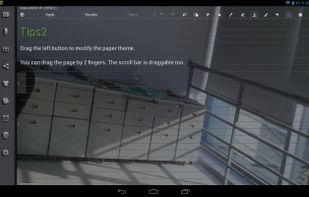
FiiNote is the most convenient note app for android.
The app is compatible with Android 2.0 ~ Android 4.3(and later). It is designed for both Phone and Pad.
Feature list: 1, Unique hybrid model for combined handwriting and keyboard. 2, Text,paint,voice,photo,video...Note everyt.
 China
China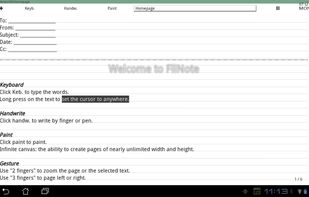



Built-in quick note: save ideas, contacts, interesting facts
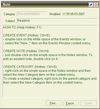
With Exstora, you can write down a thought that comes to your mind as soon as possible. To create a new note, just double-click next to the corresponding section.
Personal organizer software: plans for the future, eve.
 SlovakiaEU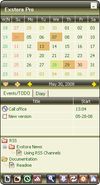


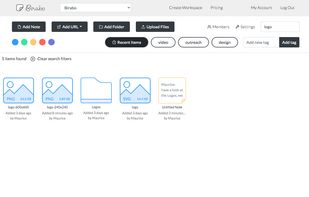
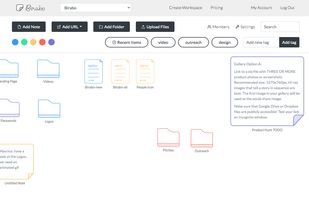
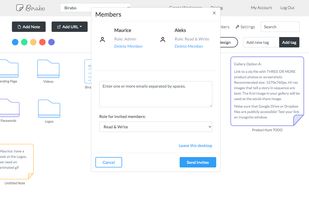


Sidenote tries to catch the “Stickies” spirit but in the form of a multi-document drawer that will hide in the corner of your screen (left or right). You can use it to take all your daily notes, include images and easily modify text color and font.
 FranceEU