Indonesia




Baobab Disk Usage Analyzer is not available for Windows but there are plenty of alternatives that run on Windows with similar functionality. The best Windows alternative is WinDirStat, which is both free and Open Source. If that doesn't suit you, our users have ranked more than 100 alternatives to Baobab Disk Usage Analyzer and loads of them are available for Windows so hopefully you can find a suitable replacement. Other interesting Windows alternatives to Baobab Disk Usage Analyzer are WizTree, Filelight, TreeSize and Mole.
Indonesia
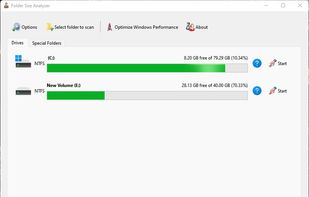
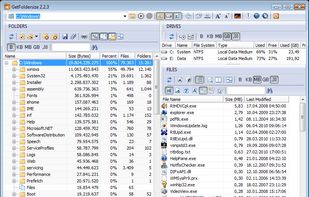
GetFoldersize allows you to determine the size of folders and sub-folders on your hard drive. Determine which programs are taking up your hard disk space. For each folder, you can display the total file size and the number of files and subfolders in the folder.
 Germany
 EU


Disk Space Finder helps visualize your data to find wasted space. It shows you a graphical diagram of what is takeing up your space.


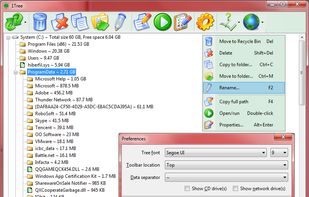
1Tree (100% FREE) lets you see all directories/files size in 1 tree, in order to let you to do the manual disk cleaning work easily. It loads drives, folders and files with their sizes (sorted by size), and provides you with the common commands.
 United States


Landiskape is a storage visualizer which tells you how your storage is being used by using an easy to understand 2D chart.
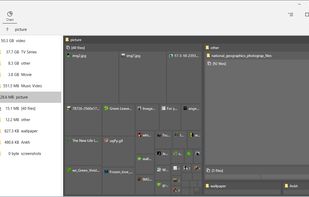

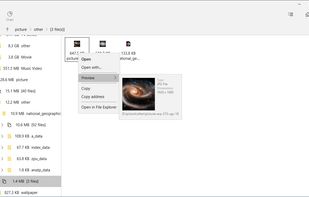
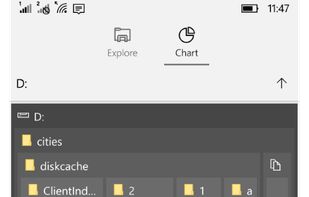


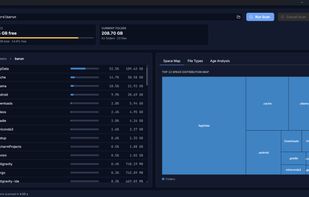
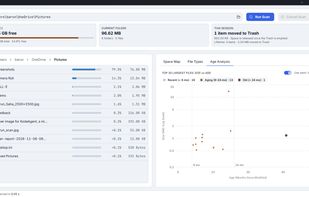
A fast, native disk space analyzer for macOS, Windows and Linux that maps your storage as an interactive sunburst and helps reclaim wasted space.
 Ukraine
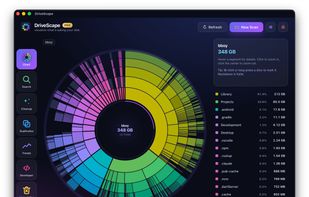
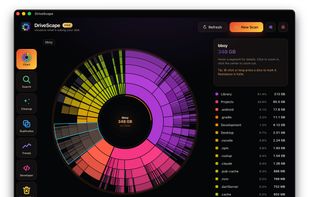
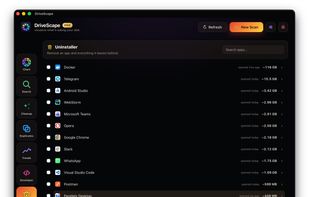


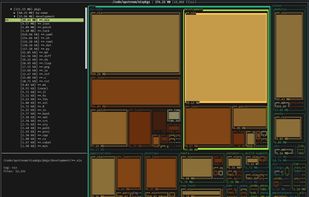
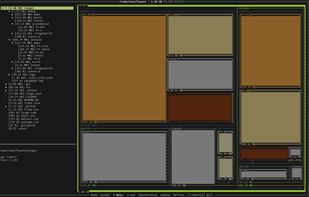
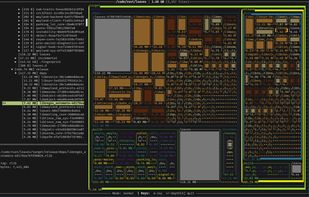
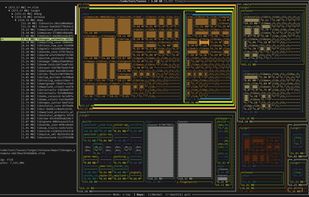


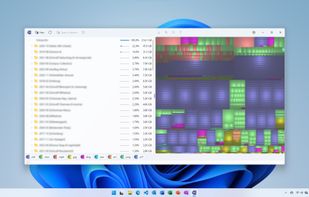
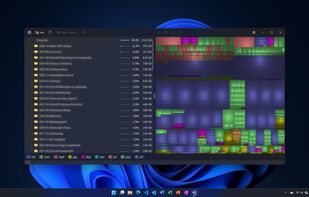
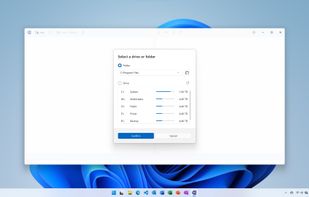
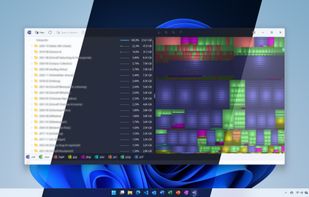


FolderSize is intended to be a simple application to determine what folders takes up place on your machine and to present it to you graphically.
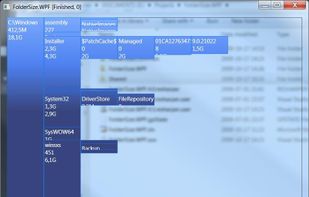


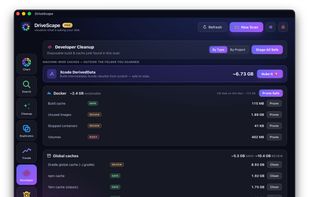
Find what is filling a disk, mark what should go, and remove it — with the volume's free space in view the whole time.
 Canada
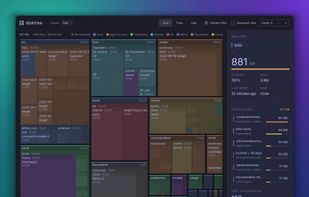


Helps you figure out where all that hard drive space has gone on your computer. Visually displays the size of each folder in the form of a bar graph.
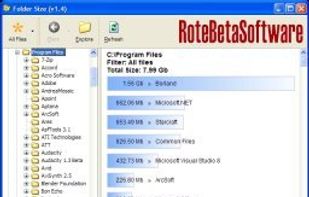


Drive Sonar is a fast, lightweight desktop disk usage explorer and analyzer built with Tauri, Rust, React, and TypeScript.
 India