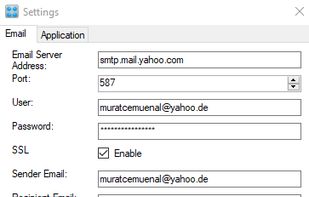
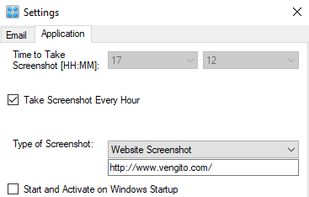
Daily Screenshot sends email automatically every hour or once a day with one of following attachment:
- Screenshot of a website
- Screenshot of running computer
Cost / License
- Paid
- Proprietary
Platforms
- Windows



+1


Apps similar to Awesome Screenshot include ShareX, which is free and open source. Other options are Greenshot, Flameshot, PicPick and FastStone Capture. There's no shortage of Screenshot Capture Tools like Awesome Screenshot, with more than 100 alternatives for Windows, Mac, the web, Linux and Android.
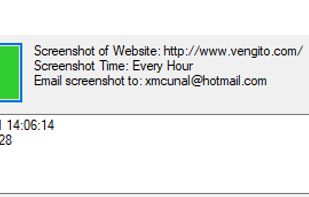
Daily Screenshot sends email automatically every hour or once a day with one of following attachment:

Full page screenshot, region capture, OCR text extraction, annotations, PDF export and scheduled captures. Free with $2.99 lifetime premium.


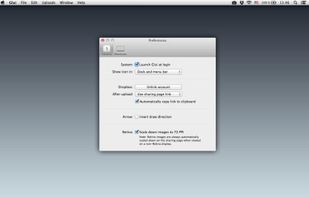
Glui is the simplest way to capture, annotate and share screenshots.
Key features: • Capture crosshair, window or fullscreen screenshots, or drag and drop existing images. • Annotate with arrow, rectangle, pen and text tool. • Instantly upload to .
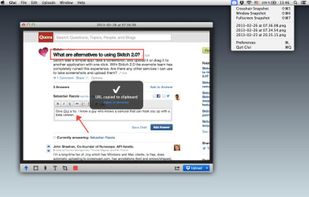



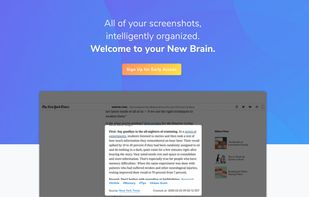
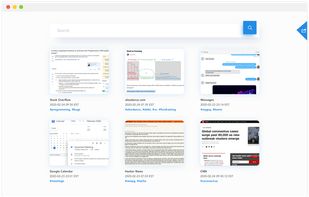
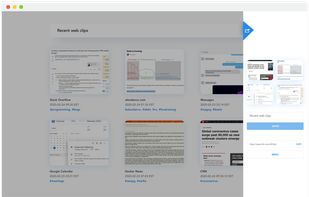
Screenshot organization and smart search, for effortless memory retrieval. Categorized screenshots by keywords, topic, and source -- so that you can find the memory you're looking for.


The smallest free tool for taking screenshots of different size. Just open SnapaShot, resize it's window to fit the area you want to save, and press "save it" button.
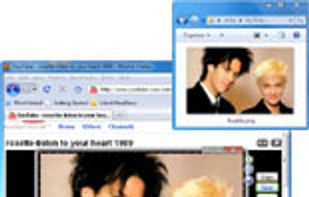
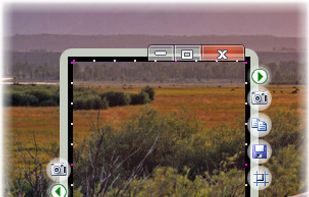


Cropper is a screen capture utility written in C#. It makes it fast and easy to grab parts of your screen. Use it to easily crop out sections of vector graphic files such as Fireworks without having to flatten the files or open in a new editor.

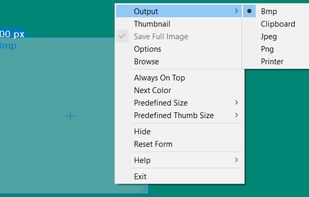


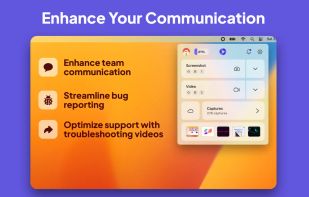
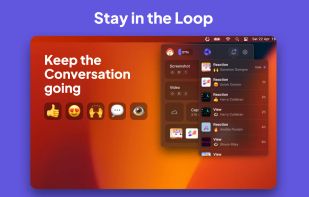
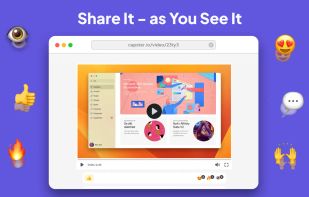
Capster helps you enhance your asynchronous communication with captures of your screen. Record your screen as you demonstrate a feature, idea, or bug, or take a screenshot and annotate it to better convey your point - and instantly share it through the cloud.
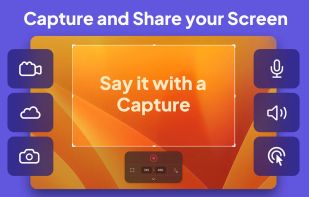


Take screenshots in one click. Select region and screenshot is ready! Download Floomby for Free.
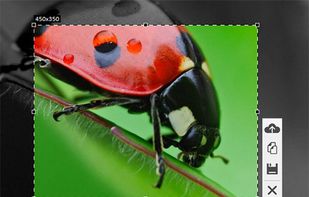

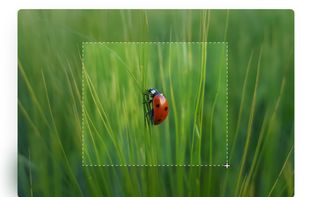


TeenyGrab is a free alternative to TinyGrab. TinyGrab is a popular application for quickly uploading screenshots, and sharing them. The only problem is, the full version (with features such as uploading to a custom FTP server) costs $$$.
 United States


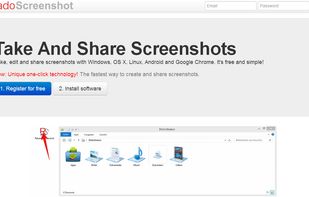
Take, edit and share screenshots with Windows, OS X, Linux, Android and Google Chrome. It's free and simple!
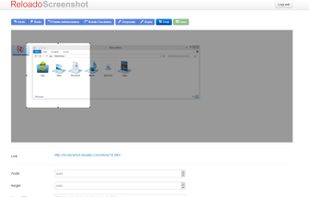


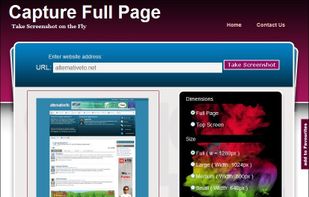
Capture Full Page Screenshot of any website Online.
Features: Take screenshots of public webpages easily. Captures the full webpage. Preview the screenshot. Set the image’s dimensions, size, and format. Download your screenshot in a zip file. View recent screenshots created in.


Right click on any web page, frame or iframe, click "Save Page As Image..." and then resize the selection around the piece you want to save.