


Cost / License
- Free
- Open Source
Application typeApplication types
Platforms
- Chrome OS
- Google Chrome
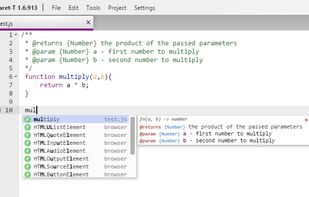

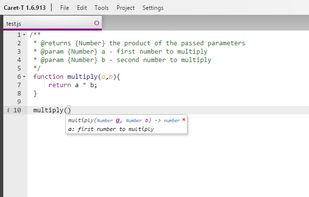


Atom has been discontinued. One of the most popular alternatives is Notepad++, which is free and open source. Other popular alternatives are Visual Studio Code, Sublime Text, VSCodium and Vim. Text Editors like Atom are a crowded field, with more than 100 alternatives for Windows, Linux, Mac, the web and Chrome OS.

Markdown Edit is a Windows desktop Markdown editor with an emphasis on content and keyboard shortcuts. There is minimal window chrome and most functions are accessed through keyboard shortcuts.
 United States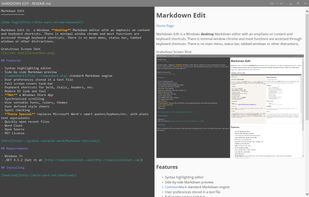
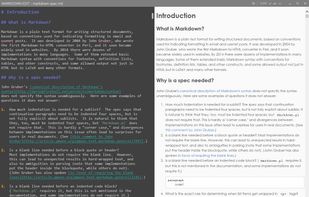


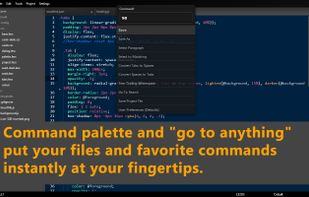
Caret is a lightweight-but-powerful programmer's editor running as a Chrome Packaged App. Inspired by Sublime and built on top of the Ace editing component, it offers:
United States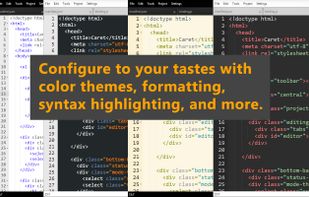


TEA is free text editor for Linux, *BSD, OS/2, Windows, Haicu. It depends on Qt 4.6+ or Qt 5 or Qt6, zlib and, optionally, on Aspell or Hunspell. The old (but renewed) branch, TEA-GTK depends on GTK+ 3 and GtkSourceView 3.
 Russia


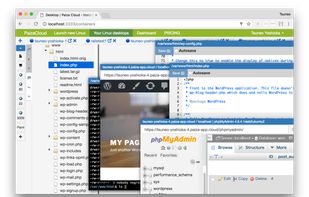
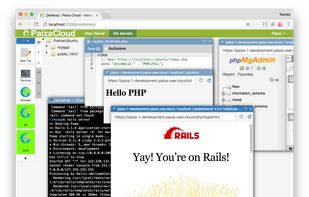
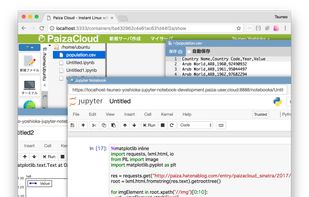
PaizaCloud Cloud IDE is a browser-based online development environment for web development like Ruby on Rails, Node.js, Django, PHP, Laravel, etc.


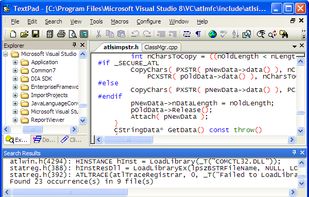
TextPad is designed to provide the power and functionality to satisfy the most demanding text editing requirements. It can edit files up to the limits of virtual memory, and it will work with the 32-bit and 64-bit editions of Windows 7, Vista, XP, 2000, Server 2003 and 2008.
 United Kingdom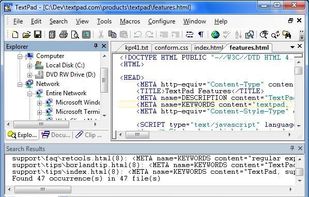


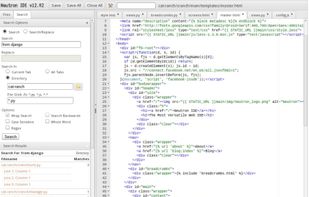
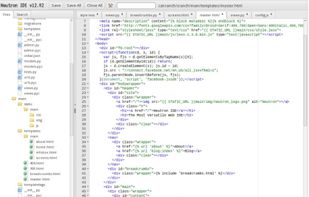
Neutron IDE is a web based IDE. Neutron IDE allows you to edit code via your web browser on any server you own.


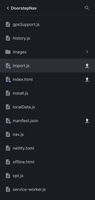
Codeit is a mobile code editor connected to Git. Runs on the web, open source and free. Supports HTML, CSS, JavaScript, Python, Bootstrap, XML and more. Easy to use without how to.
 Norway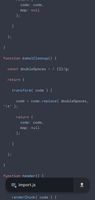


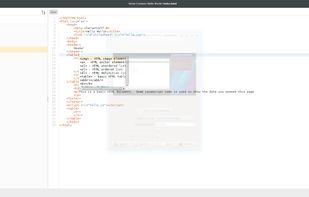


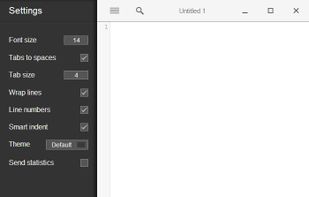
Text.app is a simple text editor for Chrome OS and Chrome. It's fast, lets you open multiple files at once, has syntax highlighting, and saves to Google Drive on Chrome OS.
United States


 Switzerland


 Poland
 EU
EU


