Cost / License
- Paid
- Proprietary
Application typeApplication types
Platforms
- Windows
 Germany
 EU
EU




+1


Apps similar to Ashampoo Snap include ShareX, which is free and open source. Other options are Greenshot, FastStone Capture, macshot and Snipping Tool. There's no shortage of Screenshot Capture Tools like Ashampoo Snap, with more than 100 alternatives for Windows, Mac, the web, Linux and Android.
GermanyEU
Uploading images and screenshots from home page or from your dashboard. Offers a 50 MB upload limit for guests and a 100 MB upload limit for registered users. Offers 11 GB of free storage space for registered users.
 United States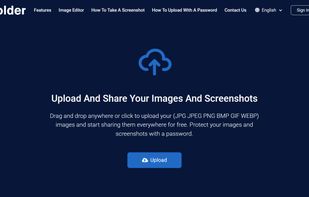


Every annoying feature is consistently excluded. Make a screenshot with a click on the button or by pushing the "Print Screen" key and it will be directly saved as an image - thats it!
GermanyEU
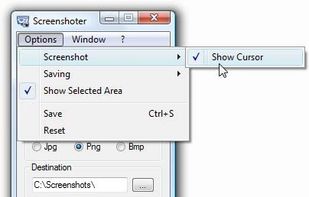
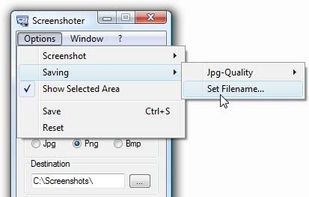


SCREEN2EXE is a free utility designed in order to create instant screen demos with the highest compression ratio in the world!
 China
China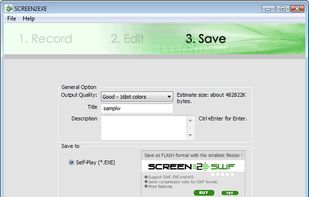


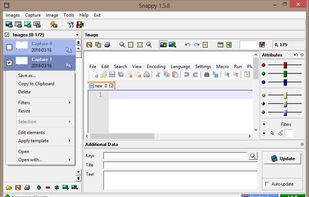
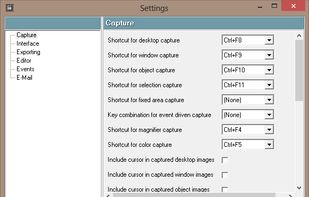
Snappy is a desktop-capture software for Microsoft Windows that allows to capture the screen of your monitor. Compared to other similar applications, Snappy could be less complete, but my purpose is to keep it as immediate as I can. Try it, and let me know if I'm wrong...
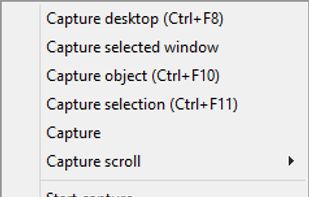


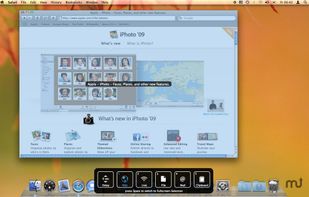
Snapplr is a revolutionary tool to efficiently take and share screenshots. It completely replaces Mac OS Xs native capabilities and works in the same way as the system tool, but offers a wide range of options. Its main feature is to upload screenshots automatically to Snapplr.


Using UVScreenCamera you can easily create animated demo or tutorials by recording your computer's desktop activity, including all mouse movements, window graphics, mouse clicks and everything else you see on screen.
 Russia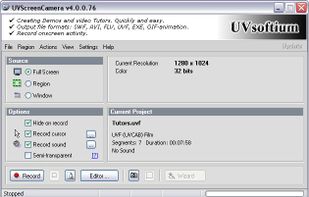


A light application for instant recording of events happening on the monitor and saving that to an AVI file at high quality.
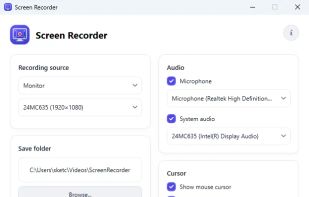
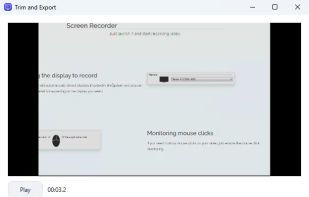


oRipa Screen Recorder is a handy tool to record your Windows desktop activities in real time and save it as a video file. oRipa Screen Recorder also captures anything you can hear on your PC, such as, music and talking through the PCs microphone.
United States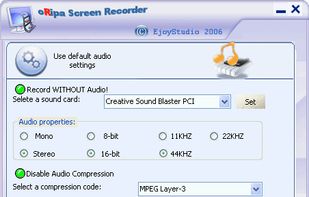


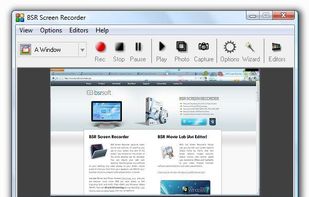
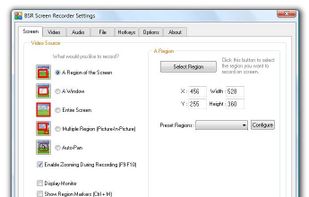
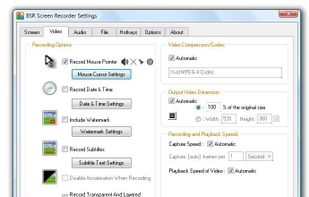
BSR Screen Recorder captures video, sound, and pictures of anything you see on your screen and records to AVI (Standard Video Format), SWF (Flash File), WMV (Windows Media Video), and EXE (Executable File). Any portion of the screen can be selected for recording.


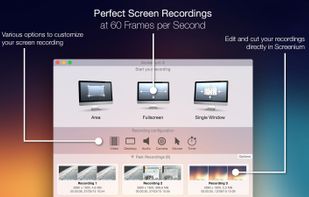
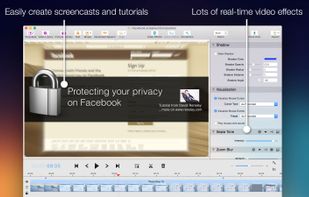
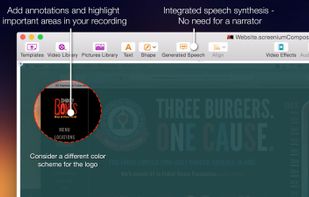
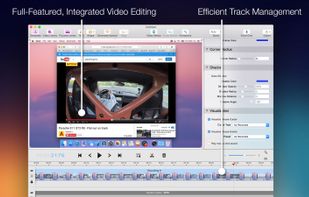
Record exactly what you see on the screen and turn it into a screencast in next to no time. Screenium lets you record at 60 frames per second, offering optimum performance for your tutorials, gameplay recordings or any other screen content you wish to record.
GermanyEU