GitNoter is a markdown-based note taking webapp that allows users create, organise and explore notes. It allows categorising notes with directories.


Apps similar to Notes include Joplin, which is open source with a free version. Other options are Notesnook, Microsoft OneNote, Zim and CherryTree. You're spoiled for choice with Note-taking Tools like Notes: we list more than 100 alternatives for Mac, iPhone, Windows, Android and iPad.
GitNoter is a markdown-based note taking webapp that allows users create, organise and explore notes. It allows categorising notes with directories.

A local-first writing app for people who think in Markdown. Your vault is a folder. Every note is a .md file.
 Spain
 EU


"SimpleNotes" lets you create, edit and organize all your notes anytime, anywhere. Easy switching between Desktop and Mobile. You can share your notes with everyone you want. The Website is free to use and a Desktop and Mobile APP is also available.
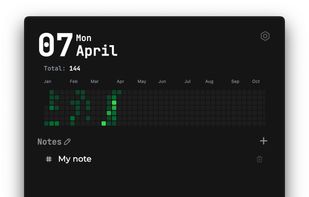
Hashnote helps you write, manage, and organize your notes effortlessly with markdown editor, and a minimal UI.

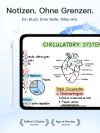
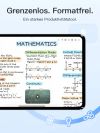
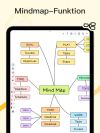
A handwriting-focused note-taking app for iPad, iPhone, and Mac. It offers an infinite canvas, mind maps, multimedia support, customizable text boxes and shapes, and robust linking between notes.
 China


An intuitive note-taking application that was made specifically for Elementary OS. Community builds are available for other Linux distributions, including Arch and openSUSE. The application's features include:


flomo shapes your way of thinking through quickly capturing ideas and regularly reviewing MEMOs.


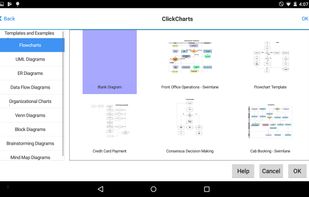
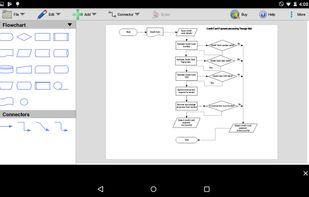
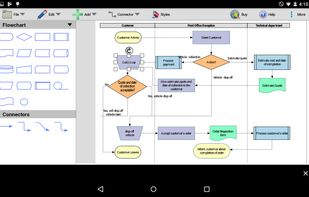
Design flowcharts, UML, Venn, and mind map diagrams with customizable templates, varied symbols, shapes, connector styles, overlapping sheet support, and intuitive drag-and-drop editing. Export visuals as images, edit multiple diagrams, and organize complex data visibly.
 Australia
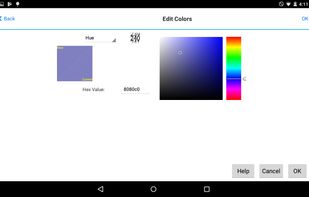



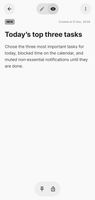
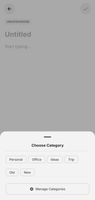

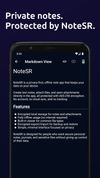
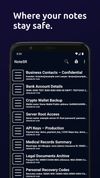
NoteSR is a secure and offline-first note-taking Android app that creates an encrypted storage space on your device. You can write text notes, attach any type of file to them, and open files directly inside the app — all fully encrypted using AES-256.
 Ukraine


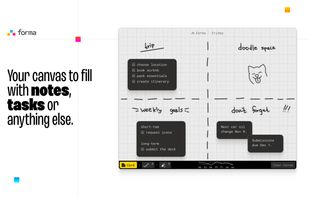
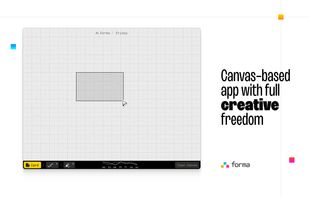
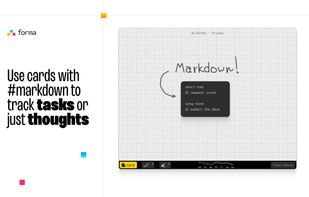
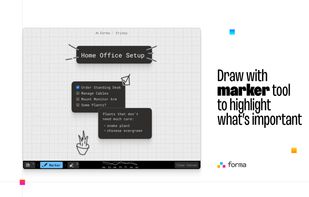
Forma gives you an open canvas where you can drop ideas anywhere. Move things around, group them visually, draw connections, and keep a clear picture of everything you’re working on.