Cost / License
- Paid
- Proprietary
Platforms
- Mac
 Ukraine
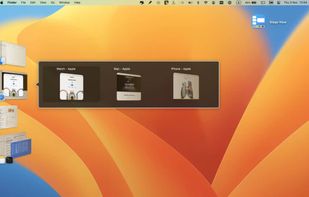

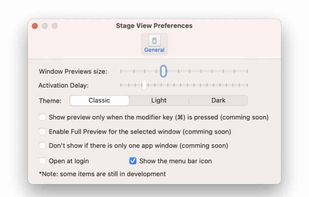


Apps similar to AltTab include BetterCmdTab, which is free and open source. Other options are Spatial Dock, Macscope, Contexts and Switch Center. You're spoiled for choice with Window Managers like AltTab: we list more than 25 alternatives for Mac, Windows and Linux.
Ukraine
SMBAct is the all-in-one cross-platform solution that allows you to keep your windows and applications well-organized and significantly simplify the process of interaction with them.
 United States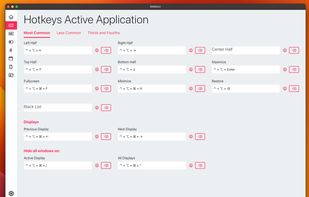
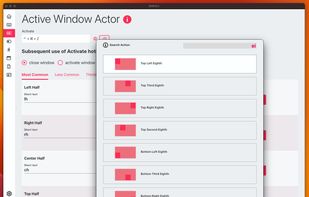
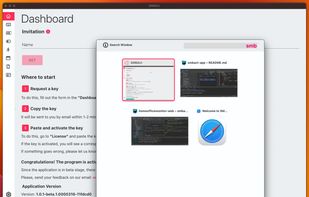


Scopo replaces Cmd+Tab with a window switcher scoped to your current macOS Space. One Space = one project. You see only the windows that belong there.





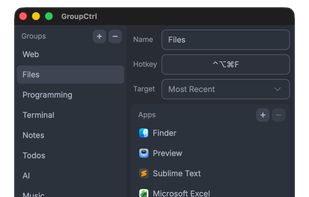
GroupCtrl is a simple app switcher that lets you share hotkeys across related apps. For macOS, Windows version is in the works.


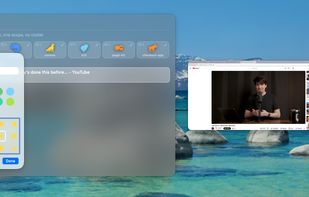
A zero-config Mac app switcher that learns your habits. Click your mouse and type - no shortcuts to remember. Simple. Fast. Effortless.

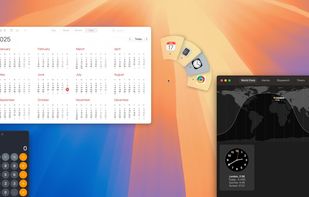
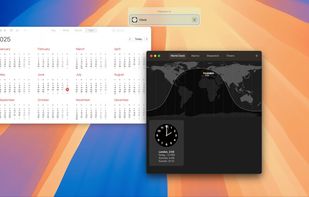


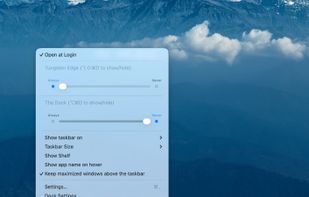
Tungsten Edge is an open-source Dock replacement for macOS that organizes by window instead of by app. Every open window gets its own labeled card at the bottom of the screen, so you can switch straight to the window you want with a single click — no Mission Control, no cycling...
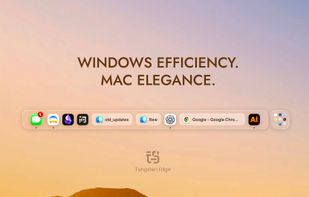
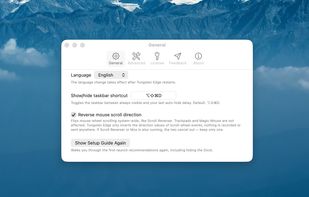



Love Tap extends native macOS Dock behavior, by allowing to maximize, minimize and cycle thru windows with a single click on the respective app icon.
 Canada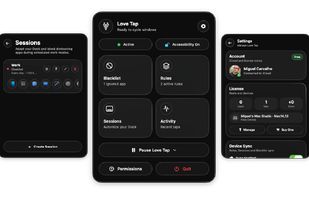


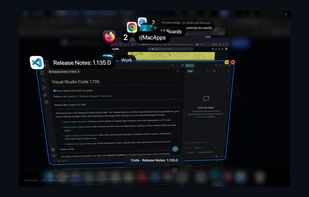
See all your windows and individual tabs in 3D. Search and switch to them across your desktop in seconds.
 Germany
 EU
EU




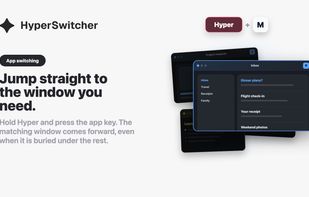
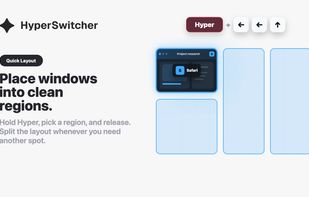
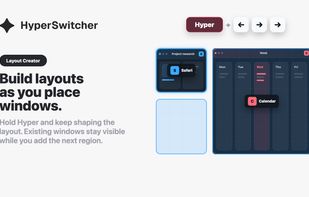
HyperSwitcher is for Mac users who keep coming back to the same apps all day. Cmd-Tab is useful, but its order changes as you work. HyperSwitcher uses fixed shortcuts instead: assign an app to a Hyper-key combination, then press the same shortcut every time.
GermanyEU


TaskBar64 is a lightweight macOS utility that displays open application windows as individual taskbar buttons with their titles.
 HungaryEU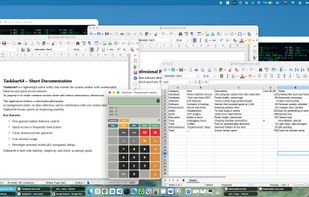


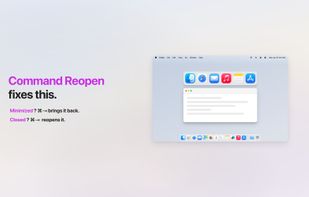
Cmd+Tab ignores minimized windows? Not anymore. Command Reopen restores them automatically — no permissions, no new UI. Works with the native switcher you already know.
 China
China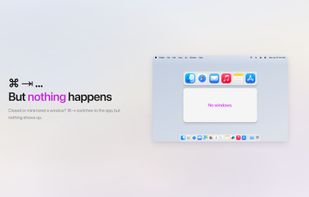



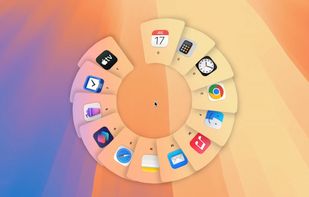
Switch apps with trackpad on macOS. Use 3-fingers swipe right or 3-fingers swipe left to switch between apps. Hold after the swipe or swipe slowly to show App Switcher UI.