

Local-first AI workspace for Mac, Windows and Linux by Sparcle. Free for individuals, works offline, masks PII before any model call. Self-hosted for teams.
 United States



+5
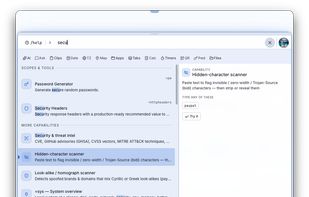


Alfred is not available for Windows but there are plenty of alternatives that run on Windows with similar functionality. The best Windows alternative is Microsoft PowerToys, which is both free and Open Source. If that doesn't suit you, our users have ranked more than 100 alternatives to Alfred and loads of them are available for Windows so hopefully you can find a suitable replacement. Other interesting Windows alternatives to Alfred are Flow Launcher, Raycast, Wox Launcher and Listary.
Local-first AI workspace for Mac, Windows and Linux by Sparcle. Free for individuals, works offline, masks PII before any model call. Self-hosted for teams.
United States
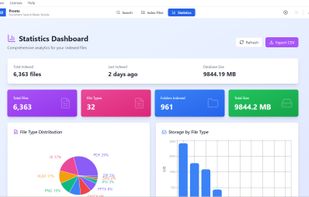
AI-powered desktop search for Windows that finds files by meaning, not just keywords. Search across 59 file types with semantic search.
 United Kingdom



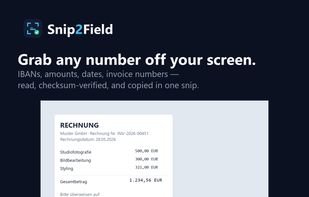
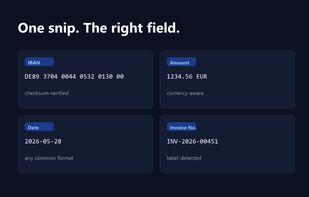
Snip2Field is a Windows utility for anyone who copies data off invoices and PDFs. Press a hotkey, drag a box over an IBAN, amount, date or invoice number, and it runs OCR on just that region and copies the result — no retyping.
 Taiwan


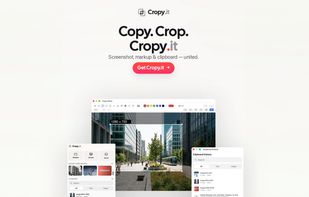
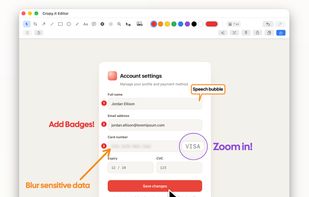
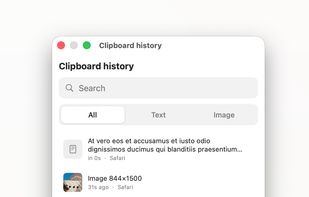
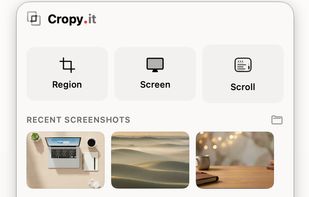
Captures regions, windows, full screens and scrolling pages, then provides arrows, shapes, text, numbered badges, blur, pixelation and pixel-precise cropping. OCR copies image text, while pinned snippets and searchable local clipboard history retain text and images.
 Germany
 EU


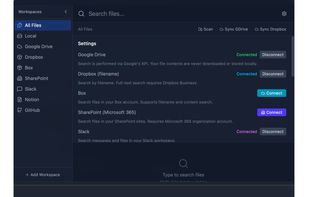
A privacy-focused desktop app that lets you search local files and cloud storage (Google Drive, Dropbox, Box, SharePoint, Slack) all from one place.
 Japan


Ultra-low-memory native Rust desktop launcher for Linux (Wayland/X11) and Windows with Everything IPC, clipboard manager, offline OCR, screenshot pin, and WASM/WebView plugins.

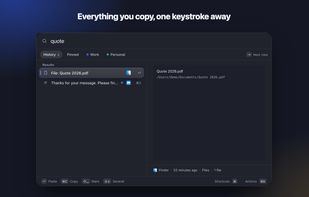
Pano is a clipboard manager for Mac and Windows for people who want what Paste, Maccy or Ditto do, without passwords and API keys piling up in their history.
 Switzerland
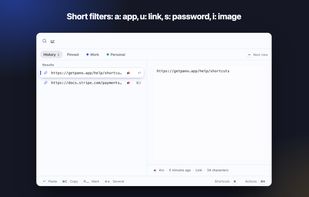
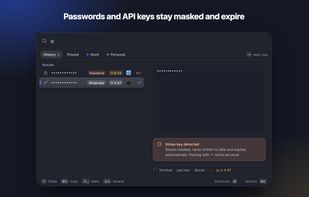
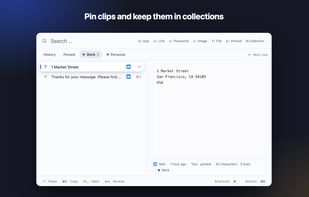


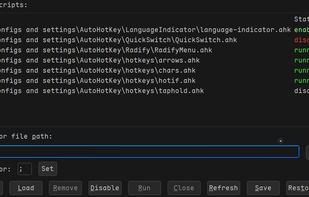
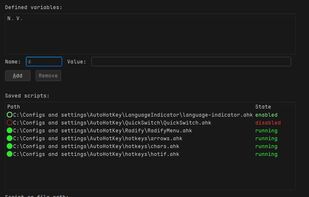
Launches and Manages scripts and applications. Supports Terminal UI and Graphical UI and allows you to:
United Kingdom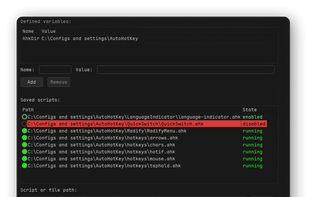


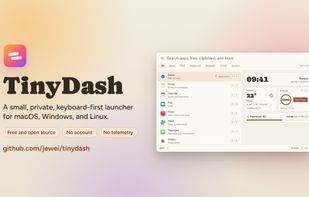
Press a shortcut, type a few letters, and press Enter. TinyDash finds apps, files, clipboard history, snippets, quicklinks, emoji, and system commands, and answers calculations, unit and currency conversions, time zones, and date math inline.
 Malaysia

PC Island is a floating pill at the top of the screen. Press Ctrl+Space or move the mouse near it and type commands like "open spotify", "volume 40", "timer 10 min" or "close tabs on chrome".

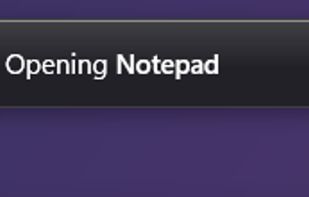
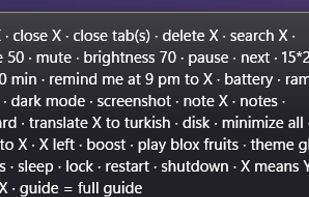


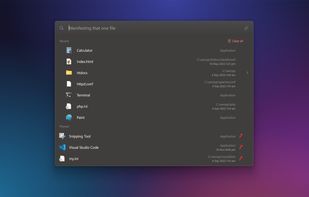
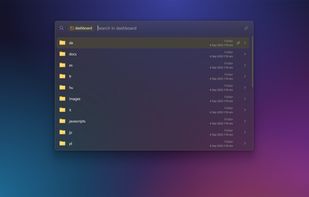
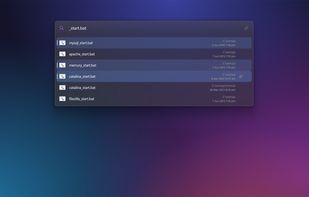
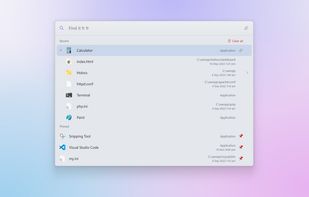
A no-nonsense search bar for Windows: press Alt+Space and get only your apps, files and folders. No web results, no extras, no ads.
 Philippines


 Chile