Aegisub Alternatives for Mac
There are many alternatives to Aegisub for Mac if you are looking for a replacement. The best Mac alternative is ffsubsync, which is both free and Open Source. If that doesn't suit you, our users have ranked more than 50 alternatives to Aegisub and 13 are available for Mac so hopefully you can find a suitable replacement. Other interesting Mac alternatives to Aegisub are Closed Caption Creator, Underword, SubtitleSphere and Jubler.
filter to find the best alternatives
Alternatives list

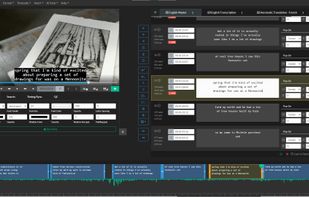
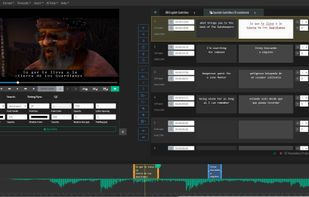
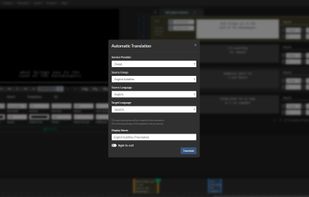
Closed Caption Creator is a high-end subtitle editor that makes it easy to create closed captioning, subtitles, audio descriptions, and transcripts.
Cost / License
- Paid
- Proprietary
Platforms
- Mac
- Windows
- Linux
- Online
 United States
 +2
+2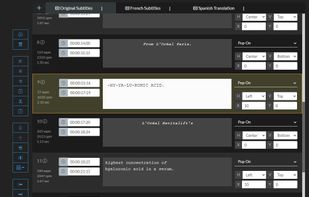


Underword is a visual editor for subtitles in the WebVTT (.vtt) and SubRip (.srt) file formats.
Cost / License
- Paid
- Proprietary
Application type
Platforms
- Mac
 Germany
 EU
EU
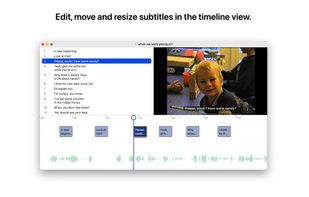
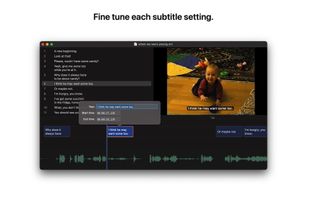


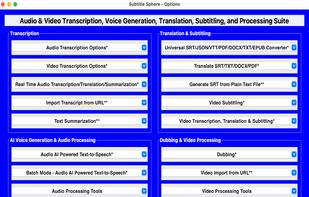
Subtitle Sphere is a comprehensive desktop application and multimedia processing powerhouse that revolutionizes video and audio transcription, translation, AI-generated voice synthesis, and subtitling.
Cost / License
- Paid
- Proprietary
Application typeApplication types
Platforms
- Mac
- Windows


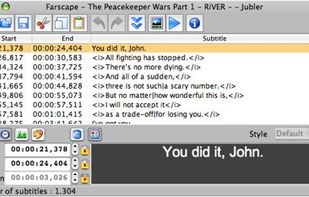
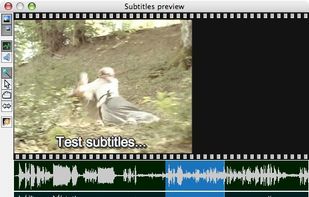
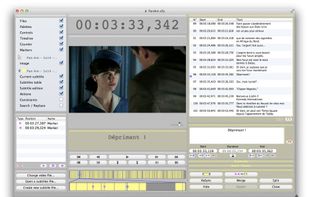
Jubler is a tool to edit text-based subtitles. It can be used as an authoring software for new subtitles or as a tool to convert, transform, correct and refine existing subtitles. The most popular subtitle formats can be used.
Cost / License
- Free
- Open Source
Application type
Platforms
- Mac
- Windows
- Linux


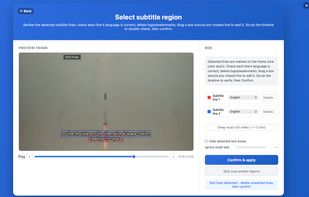
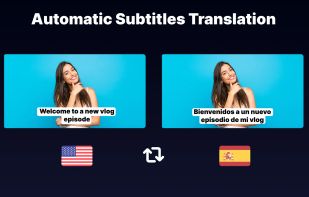
Batch subtitle editor, extract hardcoded subtitles via OCR, auto-transcribe speech(precise timeline), and translate to 40+ languages.
Cost / License
- Freemium
- Proprietary
Application type
Platforms
- Mac
- Windows
- United States

 +7
+7

Cost / License
- Paid
- Proprietary
Application type
Platforms
- Mac
- iPhone
- iPad
 Estonia
- EU

 +2
+2


Subs Factory makes subtitling easier! It is a powerful utility designed to perform the creation, modification, and resynchronization of subtitles efficiently. Featuring advanced functions, it allows you to do whatever you want with your subtitles. It mainly works with .
Cost / License
- Paid
- Proprietary
Application type
Platforms
- Mac
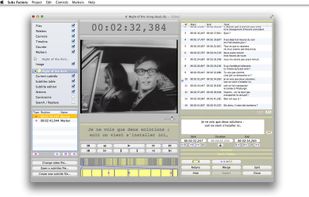


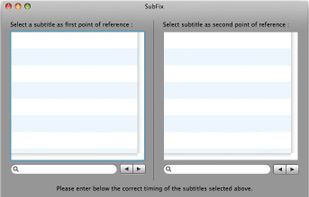
SubFix allows you to synchronise easily ".srt" subtitle files with the audio track of the corresponding movie. You don't need to fiddle with video frame-rates, delays, etc. all this on a beautiful cocoa interface !
Cost / License
- Free
- Proprietary
Alerts
- Discontinued
Platforms
- Mac


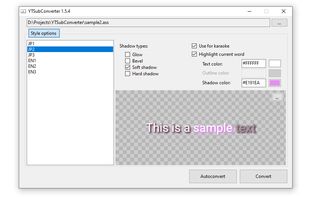
YouTube's built-in subtitle editor doesn't support styling of any kind. If you want formatting such as bold, italic and coloring, you need to upload a subtitle file instead. The site accepts a number of file formats such as RealText, WebVTT and TTML, but all of these...
Cost / License
- Free
- Open Source (MIT)
Application type
Platforms
- Windows
- Linux
- Mac
- Germany
- EU



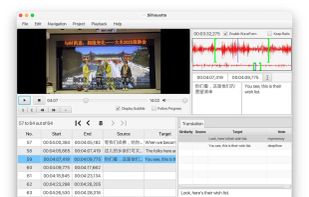
Cost / License
- Paid
- Open Source (GPL-3.0)
Application type
Platforms
- Windows
- Mac
- Linux


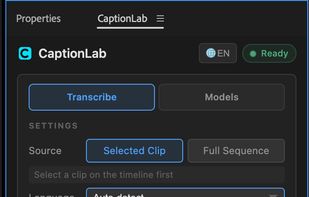
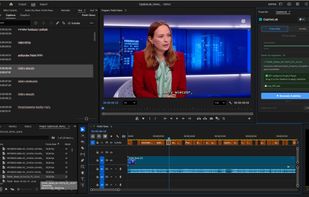
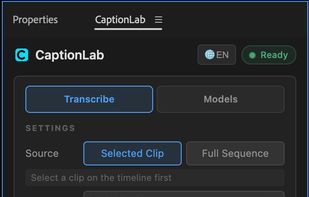
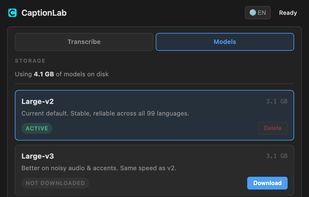
An offline Premiere Pro extension that transcribes clips or full sequences with Whisper models, then adds editable caption tracks with word-level timing. It supports 99 languages, automatic language detection, English translation, and model selection on Mac or Windows.
Cost / License
- Paid
- Proprietary
Application type
Platforms
- Mac
- Windows
- Adobe Premiere Pro
 Ukraine
 +1
+1