Cost / License
- Freemium
- Proprietary
Application type
Platforms
- Windows
- Windows Explorer
 Australia

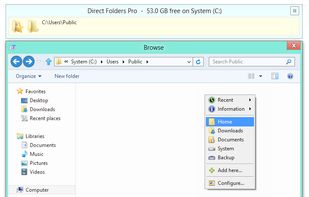

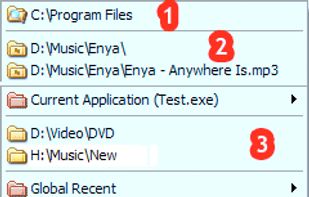

+1
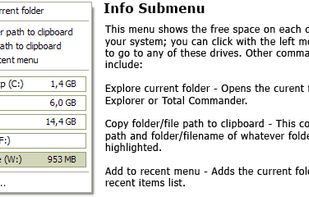


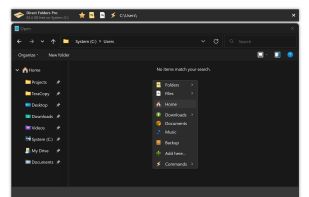
Apps similar to Advanced Recent Access include Everything, which is free. Other options are CopyQ, Ditto, Flow Launcher and TagSpaces. Clipboard Managers like Advanced Recent Access are a crowded field, with more than 100 alternatives for Windows, Mac, Linux, Android and iPhone.
Australia
SwiftSearch is a lightweight program whose purpose is to help you quickly find the files you need on your Windows machine without ever requiring you to index your drives. Most search utilities that achieve similar speeds do so by indexing drives while the computer is idle, but...


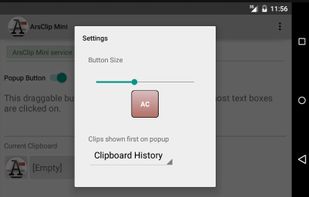
ArsClip is a freeware utility for the windows clipboard. ArsClip monitors the clipboard and keeps track of the entries. Press a configurable hotkey and select an item (or items) to quickly paste into a program.
 United States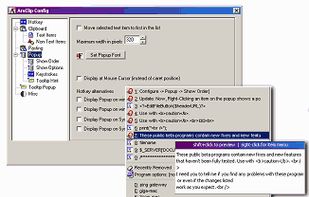

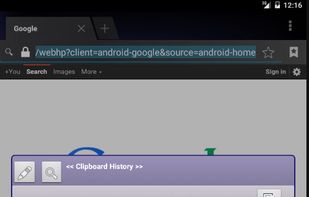


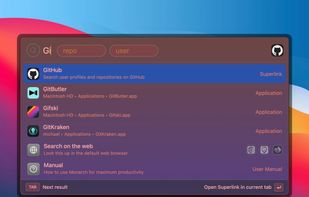
Designed for beginners and professionals alike, Monarch is a command center that makes it easier than ever to switch apps, run calculations, search clipboard history, take notes and more with only a single hotkey. No complicated setup or configuration required.
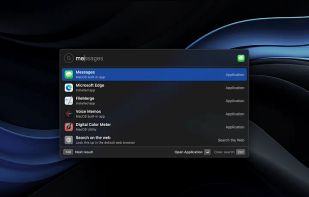



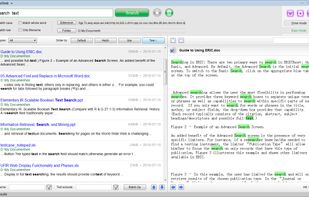
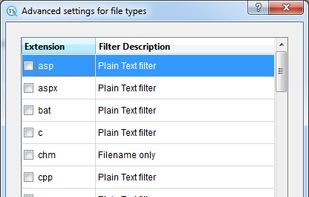
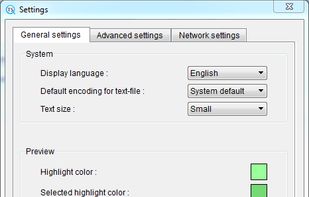
TextSeek is a professional full-text desktop search tool for Windows and MacOS. It supports PDF, Word, Excel, Powerpoint, RTF and other formats.



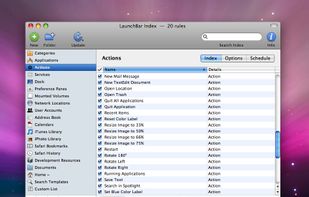
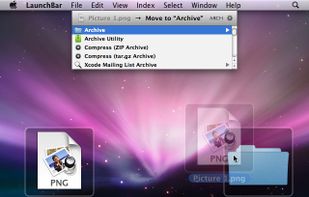
LaunchBar is a smart and powerful, keyboard driven productivity utility that lets you access and control every aspect of your digital life. Whatever you want to get done on your Mac – with LaunchBar it’s only a few keystrokes away.
 Austria
 EU
EU



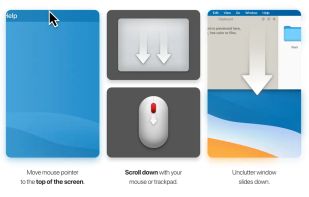
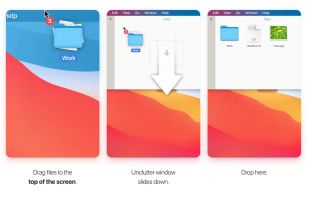
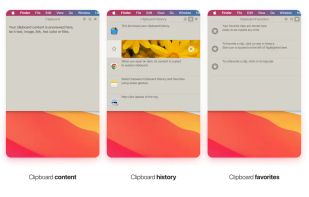
Efficient desktop app for organizing notes, files, and clipboard clips. Access by pointing and scrolling down. Instantly configurable, supports Dropbox sync, multi-display setups, and Retina displays. Includes draggable cards and clipboard history tracking.
 Ukraine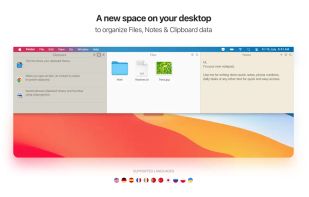


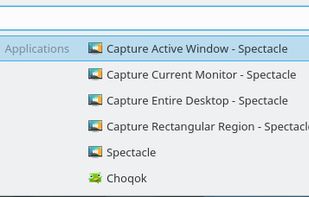
Krunner is a multi-function command line menu for the KDE Plasma Desktop.
 GermanyEU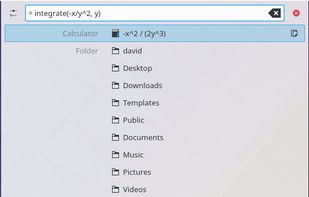


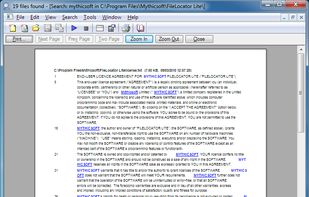
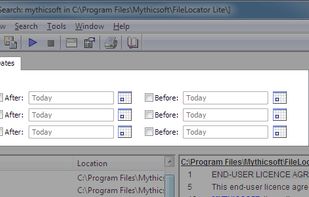
FileLocator Lite enables you to locate files on your pc. It performs a thorough and quick search for any file you want to find.
 United Kingdom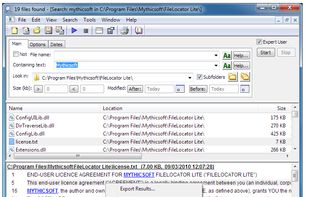



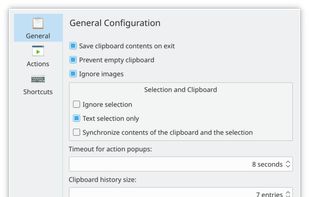
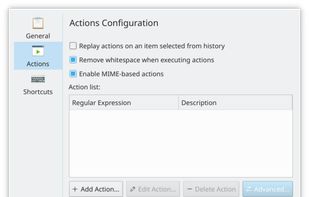
Klipper is a free and open source, multifunctional clipboard manager for the KDE interface.
GermanyEU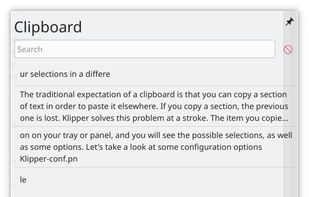
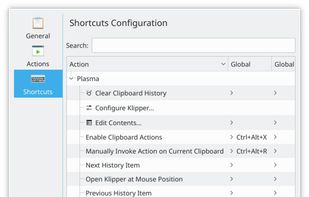


Introducing Clipboard Assistant – the ultimate tool to streamline your workflow by giving you full control over your clipboard history. Whether you’re working on multiple projects or just need a more organized approach to managing what you copy, Clipboard Assistant has got you...

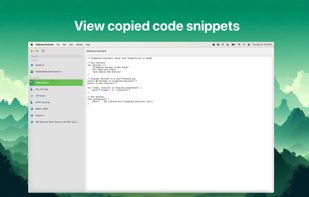
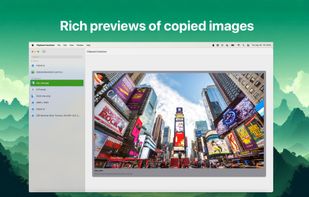
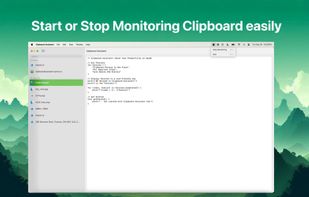


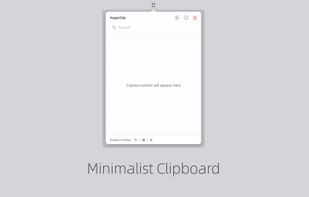
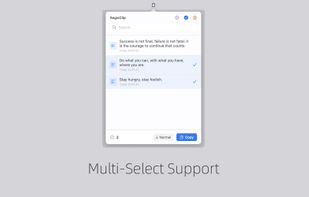
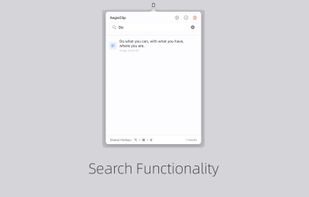
Tired of losing important copied content? AegisClip is your solution – a sleek, privacy-focused clipboard manager designed to supercharge your productivity while maintaining a clean, distraction-free interface.