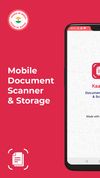
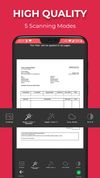
This app allows you to scan documents, receipts, tickets, reports or anything with your device.
Cost / License
- Freemium
- Proprietary
Platforms
- Android
- iPhone
- Android Tablet
- iPad





Apps similar to Adobe Scan include FairScan, which is free and open source. Other options are OSS Document Scanner, MakeACopy, Tesseract and CamScanner. There's no shortage of Document Scanners like Adobe Scan, with more than 100 alternatives for Android, iPhone, the web, iPad and Windows.
This app allows you to scan documents, receipts, tickets, reports or anything with your device.

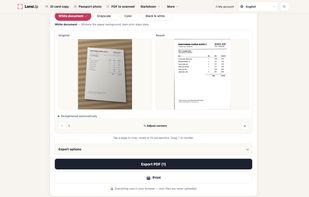
LensUp is a free online document scanner that runs in the web browser. Take a photo of a page with your phone, or choose images or a PDF, and LensUp finds the page, straightens the perspective and whitens the paper background, then exports a printable PDF, JPG or PNG.


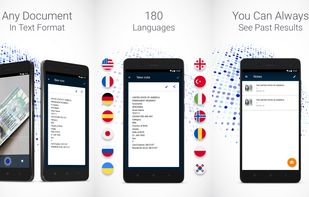
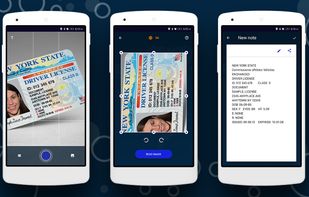
This mobile scanner can edit, send or store any text information from photography. You can just make a photo of the bill, instruction, check, buildings with signs, a page of a book or anything else, and use this text information as you like, right away or later.


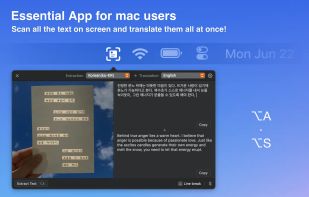
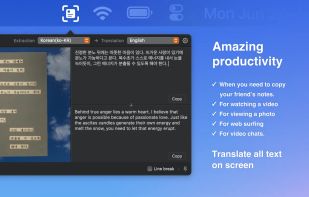
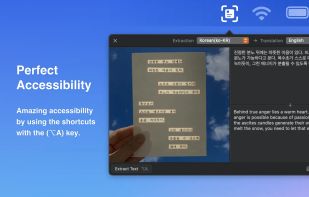
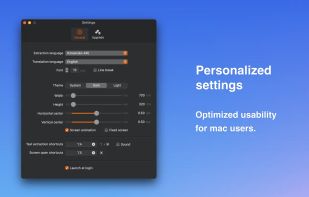


Advanced OCR (optical character recognition) web application for creating editable and searchable electronic files from scanned paper documents and digital photographs.


Quilt is your utility for effortlessly turning anything on your screen from books in apps like Apple Books, HTML slides or textbooks even into a PDF with custom keybinds or mouse clicks.
 Canada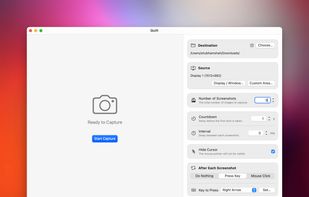


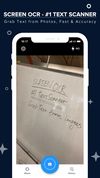
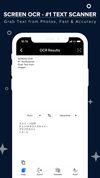
ScreenOCR - born for scanning your documents and extract text from images and photos with your iPhone devices. Highest Speed & Highest Quality! Support translation.
 China
China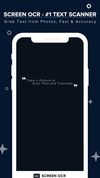


Clearcan turns your iPhone into a fast document scanner. Point, scan, and get a clean, cropped page with text recognition — all processed on the device.

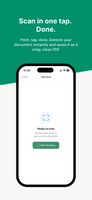
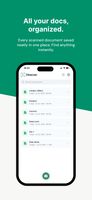

A document scanner with on-device Arabic & English OCR, translation, e-signing, and a full PDF toolkit — no ads, no login, no forced watermark.


Scan any paper with your iPhone's camera: the Scanner+ app will automatically recognize the edges of your document, enhance it, and give you a perfectly scanned copy that's ready to share on your favorite platform!
 Türkiye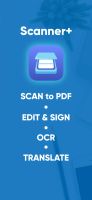
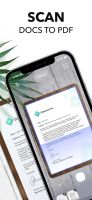
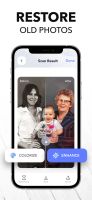


Scanning documents has never been made so easy. With a Fast document scanner, you can easily scan your documents real quick.


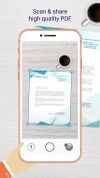
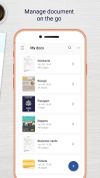
Kaagaz Scanner is a simple and easy to document scanning & storage app with no sign in, no ads, completely free and no watermark.
 United Kingdom