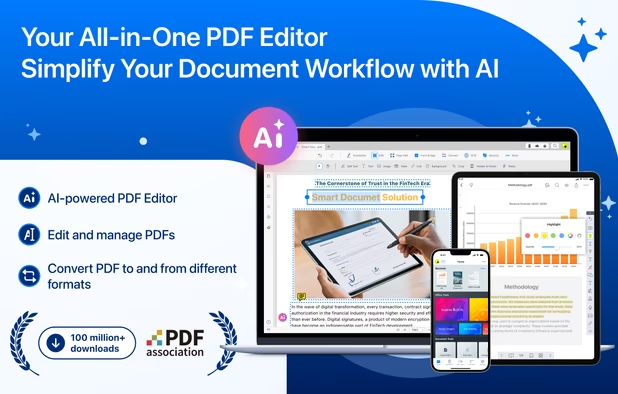
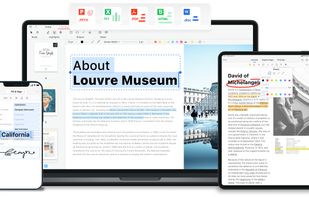
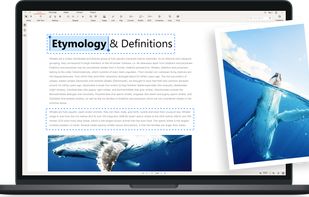
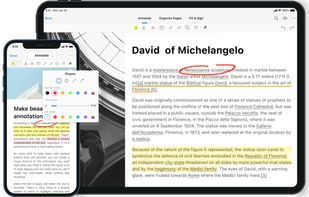
Read, edit, convert, merge, and sign PDF files across devices, for completely free and without signing up.
Cost / License
- Free
- Proprietary
Application typeApplication types
Platforms
- Mac
- Windows
- Online
- Android
- iPhone
- Android Tablet
- iPad
 Singapore



+2
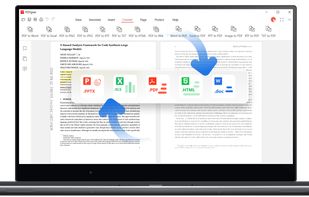


Adobe Acrobat DC is not available for Android but there are plenty of alternatives with similar functionality. The best Android alternative is PDFgear, which is free. If that doesn't suit you, our users have ranked more than 100 alternatives to Adobe Acrobat DC and many of them are available for Android so hopefully you can find a suitable replacement. Other interesting Android alternatives to Adobe Acrobat DC are PaperKnife, Smallpdf, Foxit PDF Editor and iLovePDF.
Read, edit, convert, merge, and sign PDF files across devices, for completely free and without signing up.
Singapore
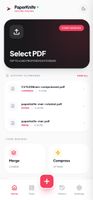
Privacy-first PDF utility (Zero-Server Architecture). Merge, split, compress, and edit PDFs 100% locally on your device. No uploads, no servers, no tracking.



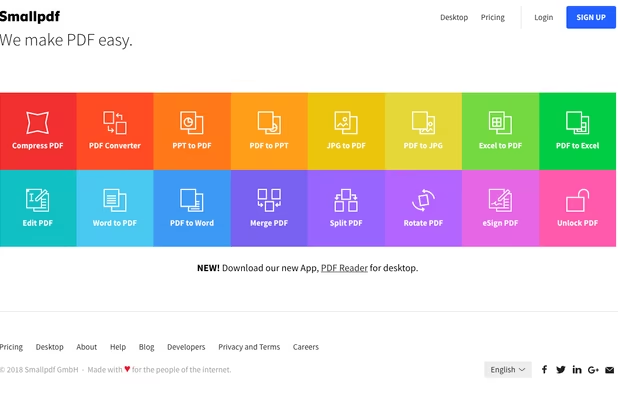
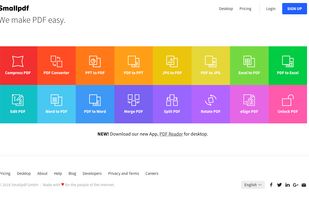
Smallpdf is the first PDF Software you will actually like. The perfect gateway to productive, portable and cost-efficient document management solutions in your everyday life.
 Switzerland


Comprehensive suite offering eSign, OCR, multi-platform editing, cloud integration, and robust security. Ideal for professional or personal use, facilitating collaboration while protecting content.
 United States


iLovePDF is an online service to work with PDF files completely free and easy to use. Merge PDF, split PDF, compress PDF, office to PDF, PDF to JPG and more!
 Spain
Spain EU
EU


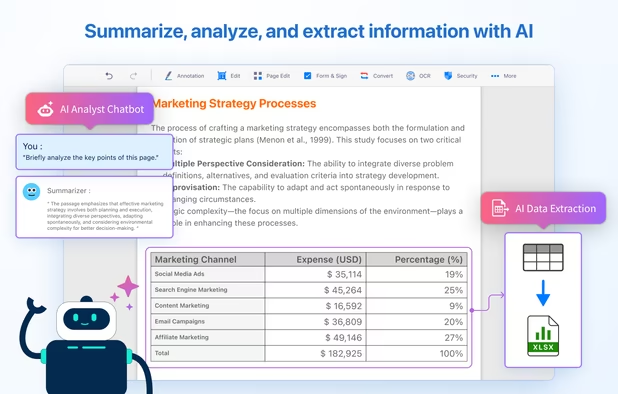
Comprehensive solution for editing, signing, form filling, OCR scanning, commenting, converting, and redacting PDFs, with AI-driven analysis and content extraction, data export to spreadsheets, text-to-speech, seamless use across desktop and mobile, and batch processing.
 Taiwan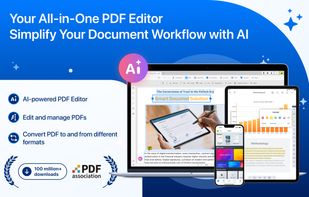
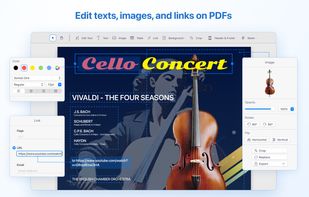
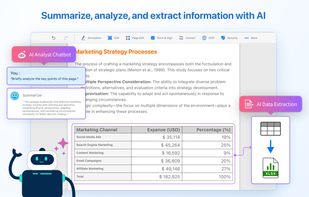
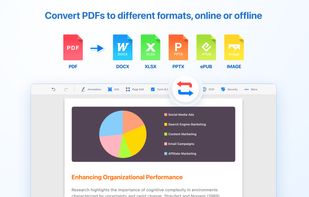


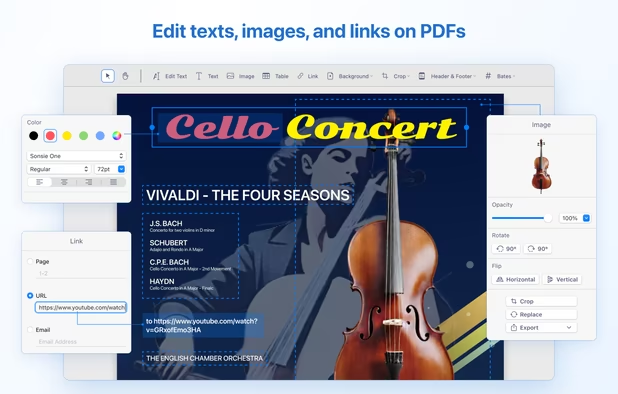
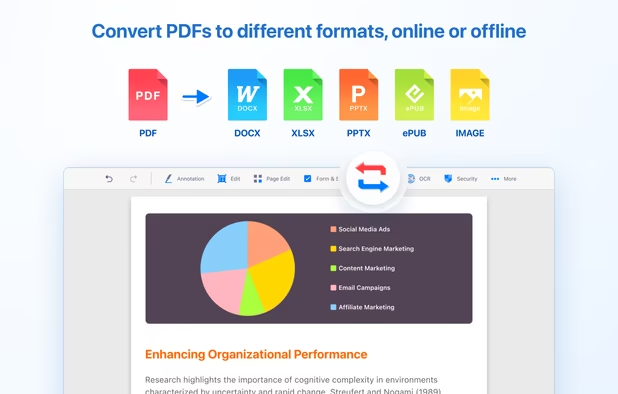
Provides editing of text, images, and objects in PDFs, annotation options, OCR for scanned files, conversion to multiple formats, form filling and signing, page management, merging and splitting, cloud integration, camera to PDF functionality, and sharing tools.
 China
China

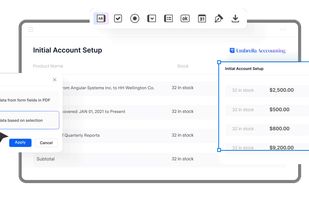


Provides a comprehensive platform for document editing, signing, and PDF form handling. Offers legally binding eSignatures, robust templates for organization, collaboration tools, and integration with cloud services, enhancing workflow efficiency.
United States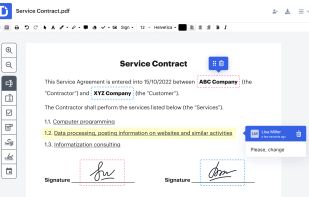
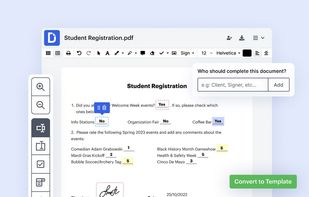
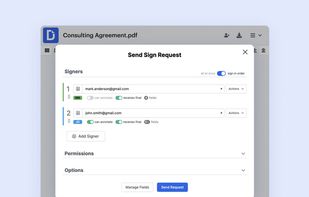
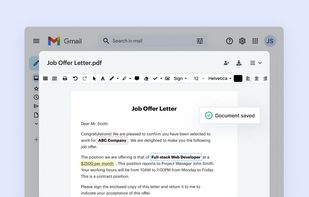


Cloud PDF toolkit provides over 20 tools for editing, conversion, OCR, merge, split, annotation, batch processing, and signatures, with free online access, cross-platform usability, no watermarks, no size limits, and options for mobile and desktop integration.
 Hong Kong SAR China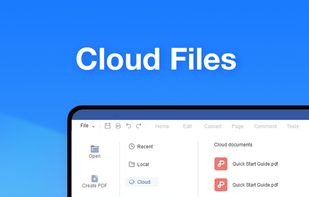
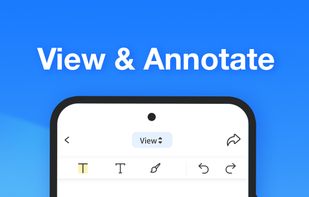
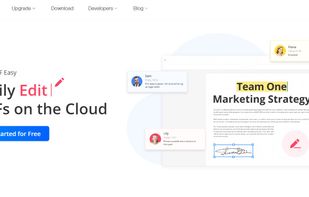
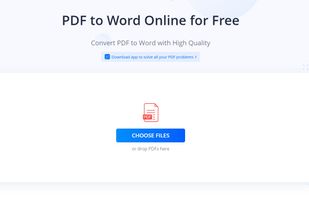


Edit, fill, annotate, and sign PDFs online, merge documents, request signatures, upload from cloud storage, save locally, share for collaboration, and track workflow with auditing, supporting various file types and mobile access for document management.
United States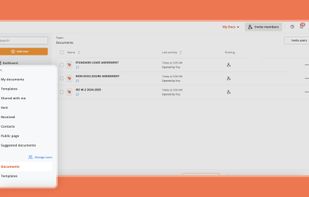
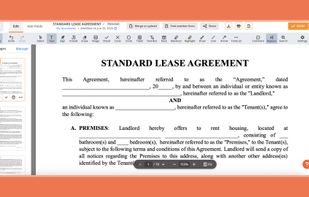

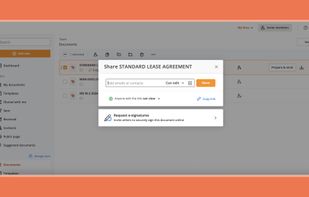


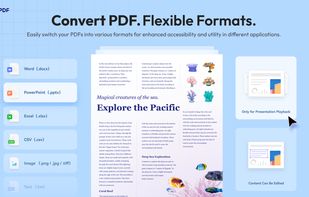
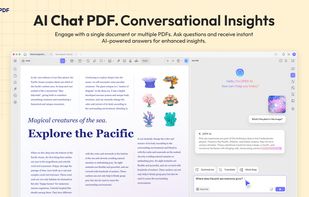
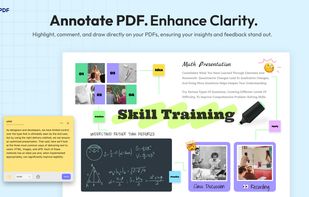
Edit, annotate, and convert PDFs with OCR capabilities, AI-assisted tools for summaries and translations. It supports file protection and offers 2GB of cloud storage for secure management.
China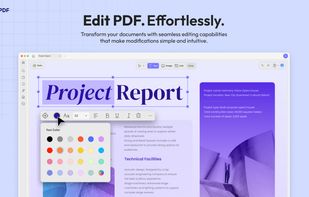


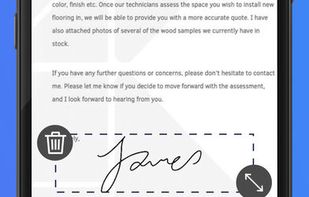
DottedSign is the most comprehensive and easy-to-adopt e-signature solution, offering businesses enterprise-level security standards, equipping them for mobile-first hybrid work environment.
Taiwan