Empower your iOS device with versatile management and seamless transfer of music, photos, contacts, and app data on Mac and Windows, ensuring backup safety, ringtone personalization, and Safari data export.
 Switzerland



+3
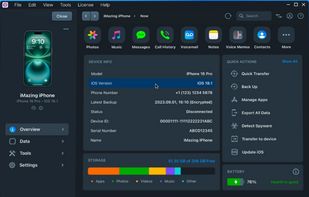



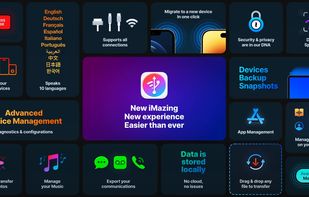
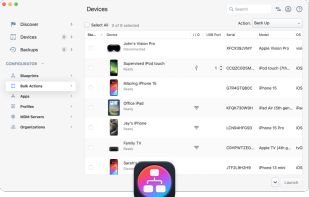
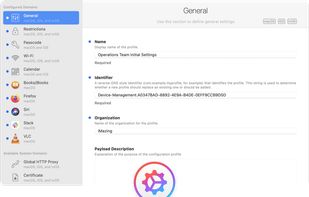
Apps similar to 3uTools include iMazing, which has a free version. Other options are FoneTool, Apple Devices, TextPort and iPhone Manager. You can choose from more than 10 iPhone File Managers like 3uTools for Windows, Mac, iPhone, iPad and Linux.
Empower your iOS device with versatile management and seamless transfer of music, photos, contacts, and app data on Mac and Windows, ensuring backup safety, ringtone personalization, and Safari data export.
Switzerland
FoneTool is a Windows-based tool that helps users manage, transfer, and safeguard data on iPhone and other iOS devices with flexible and efficient options.
 China
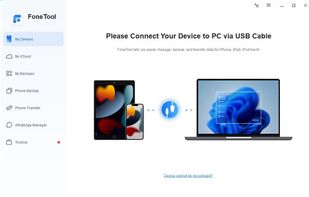
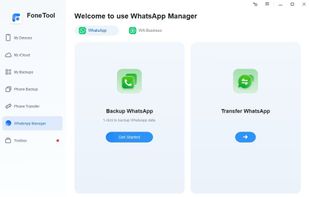


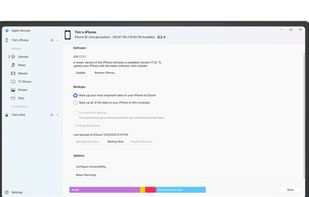
Manage Apple devices from your Windows PC using the Apple Devices app.
 United States


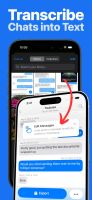
TextPort is the easiest way to download text messages from iPhone and export conversations from any messaging app on your device. Whether you need to export text messages from iPhone for personal archiving, legal documentation, or peace of mind, TextPort makes it effortless to...

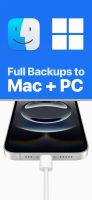


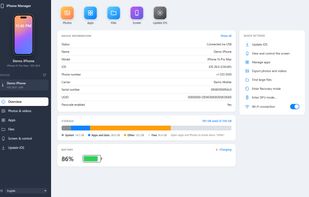
Free, open-source iPhone manager for Windows, Mac and Linux: backups, photos, apps, files, screen mirroring and iOS updates, without iTunes.
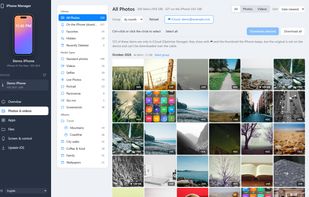
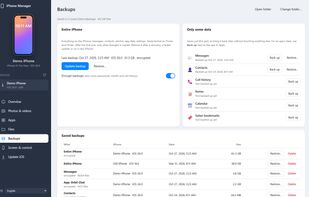
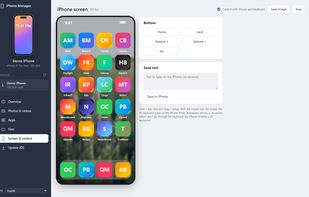


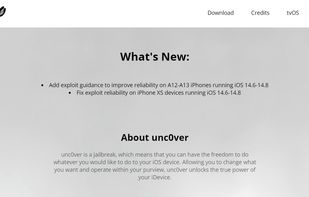
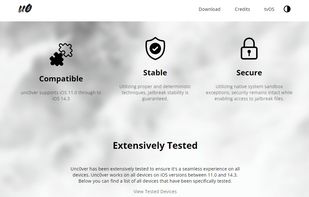
unc0ver is a jailbreak, which means that you can have the freedom to do whatever you would like to do to your iOS device. Allowing you to change what you want and operate within your purview, unc0ver unlocks the true power of your iDevice.


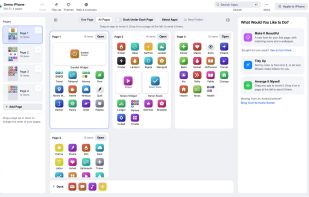
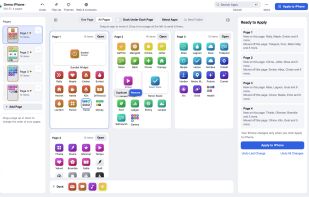
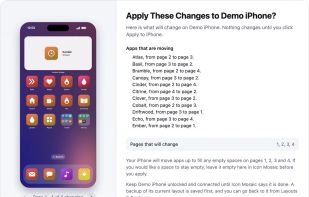
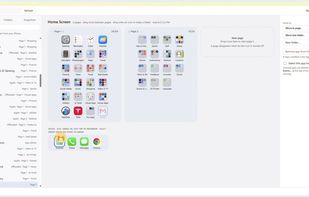
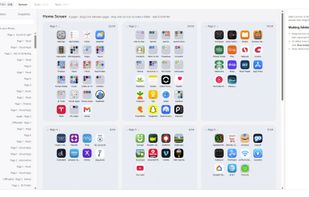
Icon Mosaic shows every page of your iPhone's Home Screen side by side on your Mac or Windows PC, so you can rearrange it with a mouse instead of dragging icons one at a time on the phone.
United States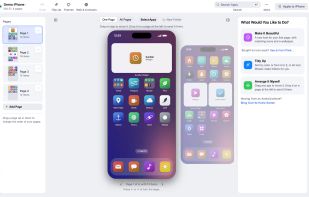

Fast, non-destructive Windows desktop app to sync & verify iPhone photos/videos over MTP (WPD API) built with Tauri v2, Rust & Vue 3.
 Armenia



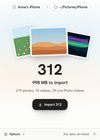
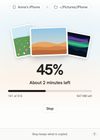
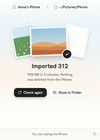
Rollport copies the photos and videos from your iPhone to a folder on your computer, over a USB cable. Each time you connect the phone, it copies only what is new, even after you delete or move older files in the folder. Nothing on the phone is changed or deleted.


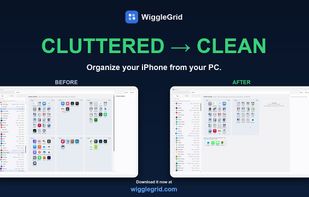
Windows software for arranging an iPhone Home Screen: view every page and the Dock, move apps between pages and folders, create folders, delete multiple apps, review changes, then safely apply the layout over USB with a saved snapshot and one-click restore.
United States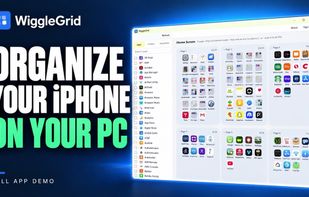


Create and manage professional iOS webclip profiles with our powerful tools. Streamline your workflow with instant installation, secure cloud backup, and cross-device synchronization.
United States