

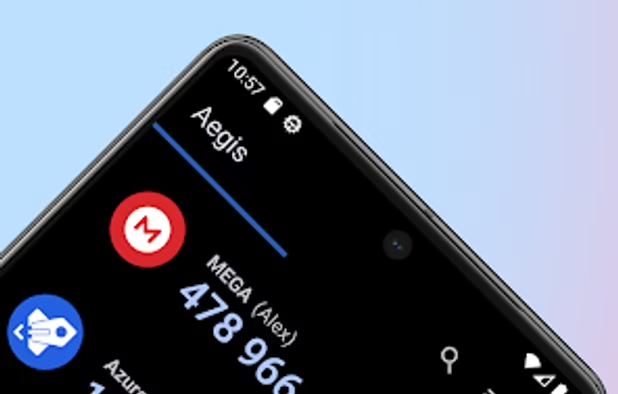
Aegis Authenticator is a free, secure and open source app to manage your 2-step verification tokens for your online services.
 Netherlands
 EU
EU
+5


2FAuth is described as 'Web based self-hosted alternative to One Time Passcode (OTP) generators like Google Authenticator, designed for both mobile and desktop' and is a Authenticator in the security & privacy category. There are more than 10 alternatives to 2FAuth for a variety of platforms, including Android, iPhone, Android Tablet, iPad and Linux apps. The best 2FAuth alternative is Aegis Authenticator, which is both free and Open Source. Other great apps like 2FAuth are Proton Authenticator, Ente Auth, Bitwarden Authenticator and 2FA Authenticator (2FAS).
Aegis Authenticator is a free, secure and open source app to manage your 2-step verification tokens for your online services.

Protect your accounts with Proton Authenticator, a private and secure cross-device two-factor authentication (2FA) that works offline. Created by Proton, the creators of Proton Mail, Proton VPN, Proton Drive, and Proton Pass.


Generates and stores two-factor authentication tokens with device encryption, offers secure cloud backup, multi-device synchronization, offline mode, and import/export through QR, file, or manual input. Migration and restore tools reduce risk of token loss.


Bitwarden Authenticator generates verification codes for two-factor authentication, ensuring your identity is verified when you log into accounts.


2FAS Authenticator is a simple and free application for Two Factor Authentication (2FA Authentication) which generates Time-based One-time Passwords (TOTP) and PUSH authentication*.


Manage two-factor authentication seamlessly across various platforms with secure cloud backups and offline access. From Gmail to LastPass, enhance security effortlessly. Sync multiple devices securely and protect sensitive data with robust encryption.


Google Authenticator generates 2-Step Verification codes on your phone.


A free open-source two factor authentication app for Android. It features encrypted backups, icons, categories and a high level of customisation. It also has a Wear OS companion app.


Authenticator generates two-factor authentication (2FA) codes in your browser. Use it to add an extra layer of security to your online accounts.


Sign in is easy, convenient, and secure when you use Microsoft Authenticator. Use your phone, not your password, to log into your Microsoft account. You simply have to enter your username, then approve the notification sent to your phone.


Store your unique credentials on a hardware-backed security key and take it wherever you go from mobile to desktop. No more storing sensitive secrets on your mobile phone, leaving your account vulnerable to takeovers.


OTP authenticator app for managing your 2FA / OTP codes on iPhone, iPad, Mac and Apple Watch.


 Switzerland
 United States


 Sweden
 Australia