SQL Server Management Studio Software

Browse 15 SQL Server Management Studio Software on AlternativeTo.

Copy a direct link to this comment to your clipboard
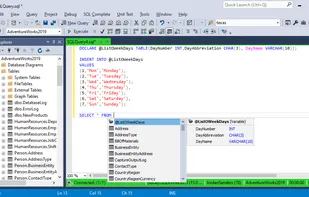
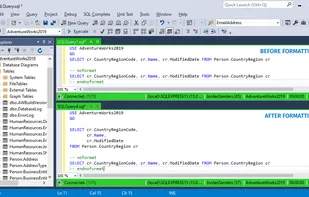
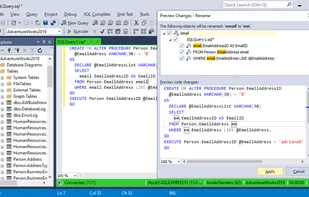
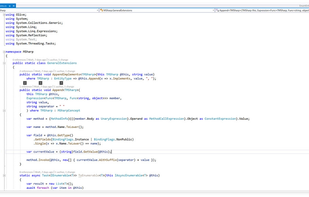
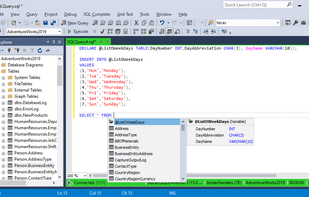
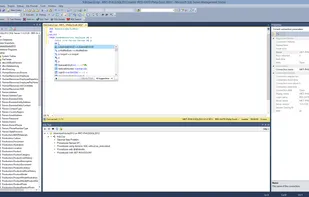
  1. dbForge SQL Complete is an IntelliSense add-in for SQL Server Management Studio, designed to provide the fastest T-SQL query typing ever possible.

    Cost / License

    • Paid
    • Proprietary

    Application type

    Platforms

    • Windows
    • SQL Server Management Studio
    • Microsoft Visual Studio
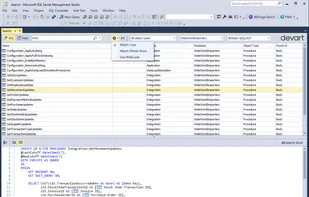
    dbForge SQL Complete screenshot 1
    dbForge SQL Complete screenshot 1
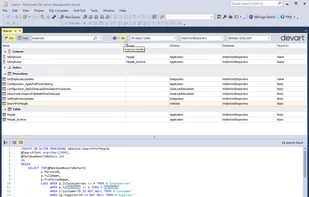
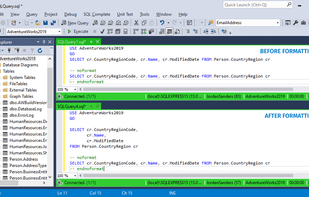
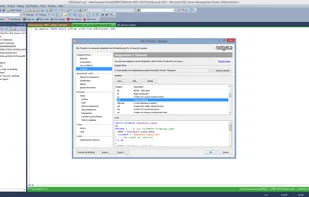
    dbForge SQL Complete screenshot 2
    +1
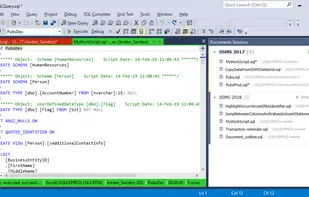
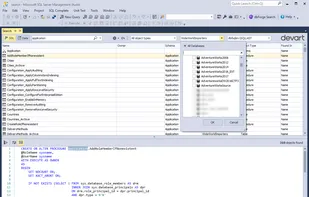
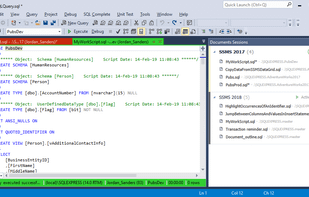
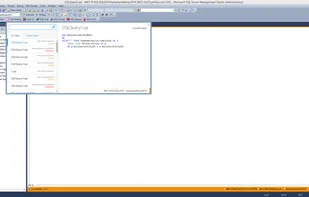
    dbForge SQL Complete screenshot 3
    12 alternatives
    5.0
    Excellent8 reviews
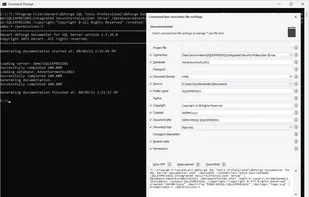
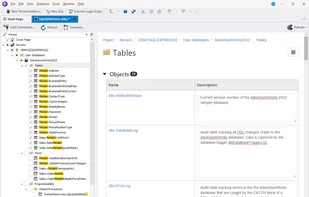
  2. dbForge Documenter for SQL Server is a big time saver when it comes to documentation of SQL Server databases. This tool automatically generates documentation of an entire SQL Server database in a few clicks.

    Cost / License

    • Paid
    • Proprietary

    Application type

    Platforms

    • Windows
    • SQL Server Management Studio
    dbForge Documenter for SQL Server screenshot 1
    dbForge Documenter for SQL Server screenshot 1
    dbForge Documenter for SQL Server screenshot 2
    +7
    dbForge Documenter for SQL Server screenshot 3
    6 alternatives
    4.9
    Excellent7 reviews
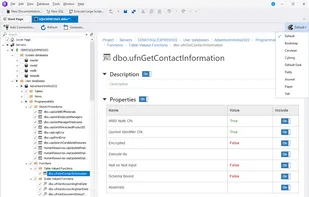
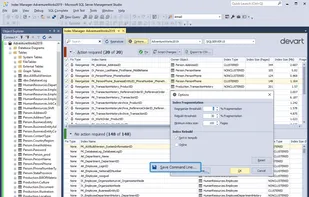
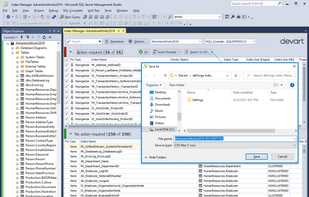
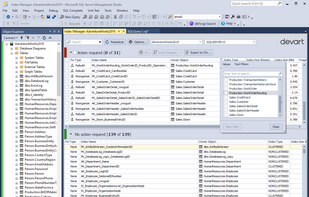
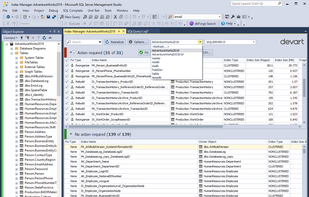
  3. SSMS add-in for analyzing the status of SQL indexes and fixing issues with index fragmentation. The tool allows you to quickly collect index fragmentation statistics and detect databases that require maintenance.

    Cost / License

    • Paid
    • Proprietary

    Application type

    Platforms

    • Windows
    • SQL Server Management Studio
    dbForge Index Manager for SQL Server screenshot 1
    dbForge Index Manager for SQL Server screenshot 1
    dbForge Index Manager for SQL Server screenshot 2
    +3
    dbForge Index Manager for SQL Server screenshot 3
    4 alternatives
    5.0
    Excellent6 reviews
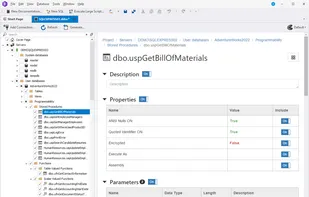
  4. GUI for implementing automated unit testing in SQL Server Management Studio. The tool is based on the open-source tSQLt framework, so SQL developers can now benefit from writing unit tests in regular T-SQL.

    Cost / License

    • Paid
    • Proprietary

    Platforms

    • Windows
    • SQL Server Management Studio
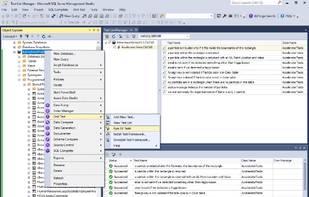
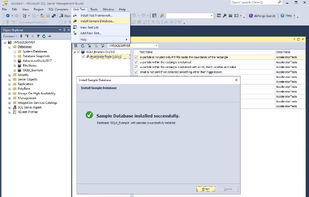
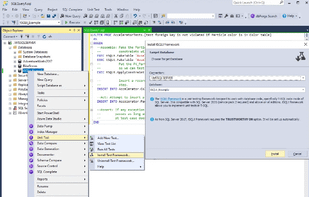
    dbForge Unit Test for SQL Server screenshot 1
    dbForge Unit Test for SQL Server screenshot 1
    dbForge Unit Test for SQL Server screenshot 2
    +3
    dbForge Unit Test for SQL Server screenshot 3
    1 alternatives
    4.9
    Excellent8 reviews
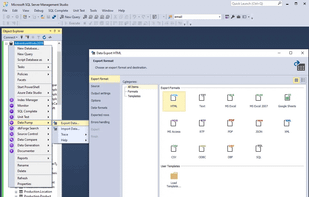
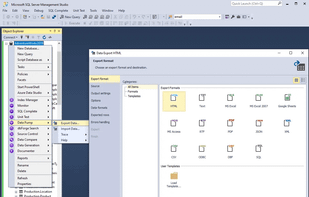
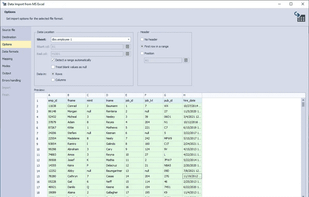
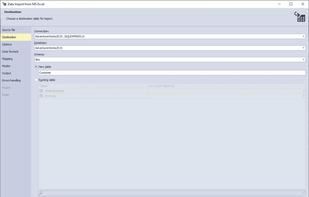
  5. SSMS add-in for filling SQL databases with external source data and migrating data between systems. The tool supports 10+ widely used data formats and includes a number of advanced options and templates for recurring scenarios By downloading the SQL Tools (includes Data Pump)...

    Cost / License

    • Paid
    • Proprietary

    Application type

    Platforms

    • Windows
    • SQL Server Management Studio
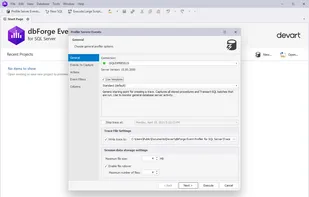
    dbForge Data Pump for SQL Server screenshot 1
    dbForge Data Pump for SQL Server screenshot 1
    dbForge Data Pump for SQL Server screenshot 2
    +6
    dbForge Data Pump for SQL Server screenshot 3
    1 alternatives
    5.0
    Excellent8 reviews
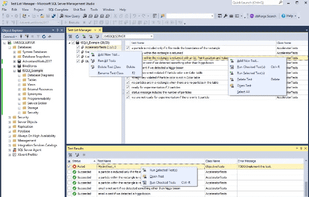
  6. dbForge SQL Complete is an IntelliSense add-in for SQL Server Management Studio, designed to provide the fastest T-SQL query typing ever possible.

    Cost / License

    • Freemium
    • Proprietary

    Platforms

    • Windows
    • SQL Server Management Studio
    • Microsoft Visual Studio
    dbForge SQL Complete Express screenshot 1
    dbForge SQL Complete Express screenshot 1
    dbForge SQL Complete Express screenshot 2
    +1
    dbForge SQL Complete Express screenshot 3
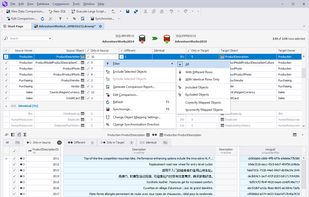
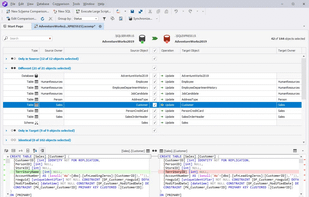
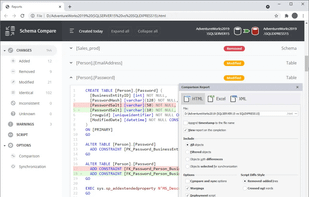
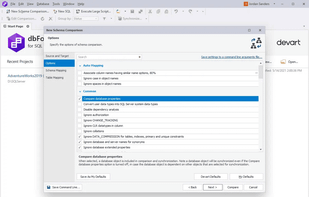
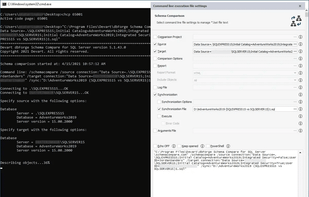
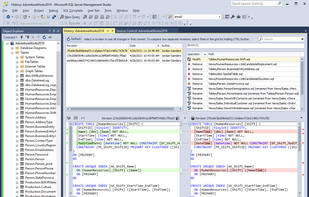
  7. dbForge Schema Compare for SQL Server is a reliable, easy-to-use tool for comparing and synchronizing Microsoft SQL Server database schemas. This product is specially designed to help you compare your SQL Server databases, analyze differences and synchronize your schemas using...

    Cost / License

    • Paid
    • Proprietary

    Application type

    Platforms

    • Windows
    • SQL Server Management Studio
    dbForge Schema Compare for SQL Server screenshot 1
    dbForge Schema Compare for SQL Server screenshot 1
    dbForge Schema Compare for SQL Server screenshot 2
    +7
    dbForge Schema Compare for SQL Server screenshot 3
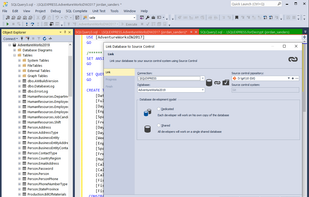
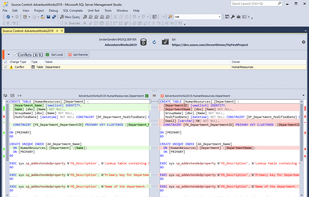
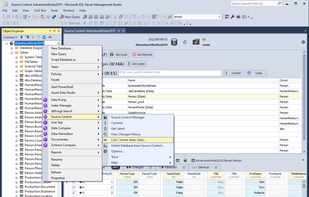
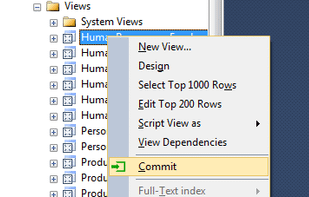
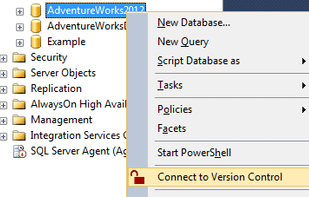
  8. dbForge Source Control for SQL Server is an SSMS add-in for managing SQL Server database changes in source control. The tool can link your databases to all popular source control systems and delivers smooth and clear workflow in a familiar interface.

    Cost / License

    • Paid
    • Proprietary

    Application type

    Platforms

    • Windows
    • SQL Server Management Studio
    dbForge Source Control for SQL Server screenshot 1
    dbForge Source Control for SQL Server screenshot 1
    dbForge Source Control for SQL Server screenshot 2
    +6
    dbForge Source Control for SQL Server screenshot 3
    4 alternatives
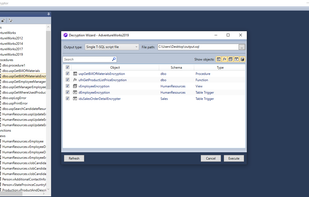
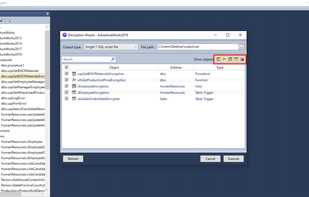
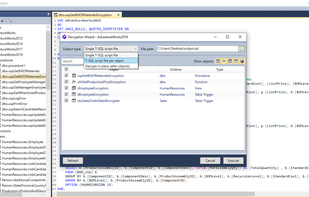
  9. dbForge SQL Decryptor is a free database tool that allows decrypting SQL Server procedures, functions, triggers, and views, which supports most versions and editions of the MS SQL and requires no DAC connection, decrypts all object types.

    Cost / License

    • Free
    • Proprietary

    Platforms

    • Windows
    • SQL Server Management Studio
    dbForge SQL Decryptor screenshot 1
    dbForge SQL Decryptor screenshot 1
    dbForge SQL Decryptor screenshot 2
    +3
    dbForge SQL Decryptor screenshot 3
    2 alternatives
  10. M# icon
     1 like

    M# is a set of tools for rapid web application development. M# manages 90% of the code through automation and eliminates most human errors. It has been proven to result in better, safer, and more reliable code, at least 4X faster.

    Cost / License

    • Free
    • Proprietary

    Application type

    Platforms

    • Mac
    • Windows
    • Linux
    • Online
    • Self-Hosted
    • .NET Framework
    • JavaScript
    • Node.JS
    • SQL Server Management Studio
    M# screenshot 1
    59 alternatives
  11. SQL Prompt icon
     3 likes

    SQL Prompt Pro strips away the repetition of coding by making writing, formatting, and refactoring SQL effortless.

    Cost / License

    • Paid
    • Proprietary

    Platforms

    • Windows
    • SQL Server Management Studio
    • Microsoft Visual Studio
    Autocomplete does the work for you – even for JOINs

As well as making the most common queries, such as SELECTs and INSERTs, quick to write, SQL Prompt Pro completes JOIN conditions for you automatically. You don't have to remember any column names or aliases.
    Share your snippets

Type even less by adding your own code snippets to the customizable library and sharing them with your team. That way, everyone can enjoy even faster, easier coding.
    Save and recover lost tabs in SSMS

With tab history, you can save, preview, and rename tabs – and restore tabs previously opened in SSMS. You can pick up work where you left off and start coding again in seconds.
    +5
    Safely refactor SQL code

Rename objects without breaking dependencies and encapsulate SQL code as a stored procedure.
    7 alternatives