



1Password enhances autofill, security, and phishing protection with latest updates
1Password has rolled out several updates across autofill, credential saving, phishing protection, account migration, and business security. Universal Sign-in is now in beta and can automatically use the appropriate authentication method, including passwords, passkeys, social sign-in, OIDC, and SAML for eligible business accounts. On macOS, 1Password now works as a native Credential Provider for Safari and desktop apps, while iOS 26.2 users can generate and save passwords directly during account creation. A new Autofill Health Check on iOS also detects configuration issues and links users to the relevant system settings.
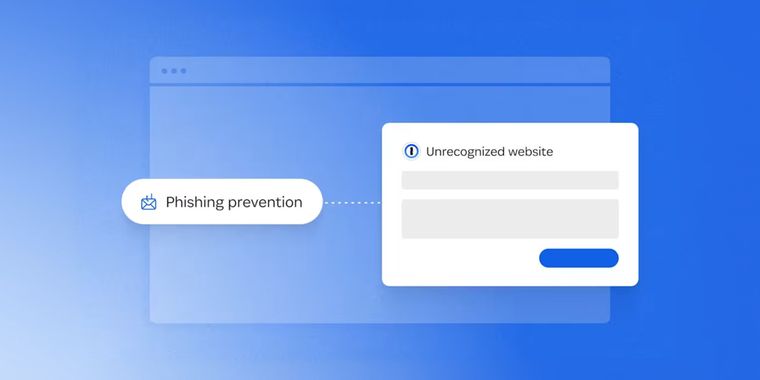
Phishing protection has been redesigned with a new risk assessment system that checks sites against a proprietary list of more than 50,000 verified URLs, warning users about unknown sites and confirming trusted ones. Business accounts also get updated default unlock settings and stronger MDM enforcement across SSO, Found Accounts, and QR sign-in flows. Teams Starter Pack and Business customers can now add a password import step to Guided Setup, while administrators can control whether it appears. Families members removed from an account are now guided through moving their private data to a standalone 1Password account.
For developers, 1Password Environments stores application secrets, automation credentials, and .env values, with support for importing existing .env files. Developer Watchtower can identify plaintext SSH keys and .env files stored on devices. Android can now save credentials entered across multiple screens, while business accounts gain password imports in Guided Setup and broader Mobile Device Management enforcement across single sign-on, Found Accounts, and QR sign-in flows.




- Password Manager
- Paid
- Proprietary
Related news
External links
- 1Password product enhancements: Smarter autofill, phishing prevention, and more1Password Blog • Official source
No comments so far, maybe you want to be first?