• PhraseExpress icon
  • 1Password icon
  • Apple Reminders icon
  • Visual Studio Code icon
  • Flycut icon

Mac Essentials

BeSublime5 appsUpdated
Copy a direct link to this comment to your clipboard

As a web developer and team lead, these are the apps I can't live with out day-to-day on my Mac. Here they are in order of importance.

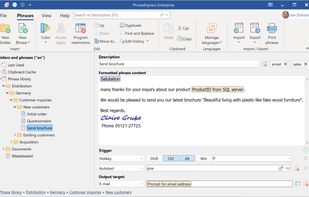
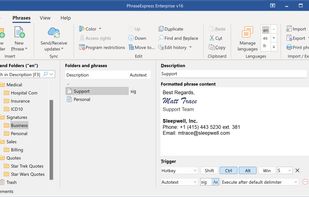
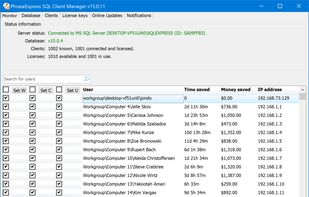
  1. Autotext expander organizes reusable texts in folders, inserts phrases by shortcut or abbreviation, syncs across devices, supports macros, and offers clipboard memory.

    Cost / License

    • Free Personal
    • Proprietary

    Application type

    Platforms

    • Mac
    • Windows
    • iPhone
    • iPad
    PhraseExpress screenshot 1
    PhraseExpress screenshot 1
    PhraseExpress screenshot 2
    +12
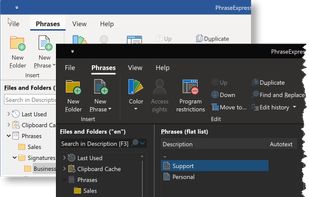
    PhraseExpress screenshot 3
    BeSublime’s note

    This is usually the first thing I install, because almost everything else requires my email address, and I use a short, immediately expanded key sequence to type that out for me. I also use it to turn /shrug into ¯_(?)_/¯, which comes in handy all the time.

  2. 1Password icon
     Like

    Securely manage passwords across devices with auto-fill and vulnerability alerts, organizing passwords and notes for quick access and synchronization.

    Cost / License

    • Paid
    • Proprietary

    Application type

    Platforms

    • Mac
    • Windows
    • Linux
    • Online
    • Android
    • iPhone
    • Chrome OS
    • Android Tablet
    • iPad
    • Apple Watch
    • Snapcraft
    • Microsoft Edge
    • Vivaldi
    • Google Chrome
    • Flathub
    • Safari
    • Yandex Browser
    • Flatpak
    • Opera
    • Brave
    • Mozilla Firefox
    Desktop & Mobile Apps
    1Password screenshot 1
    1Password screenshot 2
    +2
    1Password screenshot 3
    BeSublime’s note

    Most password managers are great and have similar features, but I've always felt that 1Password treats their users like part of their family, and Command+\ (which fills in login info for a stored site) is just such an easy and memorable shortcut. As of May 2019, family plans are $4.99 a month, which is a steal for the amount of functionality included.

  3. Reminders makes it easier than ever to remember the things you need to do. You can use it for all of life's to-dos, including grocery lists, projects at work, or anything else you want to track. And with iCloud, it's easy to keep all your devices in sync, so you’ll...

    Cost / License

    • Free
    • Proprietary

    Application type

    Platforms

    • Mac
    • Online
    • iPhone
    • iPad
    • Apple Watch
    Apple Reminders screenshot 1
    Apple Reminders screenshot 1
    Apple Reminders screenshot 2
    +1
    Apple Reminders screenshot 3
    BeSublime’s note

    Apple's Reminders app is pretty basic as far as To-Do apps go, but I use it for two reasons: 1) Speed. I have ADD (diagnosed in '93!), so asking Siri or typing "do xyz tomorrow at 3" (which gets parsed into a due date) is the absolute fastest way for me to create a reminder quickly before the thought is gone and replaced with the next shiny thing. 2) Simplicity. I've tried a ton of other apps, and found that for me, anything more complex is just a distraction.

  4. Free, extensible code editor with Git integration, AI-driven IntelliCode, and 30,000+ extensions, supporting various languages like Python, Java.

    Cost / License

    • Free
    • Proprietary

    Application type

    Platforms

    • Mac
    • Windows
    • Linux
    • Online
    • Chrome OS
    • Snapcraft
    • Chocolatey
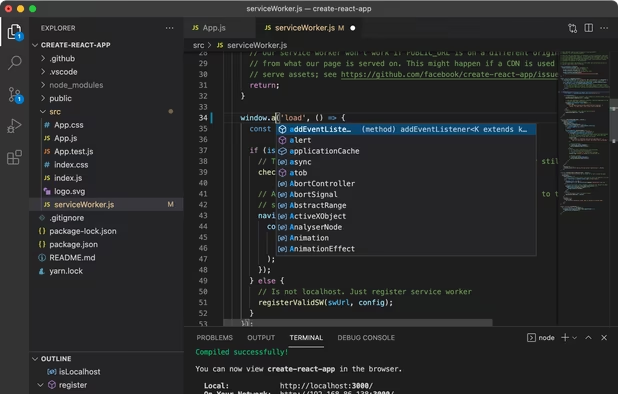
    Visual Studio Code screenshot 1
    Visual Studio Code screenshot 1
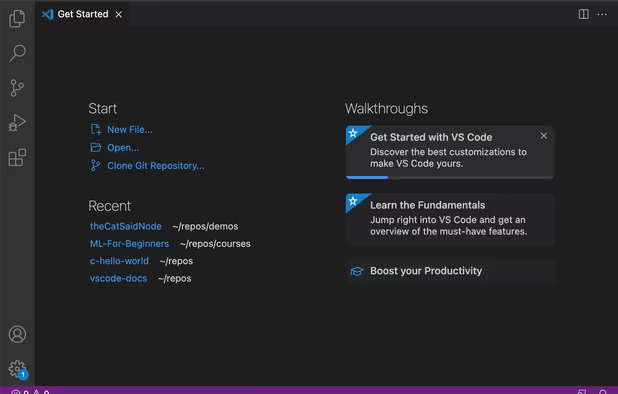
    Visual Studio Code screenshot 2
    +2
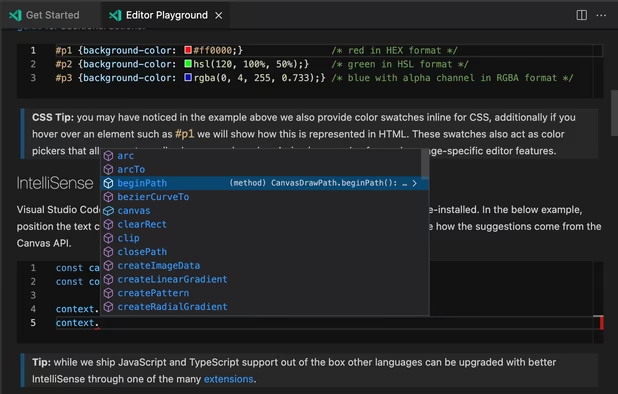
    Visual Studio Code screenshot 3
    BeSublime’s note

    I left Sublime Text by necessity (a plugin I needed for work was VS Code only), but I stayed once I realized how many extra features there are under the hood. It's a gift to the development community, and I mean that. I only go back to Sublime Text every once in a while for super-large (2+ mb) files.

  5. Flycut icon
     Like

    Flycut is a clean and simple clipboard manager for developers. It based on open source app called Jumpcut.

    Cost / License

    • Free
    • Open Source

    Application type

    Platforms

    • Mac
    Flycut screenshot 1
    BeSublime’s note

    I know this is a security nightmare, but the productivity increase I get from it makes it worth being a little diligent about removing sensitive data as necessary. Context switching between projects is so much easier when you can hang on to data quickly and easily just by copying it.

No comments so far, maybe you want to be first?