




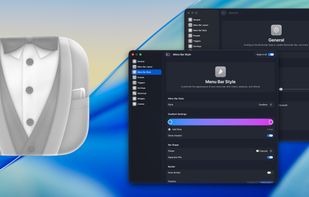
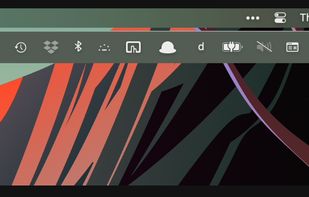
Organizes, hides, and rearranges menu bar items, reveals hidden icons, supports grouping, appearance customization, quick search, and flexible presets.
Cost / License
- Paid
- Proprietary
Application type
Platforms
- Mac




+5
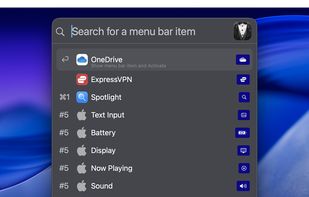


Organizes, hides, and rearranges menu bar items, reveals hidden icons, supports grouping, appearance customization, quick search, and flexible presets.

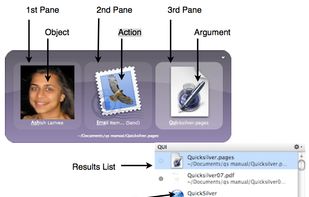
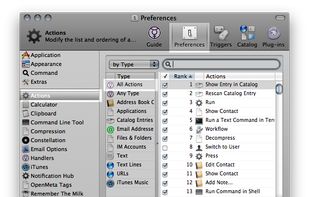
Quicksilver is a fast and free macOS productivity application that gives you the power to control your Mac quickly and elegantly.

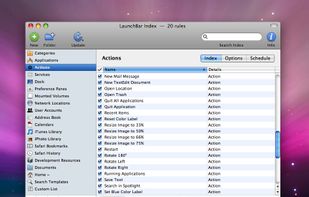
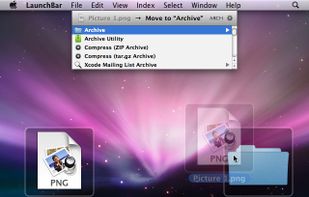
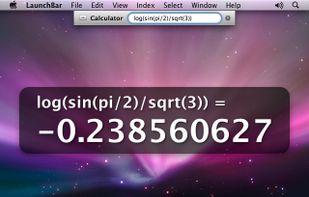
LaunchBar is a smart and powerful, keyboard driven productivity utility that lets you access and control every aspect of your digital life. Whatever you want to get done on your Mac – with LaunchBar it’s only a few keystrokes away.


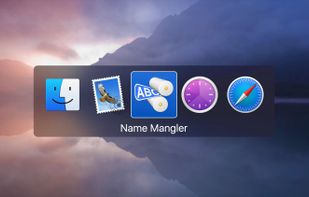
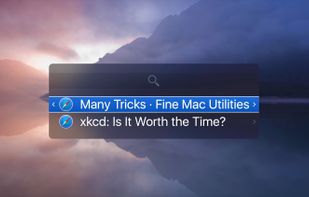
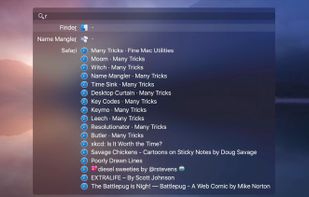
Witch lets you access all of your windows by pressing a shortcut and choosing from a clearly arranged list of window titles.

No comments so far, maybe you want to be first?


