


Open-source screenshot tool with cross-platform support, customizable interface, built-in editing, CLI access, and direct Imgur uploads.
Cost / License
- Free
- Open Source
Application type
Platforms
- Mac
- Windows
- Linux
- Snapcraft
- Flathub
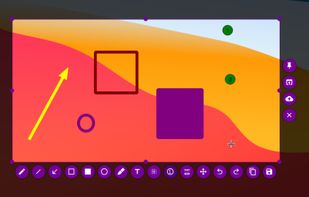

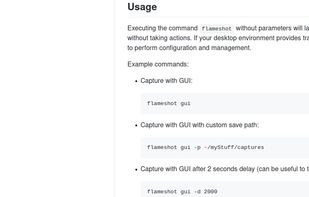

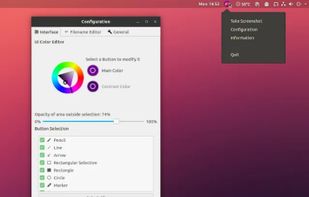

+4
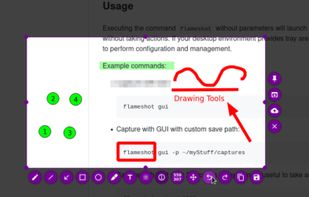


Clean, small, use!
For activation use: https://massgrave.dev/ or https://github.com/massgravel/Microsoft-Activation-Scripts For all windows USE OFFICIAL MS SITE if u can / for reserv use this: https://massgrave.dev/genuine-installation-media For office download use: https://gravesoft.dev/office_c2r_links
Open-source screenshot tool with cross-platform support, customizable interface, built-in editing, CLI access, and direct Imgur uploads.

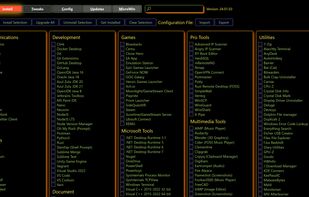
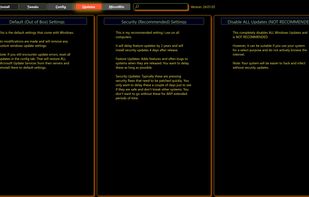
Automates software install, removal, updates, system tweaks, privacy options, Windows fixes, ISO generation, and debloating for Windows 10 and 11.



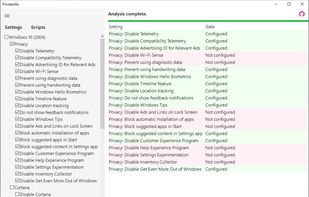
Privatezilla integrates the most critical Windows 10 privacy settings and allows you to quickly perform a privacy check against these settings. Active settings are marked with the status "Configured" and indicates that your privacy is protected.


Comments
This is a nice list for Windows. Personally for me, I deviated for some alternatives:
By the way, I'd put ShareX and Flameshot in the same category. If I had to choose, it would be ShareX.