Software for creatives without any Adobe app

This list is a just my recommendations to use instead for paying subscription fees, like with Adobe products. Most of the alternatives are free and open source, when it isn't its came down to either usability or feature sett (for example: that's why I can't recommend GIMP, because it's both less usable and lacks a lot of feature).

ÁD
Ákos DiánList by Ákos Dián, last updated 
Copy a direct link to this comment to your clipboard
  1. Photographers and to those, who work with raster images and image databeses

    Photographers feel the best, what kind of grip Adobe have on the creative industry, so I start whit them.

  2. darktable icon
     Like

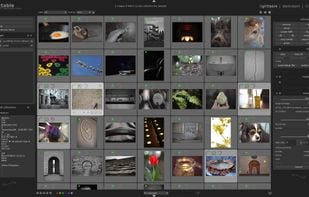
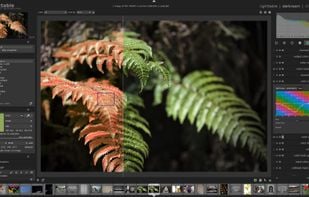
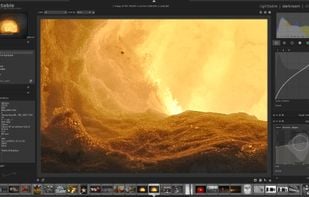
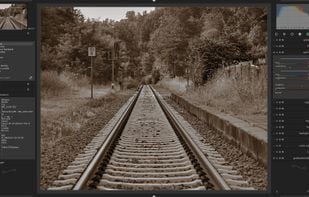
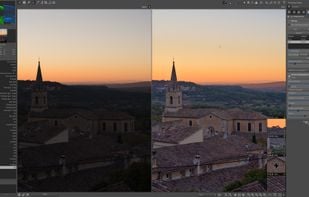
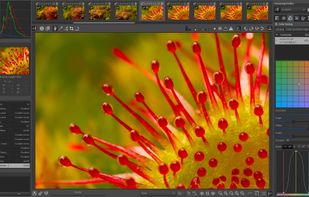
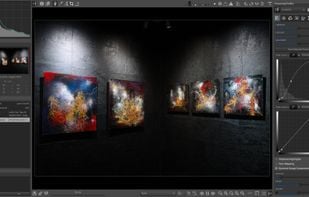
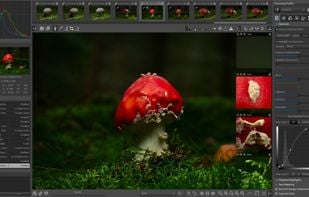
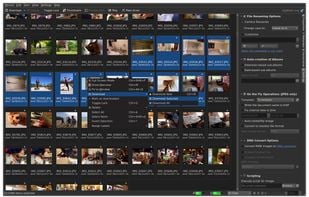
    It's the best tool if you want to get rid of Adobe Lightroom, and you want to use something that is more powerful, free and fully customizable. With LUA plugins/scripts, you can expand the features to the level, where you have ease of use feature parity with some commercial RAW editors, and exceeds in other fields. The learning curve is steep at first, because the image processing pipeline is fully exposed to the user to tinker with, but that's one of the biggest issue for beginners, whom came from easy to use and understand software like Lightroom or Capture One, where the pipeline is fixed and you can only do certain steps in certain order, where as in darktable, you can edit and change that (to a certain degree). That is one of the most powerful feature of darktable, but this is the hardest as well.

    Cost / License

    • Free
    • Open Source

    Platforms

    • Mac
    • Windows
    • Linux
    Darktable’s lighttable mode showing a collection
    Darktable’s darkroom mode with an image opened
    Darktable’s darkroom mode, sharpening an image
    +3
    Darktable’s darkroom mode, split toning an image
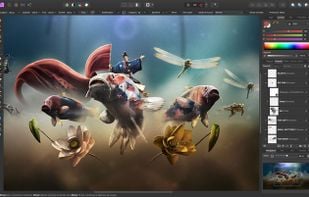
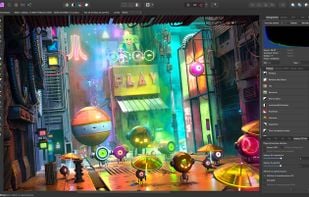
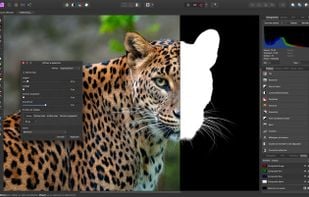
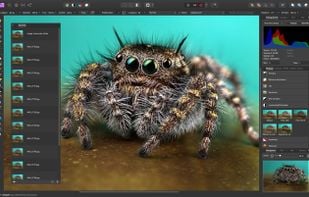
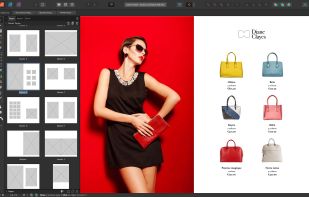
  3. The Affinity trio... No list of any Adobe competitor would be full without them. Affinity Photo is an amazing Photoshop alternative, and in many ways, it's even better. It's much more stable and the perceptual license means, you only have to pay once. You can still open and edit .psd files, but keep in mind, that the feature is quite limited, and you WILL run into situations, where Affinity can't open a file properly. It's not that big of a deal breaker, and it's own file format is actually amazing. You can edit the same project file on Mac, Windows and iPad even, so that means,

    Cost / License

    • Paid
    • Proprietary

    Platforms

    • Mac
    • Windows
    • iPad
    Affinity Photo screenshot 1
    Affinity Photo screenshot 1
    Affinity Photo screenshot 2
    +7
    Affinity Photo screenshot 3
  4. RawTherapee in my opinion is inferior to darktable, but certainly more user friendly. I would higly suggest to try it as well, because it's also free and open source

    Cost / License

    • Free
    • Open Source

    Platforms

    • Mac
    • Windows
    • Linux
    • BSD
    • Snapcraft
    • Flathub
    • PortableApps.com
    • Flatpak
    RawTherapee screenshot 1
    RawTherapee screenshot 1
    RawTherapee screenshot 2
    +11
    RawTherapee screenshot 3
  5. digiKam icon
     Like

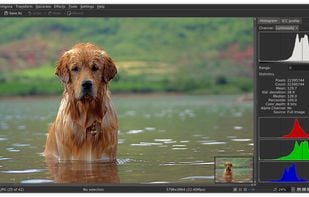
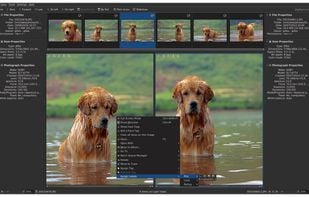
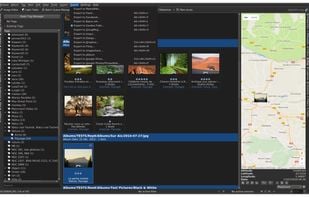
    If you want a really powerful photo management program, this is it! I personally ain't using it anymore, because I only use darktable for photo database management as well, but it's a great standalone option to those, who misses Adobe Bridge

    Cost / License

    • Free
    • Open Source

    Application types

    Platforms

    • Mac
    • Windows
    • Linux
    • BSD
    • KDE Plasma
    • Flathub
    • Qt
    Image editor
    Light table
    Import from camera
    +10
    Tagging
  6. Video, audio, 3D

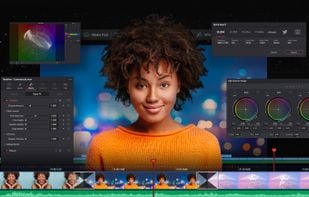
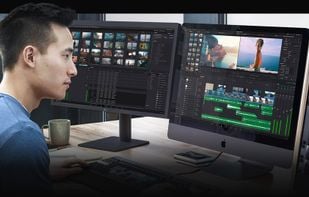
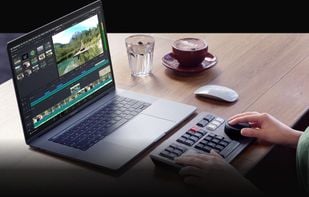
  7. DaVinci is widely regarded ad the best tool for video color grading, so if for nothing else, use for that. But it's not just a really great color management tool, but rather a fully featured video editor. It's perceptual license model is great, and the free version is 99.99% of what someone would want from a video editor. The only locked features are rarely used (at least by me), and more focused towards bigger productions, rather than small creatives. It's much more stable than any other video editor, that I ever used, it's great for highly complex calculations as well, and it's has some industry leading hardware support in terms of both compatibility and hardware utilization

    Cost / License

    • Freemium
    • Proprietary

    Application type

    Platforms

    • Mac
    • Windows
    • Linux
    • iPad
    Hollywood's #1 Post Solution
    All In One Solution for Post Production
    Edit
The world's fastest and
most advanced professional NLE.
    +9
    Cut
Designed for editors
to turn around work fast!
  8. HandBrake icon
     Like

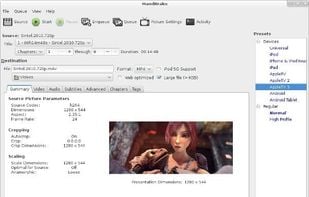
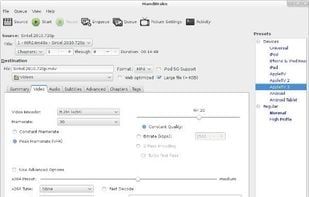
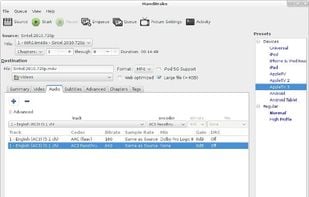
    Have you ever been in a situation, where you had to convert a .mkv to a .mp4? This easy to use and weary powerful FOSS tool can do that and much much, more. Anyone, who does anything with a video footage, HAS to have this, because it can solve problems that would be incredibly difficult in any other software..

    Cost / License

    • Free
    • Open Source

    Platforms

    • Mac
    • Windows
    • Linux
    • BSD
    • Snapcraft
    • Flathub
    • Flatpak
    • Haiku
    HandBrake screenshot 1
    HandBrake screenshot 1
    HandBrake screenshot 2
  9. Audacity icon
     Like

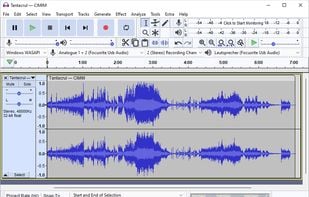
    The best and universally loved audio recorder, editor and digital workstation solution. If you ever had to do anything audio related, you probably already used Audacity by some extend. Audacity is much much more than what 99.9% of the people use it for, so I would highly recommend, that you should learn the ins and outs of this handy program.

    Cost / License

    • Free
    • Open Source

    Platforms

    • Mac
    • Windows
    • Linux
    • BSD
    • AppImageHub
    • Flathub
    • PortableApps.com
    • Haiku
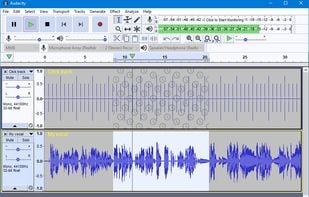
    Editing Audio
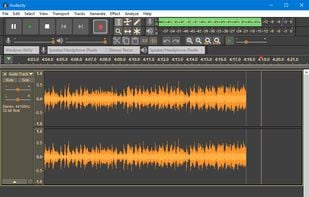
    Audacity 2.2.0 in default Light theme running on Windows 10
    Recording with Audacity 2.2.0 in Dark theme on Windows 10
    +4
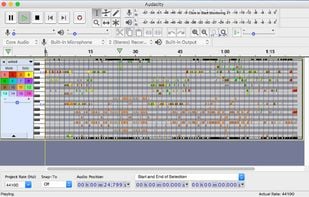
    Audacity 2.2.0 MIDI playback running on macOS
  10. Blender icon
     Like

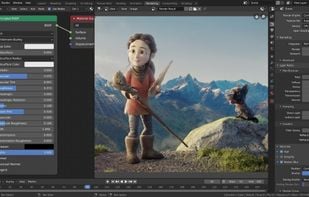
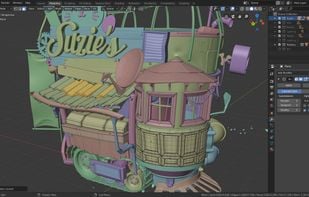
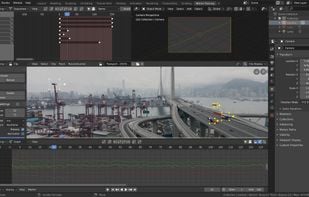
    If you want to get into the world of 3D this should be your choice. Really capable, free and open, and you can do so many things with it. I used Blender for product feature videos, used for VFX, used it for TV commercials. You can't go wrong with as great as a tool as Blender. It's really hard to learn for the first time, and there is still a lot, that I should learn, but

    Cost / License

    • Free
    • Open Source

    Application types

    Platforms

    • Mac
    • Windows
    • Linux
    • BSD
    • Flathub
    • PortableApps.com
    • Haiku
    • Steam
    • Flatpak
    • Snapcraft
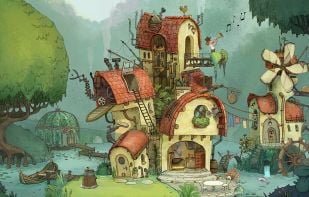
    Splash Artwork for Blender 4.3
    Cycles Render Engine
    Modeling, Sculpt, UV
    +9
    VFX
  11. Graphic designers, DTP and other digital or digital assisted visual fields

    This is the area, where I have the least of experience, but I know, how big of a part is this in the creative industries, so here are my recommendations.

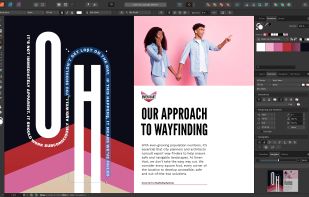
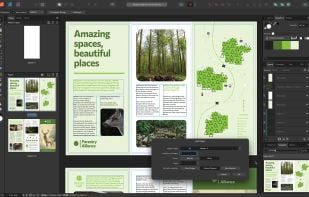
  12. Affinity Publisher is an amazing DTP software, with better and more stable performance than any other DTP that I ever used. The only thing that stands in between being this as my dream software when I work with printed materials, is the fact, that Scribus exists, and that's an excellent choice as well. But if you bought the Affinity V2 Universal license (as I did) I would still recommend over Scribus, just because of ease of use and the learning curve is not that steep.

    Cost / License

    • Paid
    • Proprietary

    Application type

    Platforms

    • Mac
    • Windows
    • iPad
    Affinity Publisher screenshot 1
    Affinity Publisher screenshot 1
    Affinity Publisher screenshot 2
    +9
    Affinity Publisher screenshot 3
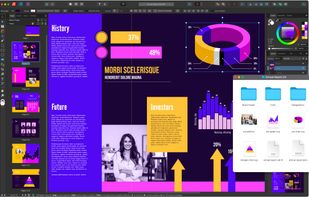
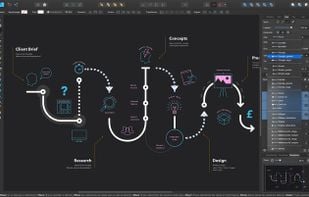
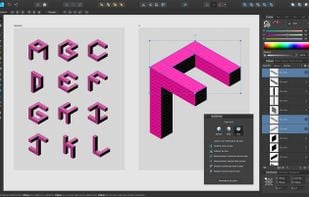
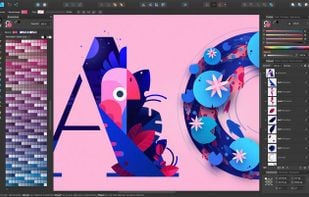
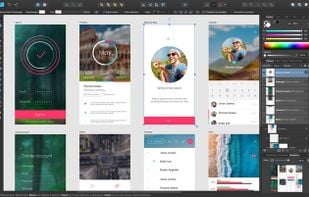
  13. I'm not that big of a vector or drawing guy, so this is where my expertise ends, I work with raster media, and some 3D and VFX here and there, but what I can tell you, that anyone, who started to use Affinity Designer instead of Adobe Illustrator, swears about how much more stable even with really complex vectors.

    Cost / License

    • Paid
    • Proprietary

    Platforms

    • Mac
    • Windows
    • iPad
    Affinity Designer screenshot 1
    Affinity Designer screenshot 1
    Affinity Designer screenshot 2
    +7
    Affinity Designer screenshot 3
  14. Krita icon
     Like

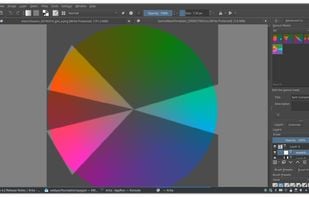
    I'm not a digital drawing artist by any mean, but Krita is an actually amazing tool, and by far the best if you want to get deeper into the world of digital drawing and painting. It is a full fledged professional tool and if you are someone who has a Wacom tablet, you already know and love Krita.

    Cost / License

    • Free
    • Open Source

    Application type

    Platforms

    • Mac
    • Windows
    • Linux
    • Android Tablet
    • KDE Plasma
    • Epic Games Store
    • PortableApps.com
    • Steam
    • F-Droid
    Main Window
    Startup page with news
    Brush editor
    +3
    Gamut Mask editor
  15. Scribus icon
     Like

    If Affinity Publisher wouldn't exist, this would be my choice of DTP. But I still put this onto the list (unlike GIMP), because it's a solid alternative to InDesign.

    Cost / License

    • Free
    • Open Source

    Application type

    Platforms

    • Mac
    • Windows
    • Linux
    • BSD
    • Flathub
    • PortableApps.com
    • Oracle Solaris
    • Flatpak
    Scribus screenshot 1
    Scribus screenshot 1
    Scribus screenshot 2
    +2
    Scribus screenshot 3
No comments so far, maybe you want to be first?
Gu