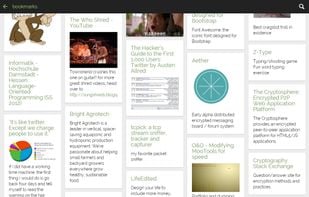
Turtl Like require user account to use no dark theme Cost / LicenseFreemiumOpen Source Application typesNote-taking ToolTodo List ManagerPlatformsMacWindowsLinuxAndroidAndroid TabletSelf-HostedGoogle ChromeFirefox+1
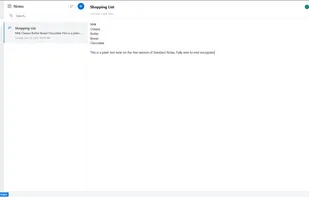
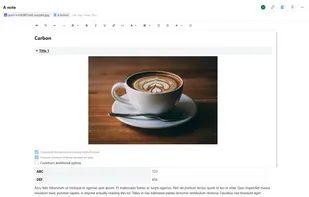
Standard Notes Likeunable to insert image and tablesCost / LicenseFreemiumOpen Source Application typesNote-taking ToolTodo List ManagerPlatformsMacWindowsLinuxOnlineAndroidiPhoneChrome OSAndroid TabletiPadSelf-HostedF-Droid+3
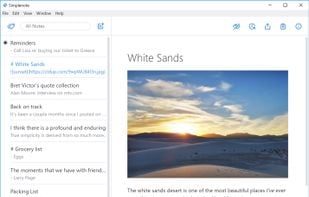
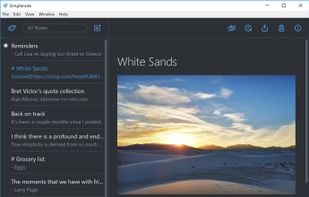
Simplenote Like has dark theme included unable to insert image and tables require user account to use doesnt support text formatiing Cost / LicenseFreeOpen Source Application typesNote-taking ToolTodo List ManagerPlatformsMacWindowsLinuxOnlineAndroidiPhoneAndroid TabletiPad+3
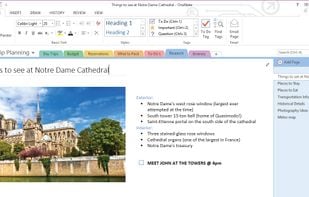
Microsoft OneNote Like Doesn’t support find and replace, multi paste in table, etc (Solved by using onestatics) Onenote online search engine only can be on current section or pages, entire notebook is not possible Onenote online doesn’t support page dropdown Microsoft has announced that OneNote 2016 will be discontinued in the future. Cost / LicenseFreemiumProprietary Application typesNote-taking ToolTodo List ManagerPlatformsMacWindowsOnlineAndroidiPhoneChrome OSWindows PhoneiPadApple WatchAndroid WearKindle Fire+4
Google Keep LikeSimple text formating, bullet and text style are not supportedCost / LicenseFreeProprietary Application typesNote-taking ToolTodo List ManagerPlatformsMacWindowsLinuxOnlineAndroidiPhoneChrome OSAndroid TabletiPadGoogle ChromeAndroid Wear+4
Evernote Like Doesn’t support table colour , sorting and draw with the stylus, It is far and away lacking many features of onenote, most noticeably the ability to have sections subsections of notes in binders. Making it not good for keeping ORGANIZED notes. Cost / LicenseFreemiumProprietary Application typesNote-taking ToolTodo List ManagerPlatformsMacWindowsOnlineAndroidiPhoneBlackberryAndroid TabletWindows PhoneiPadApple WatchKindle Fire+2
Cloud Sticky Notes LikeLacks of Text FormatingCost / LicenseFreeProprietary Application typeNote-taking ToolPlatformsMacWindowsLinux
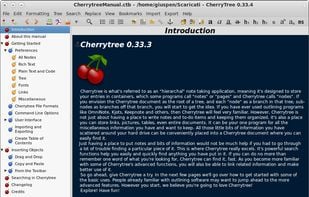
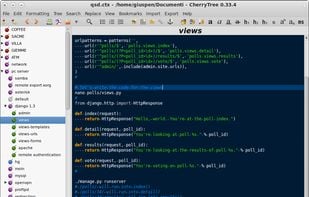
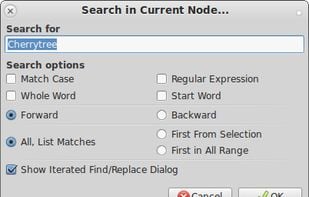
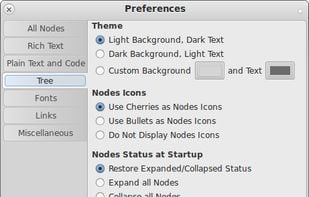
CherryTree Like Cross Platform, Open Source, Portable version available Auto Save option, minimize to tray, sort tables and nodes, etc Export to PDF, HTML, plain text, etc High Customization (Background colour, font type, toolbars, etc) Tables are not customizable (rows, columns, background, etc) table has default first column : clickme no cloud sync Cost / LicenseFreeOpen Source Application typesNote-taking ToolTodo List ManagerPlatformsMacWindowsLinuxFlathubPortableApps.comFlatpak+3