Privacy and Security

St
Steven List by Steven , last updated 
Copy a direct link to this comment to your clipboard
  1. This add-on allows users to prevent websites from using the Javascript API to fingerprint them. Users can choose to block the API entirely on some or all websites (which may break some websites) or just block or fake its fingerprinting-friendly...

    Cost / License

    • Free
    • Open Source

    Platforms

    • Mac
    • Windows
    • Linux
    • Mozilla Firefox
    CanvasBlocker screenshot 1
    CanvasBlocker screenshot 1
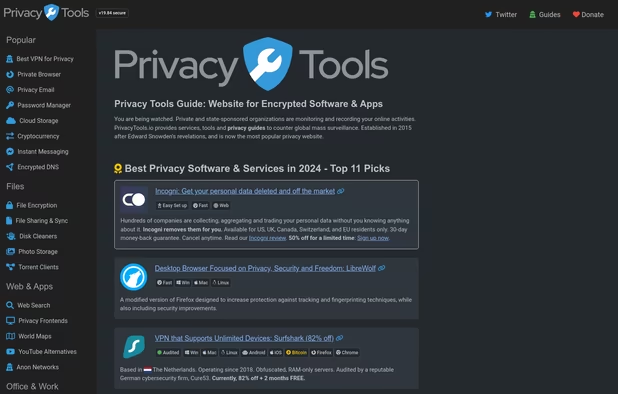
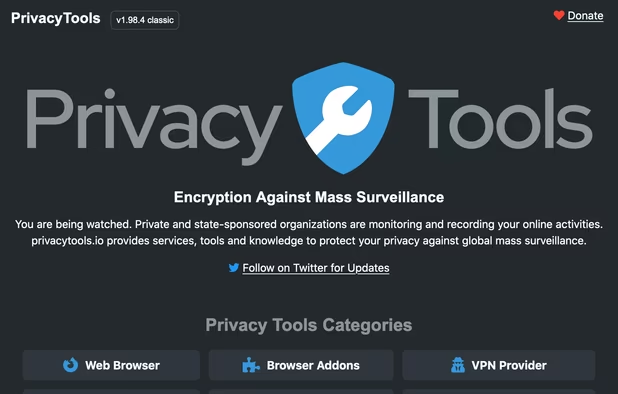
  2. You are being watched. Private and state-sponsored organizations are monitoring and recording your online activities. privacytools.io provides services, tools and knowledge to protect your privacy against global mass surveillance.

    Cost / License

    • Free
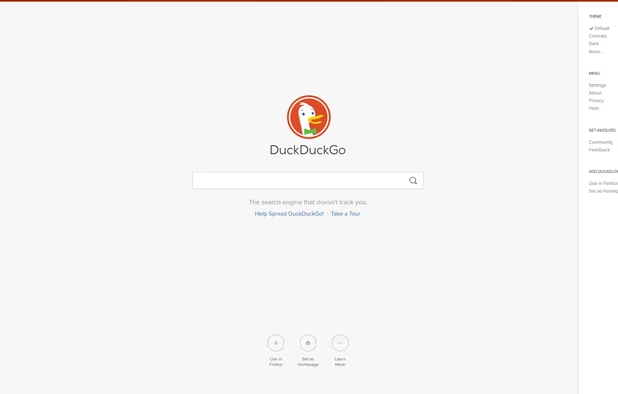
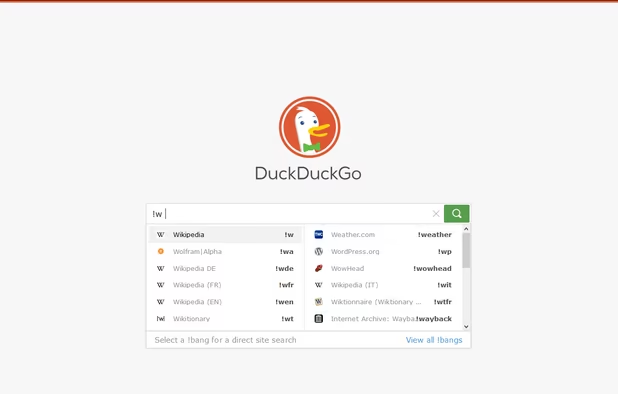
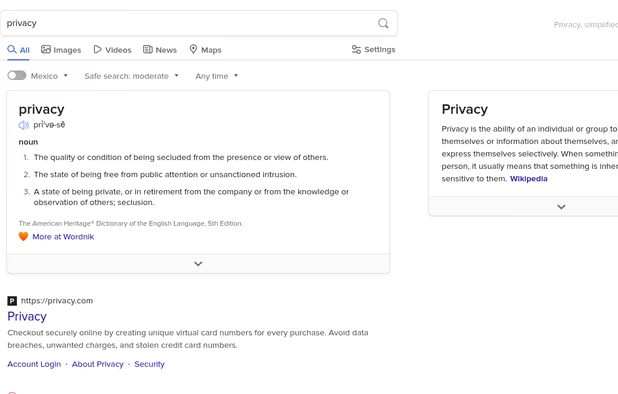
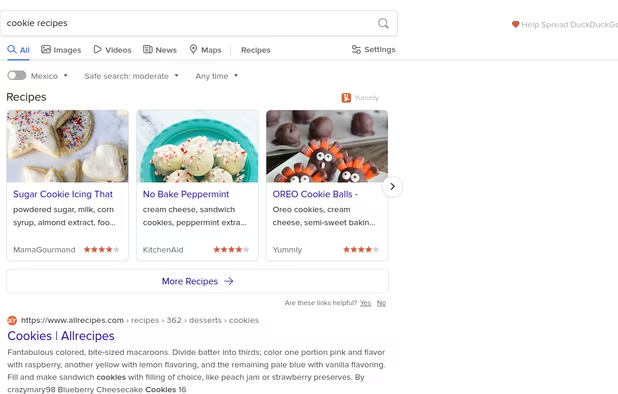
    • Proprietary

    Application type

    Platforms

    • Online
    Front page captured 2024-03-25T10:05:20.587Z
    PrivacyTools.io screenshot 1
    PrivacyTools.io screenshot 2
  3. AdGuard icon
     Like

    AdGuard is the best way to get rid of intrusive ads and online tracking, and to protect your computer from malware. Make your web surfing faster, safer and more comfortable with AdGuard!.

    Cost / License

    • Freemium
    • Open Source

    Application types

    Platforms

    • Mac
    • Windows
    • Android
    • iPhone
    • Chrome OS
    • Android Tablet
    • iPad
    • Vivaldi
    • Google Chrome
    • Safari
    • Yandex Browser
    • Opera
    • Mozilla Firefox
    • Snapcraft
    • Microsoft Edge
    • Android TV
    AdGuard screenshot 1
    Very good app for blocking ads. Use it!
    AdGuard screenshot 2
    +4
    AdGuard screenshot 3
  4. Cloud-based DNS for blocking ads, trackers, and malicious domains, offering real-time stats, parental controls, and customizable filtering for every device.

    Cost / License

    • Freemium
    • Proprietary

    Application types

    Platforms

    • Mac
    • Windows
    • Linux
    • Android
    • iPhone
    • Self-Hosted
    AdGuard DNS screenshot 1
    AdGuard DNS screenshot 1
    AdGuard DNS screenshot 2
  5. Brave Search is built on top of a completely independent index, and doesn’t track users, their searches, or their clicks.

    Cost / License

    • Freemium
    • Proprietary

    Platforms

    • Online
    • Tor
    • Brave
    Brave Search screenshot 1
    Brave Search screenshot 1
    Brave Search screenshot 2
    +2
    Brave Search screenshot 3
  6. Brave icon
     Like

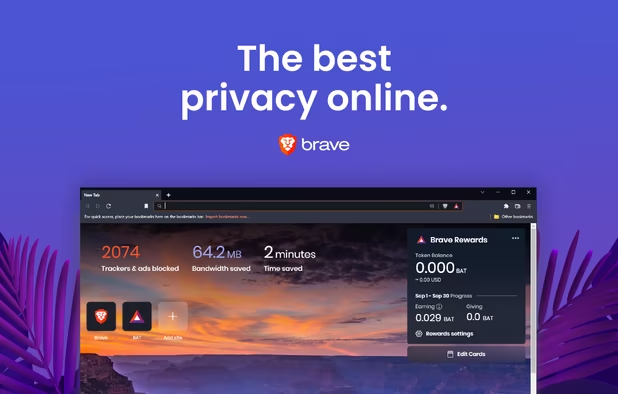
    Fast, secure browser with built-in ad block, privacy controls, and global tracking protections. Optimizes data, speed, and battery life.

    Cost / License

    • Free
    • Open Source

    Application types

    Platforms

    • Mac
    • Windows
    • Linux
    • Android
    • iPhone
    • Android Tablet
    • iPad
    • Snapcraft
    • Flathub
    • Homebrew
    • Chocolatey
    Brave screenshot 1
    Brave screenshot 1
    Brave screenshot 2
    +4
    Brave screenshot 3
  7. Smart HTTPS automatically changes HTTP protocols to the secure HTTPS, and if loading encounters error, reverts it back to HTTP.

    Cost / License

    • Free
    • Open Source

    Application type

    Platforms

    • Mac
    • Windows
    • Linux
    • Google Chrome
    • Opera
    • Firefox
    Smart HTTPS screenshot 1
    Smart HTTPS screenshot 1
    Smart HTTPS screenshot 2
  8. FREE browser extension. Blocks harmful sites, protects your privacy and finds deals while you shop.

    Cost / License

    • Free
    • Proprietary

    Platforms

    • Google Chrome
    • Mozilla Firefox
    Avira Browser Safety screenshot 1
    Avira Browser Safety screenshot 1
    Avira Browser Safety screenshot 2
    +1
    Avira Browser Safety screenshot 3
  9. Quad9 icon
     Like

    Quad9 is a free, recursive, anycast DNS platform that provides end users robust security protections, high-performance, and privacy.

    Cost / License

    • Free
    • Proprietary

    Platforms

    • Online
    • Android
    • Android Tablet
    • F-Droid
  10. Privacy, simplified. Our add-on provides the privacy essentials you need to seamlessly take control of your personal information, no matter where the internet takes you: tracker blocking, smarter encryption, DuckDuckGo private search, and more.

    Cost / License

    • Free
    • Open Source

    Application types

    Platforms

    • Microsoft Edge
    • Google Chrome
    • Safari
    • Opera
    • Mozilla Firefox
    DuckDuckGo Privacy Essentials screenshot 1
    DuckDuckGo Privacy Essentials screenshot 1
    DuckDuckGo Privacy Essentials screenshot 2
    +2
    DuckDuckGo Privacy Essentials screenshot 3
  11. Filters out annoying ads and scams while blocking trackers that spy on you. Download free for Chrome, Edge and Firefox browsers.

    Cost / License

    • Free
    • Proprietary

    Application type

    Platforms

    • Google Chrome
    • Mozilla Firefox
    • Microsoft Edge
    • Safari
    Welcome screen.
    Website screen.
    Statistics screen.
  12. Swiss-based VPN that ensures online privacy with a high-speed network, advanced encryption, and no-logs policy, offering a free version. Supports multiple platforms and unblocks content worldwide.

    Cost / License

    • Freemium
    • Open Source

    Application types

    Platforms

    • Mac
    • Windows
    • Linux
    • Android
    • iPhone
    • Chrome OS
    • Android Tablet
    • iPad
    • Google Chrome
    • Apple TV
    • Flathub
    • F-Droid
    • Android TV
    • Flatpak
    • Fire TV
    • Mozilla Firefox
    Proton VPN screenshot 1
    Proton VPN on Fedora
    Proton VPN screenshot 2
    +6
    Proton VPN screenshot 3
  13. Windows Security (known as Windows Defender Antivirus before Windows 10 May 2020 Update, Windows Defender before Windows 10 Creators Update, or Microsoft Defender Antivirus before Windows 11) is an anti-malware component of Microsoft Windows.

    Cost / License

    • Free Personal
    • Proprietary

    Platforms

    • Windows
    • Android
    • iPhone
    • Android Tablet
    • iPad
    Microsoft Defender screenshot 1
  14. This efficient browser add-on blocks ads, trackers, and malware by default employing various filter lists, acting as a comprehensive wide-spectrum blocker.

    Cost / License

    • Free
    • Open Source

    Application types

    Platforms

    • Microsoft Edge
    • Vivaldi
    • Google Chrome
    • Pale Moon
    • Thunderbird
    • Opera
    • Node.JS
    • Chromium
    • Mozilla Firefox
    uBlock Origin screenshot 1
    uBlock Origin screenshot 1
  15. Retiring in 2022

    Cost / License

    • Free
    • Open Source

    Application type

    Platforms

    • Online
    • Vivaldi Browser
    • Google Chrome
    • Yandex.Browser
    • Opera
    • Chromium
    • Firefox
    HTTPS Everywhere screenshot 1
    HTTPS Everywhere screenshot 1
    HTTPS Everywhere screenshot 2
    +1
    HTTPS Everywhere screenshot 3
  16. Privacy Badger is a browser-add on tool that analyzes sites to detect and disallow content that tracks you in an objectionable, non-consensual manner. When you visit websites, your copy of Privacy Badger keeps note of the "third party" domains that embed images...

    Cost / License

    • Free
    • Open Source

    Application types

    Platforms

    • Microsoft Edge
    • Google Chrome
    • Opera
    • Mozilla Firefox
    Overview of Privacy Badger extension
  17. Open-source browser with Gecko engine, supporting HTML add-ons and providing privacy features like Enhanced Tracking Protection and third-party cookie blocking.

    Cost / License

    • Free
    • Open Source

    Platforms

    • Mac
    • Windows
    • Linux
    • Android
    • iPhone
    • Android Tablet
    • BSD
    • iPad
    • AppImageHub
    • Snapcraft
    • Flathub
    • Samsung Galaxy Store
    • PortableApps.com
    • Haiku
    • Flatpak
    • Homebrew
    • Chocolatey
    • Gecko
    Firefox Desktop (Light Theme)
    Firefox Desktop (Dark Theme)
    Firefox iOS (Light Theme)
    +7
    Firefox iOS (Dark Theme)
  18. Privacy-focused search engine offering Zero-click Info, instant answers, and more, built from open-source software for a user-friendly experience.

    Cost / License

    • Free
    • Proprietary

    Platforms

    • Online
    • Android
    • iPhone
    • Android Tablet
    • iPad
    • Microsoft Edge
    • Vivaldi
    • Google Chrome
    • Safari
    • F-Droid
    • Yandex Browser
    • Tor
    • Opera
    • Mozilla Firefox
    DuckDuckGo Homepage
    DuckDuckGo screenshot 1
    DuckDuckGo screenshot 2
    +16
    DuckDuckGo screenshot 3
  19. Bitwarden icon
     Like

    Open-source password manager with AES-256 encryption and device sync. Store and access encrypted logins across platforms like iOS and Android.

    Cost / License

    • Freemium
    • Open Source

    Platforms

    • Mac
    • Windows
    • Linux
    • Online
    • Android
    • iPhone
    • Android Tablet
    • iPad
    • Self-Hosted
    • Apple Watch
    • Snapcraft
    • Microsoft Edge
    • Vivaldi
    • Google Chrome
    • Flathub
    • Microsoft SQL Server
    • Tor Browser
    • Safari
    • F-Droid
    • Software as a Service (SaaS)
    • Flatpak
    • Cloudron
    • Opera
    • Chocolatey
    • Mono
    • Brave
    • Mozilla Firefox
    • Docker
    Bitwarden screenshot 1
    Bitwarden screenshot 1
    Bitwarden screenshot 2
    +10
    Bitwarden screenshot 3
No comments so far, maybe you want to be first?
Gu