Writing Tools

da
danspinolaList by danspinola, last updated 
Copy a direct link to this comment to your clipboard
  1. Free. Online. Integrated.

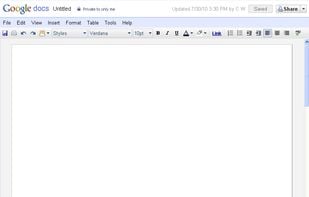
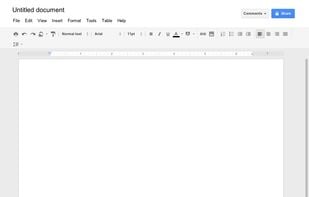
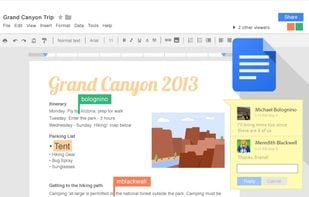
    Your writings are automatically backed up. You can jump from the desktop to the tablet to the smartphone and continue the writing anywhere, as soon as inspiration hits you or when you manage a few quiet moments. It's also integrated with Google, which means quick searches from inside the text document, one of the best language grammar check, transcription tools, etc. GDocs has fewer features than, say, Microsoft Word, however, it has access to a library of plugins that will definitely cater to any specific needs and even outdo Word.

    My favorite add-ons: • Better Word Count (not available in the G Suite Marketplace) • Extensis Fonts (gives an extended library of fonts which can be easily filtered) • Fountainize (easily produce formated documents) • LanguageTool (think "Grammarly" but with support for a wider range of languages) • OneLook Thesaurus (one of the best thesaurus out there, seriously – also a website)

    Cost / License

    • Free
    • Proprietary

    Platforms

    • Online
    • Android
    • iPhone
    • Chrome OS
    • Android Tablet
    • iPad
    Google Docs screenshot 1
    Google Docs screenshot 1
    Google Docs screenshot 2
  2. Celtx icon
     Like

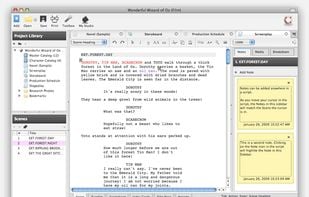
    There are many other tools for writing screenplays out there. However, Celtx is second to none in terms of "hitting the ground running". It should satisfy the casual writer as well as the professional ones and it's one of the best tools for someone beginning to dip their toes in these waters. On that note, I have only used the old (discontinued) installable version, since then, Celtx has shifted to become an online solution and added more features, about which I cannot comment.

    Cost / License

    • Freemium
    • Proprietary

    Application type

    Platforms

    • Mac
    • Online
    • Android
    • iPhone
    • Android Tablet
    • iPad
    Celtx screenshot 1
    Celtx screenshot 1
  3. Scrivener icon
     Like

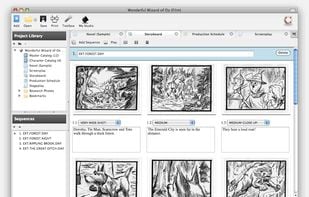
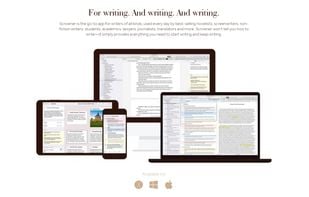
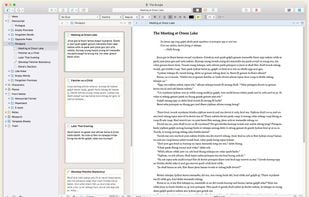
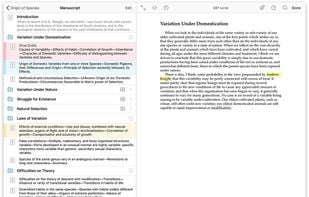
    Scrivener is really powerful and chock-full of features aimed at writers, whether they be screenplay writers, playwrights, authors, teachers, journalists, and what have you. Users will hardly take full advantage of the software's full capabilities. The downside is that the learning curve is harder than for other common writing software. My favorite feature, and honestly the only one that keeps me coming back is the corkboard and notecards features.

    Cost / License

    • Paid
    • Proprietary

    Platforms

    • Mac
    • Windows
    • iPhone
    • iPad
    • PlayOnLinux - PlayOnMac
    • Wine
    Scrivener screenshot 1
    Scrivener screenshot 1
    Grow your manuscript your way
    +9
    See the forest or the trees
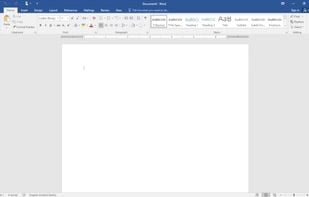
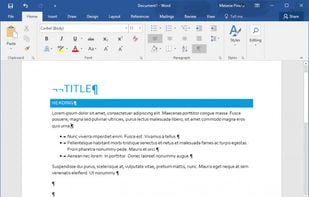
  4. Word is probably the most ubiquitous writing tool there is. Instantly recognized by anyone who has not been living under a rock for the last 30 years.

    Cost / License

    • Paid
    • Proprietary

    Application type

    Platforms

    • Mac
    • Windows
    • Android
    • iPhone
    • Android Tablet
    • iPad
    New document view
    Microsoft Word screenshot 1
No comments so far, maybe you want to be first?
Gu