• Notepad++ icon
  • Notepad2-mod icon
  • Visual Studio Code icon
  • Sublime Text icon
  • Syncplify.me Notepad! icon

Text Editor

danspinola5 appsUpdated
Copy a direct link to this comment to your clipboard
  1. Notepad++ icon
     Like

    Free open-source code editor and Notepad replacement supporting multiple languages, featuring high speed, low resource usage, privacy focus, and plugin extensibility.

    Cost / License

    • Free
    • Open Source

    Application type

    Platforms

    • Windows
    • PortableApps.com
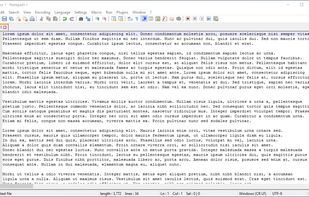
    Notepad++ screenshot 1
    Notepad++ screenshot 1
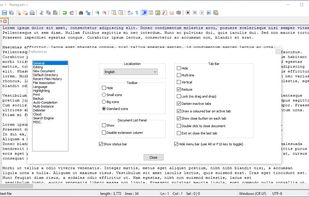
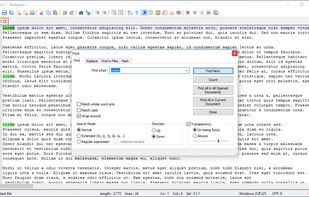
    Notepad++ screenshot 2
    +10
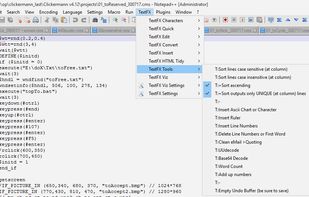
    TextFX plugin menu
    danspinola’s note

    Really lightweight, Notepad++ is fast and powerful, which manages to keep it relevant and stand-out amongst a crowd of modern code text editors. NP++ is not an IDE and it does not aim to be one. On the downside, NP++ suffers from severe bad UI – some community members fierce defense thereof notwithstanding.

  2. Notepad2-mod is a fork of original Notepad2 icon Notepad2 based on Kai Liu's and other people's patches. Added features: code folding, word completion, line bookmarking, highlighting search string occurrences, more.

    Cost / License

    • Free
    • Open Source

    Application type

    Platforms

    • Windows
    • PortableApps.com
    Notepad2-mod screenshot 1
    danspinola’s note

    I've never used it, but I like the idea of a code text editor based off of Microsoft Notepad.

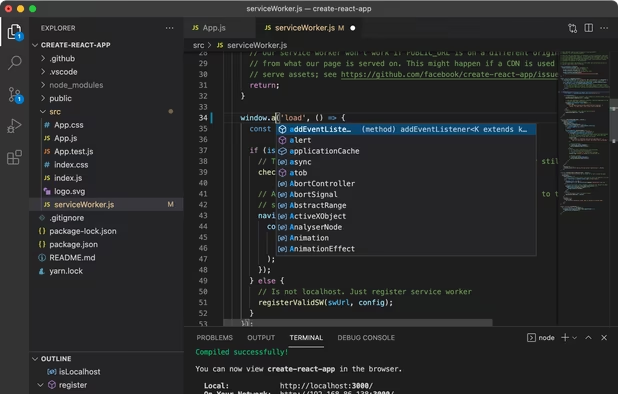
  3. Free, extensible code editor with Git integration, AI-driven IntelliCode, and 30,000+ extensions, supporting various languages like Python, Java.

    Cost / License

    • Free
    • Proprietary

    Application type

    Platforms

    • Mac
    • Windows
    • Linux
    • Online
    • Chrome OS
    • Snapcraft
    • Chocolatey
    Visual Studio Code screenshot 1
    Visual Studio Code screenshot 1
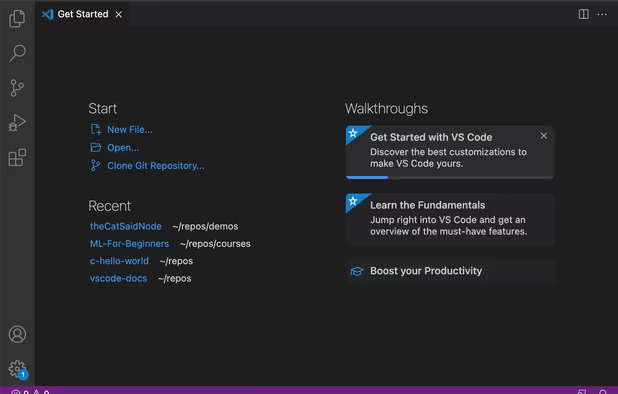
    Visual Studio Code screenshot 2
    +2
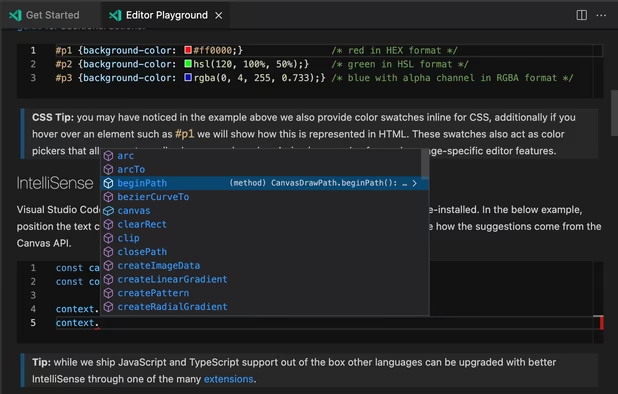
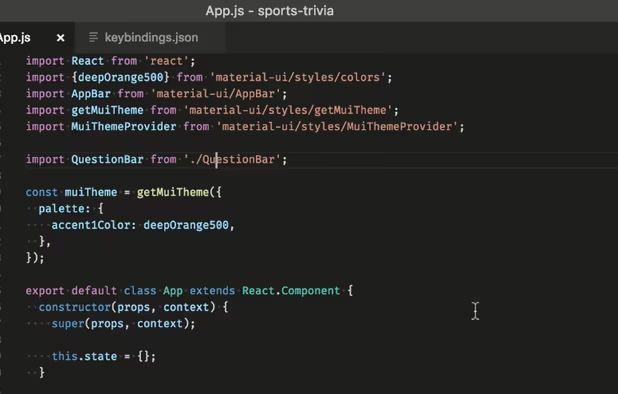
    Visual Studio Code screenshot 3
    danspinola’s note

    One of the best and has a much better UI/UX than Notepad++. It is not as lightweight, however.

  4. Sophisticated text editor for code with sleek interface, multi-select tabs, side-by-side definitions, and swift variable renaming using multiple selections.

    Cost / License

    • Freemium
    • Proprietary

    Application type

    Platforms

    • Mac
    • Windows
    • Linux
    • Snapcraft
    • Flathub
    • Flatpak
    Sublime Text screenshot 1
    Sublime Text screenshot 1
    Sublime Text screenshot 2
    +2
    Sublime Text screenshot 3
    danspinola’s note

    Another good alternative. Again, it's not as lightweight as Notepad++. Between Sublime and VS, I gravitate towards the latter.

  5. Notepad! is the free, powerful, feature-rich replacement for your Windows Notepad. This software is completely free to use, for both personal and business purposes. With multi-document editing, split editing (two views of the same document, side by side, with synchronized...

    Cost / License

    • Free
    • Proprietary

    Application type

    Platforms

    • Windows
    Syncplify.me Notepad! screenshot 1
    Syncplify.me Notepad! screenshot 1
    Syncplify.me Notepad! screenshot 2
    danspinola’s note

    I'm not really a fan of the ribbon design. However, Syncplify has some simple features I'd like to (one day) see in Notepad++.

No comments so far, maybe you want to be first?