Apps I use as a graphic designer

As a graphic designer, I use a lot of apps for work. Here are all the tools I use in the hope that it can help you.

Paul
Paul List by Paul , last updated 
Copy a direct link to this comment to your clipboard
  1. A few months ago I entirely ditched Adobe products because of the price ($49.99/month), the subscription model, the fact that you have to use their Creative Cloud in order to use their softwares and to sync anything, the way Photoshop, Illustrator or InDesign are bloated, the fact that often you can't use the softwares if you don't have an Internet connection because Adobe must be able to check your license… and so on and so on. Before doing that, I had heard about Affinity Designer and it seems like a great and cheaper replacement for both Adobe Photoshop icon Adobe Photoshop and Adobe Illustrator icon Adobe Illustrator. It is. I use it everyday for work and I absolutely do not regret this change!

    Cost / License

    • Paid
    • Proprietary

    Platforms

    • Mac
    • Windows
    • iPad
    Affinity Designer screenshot 1
    Affinity Designer screenshot 1
    Affinity Designer screenshot 2
    +7
    Affinity Designer screenshot 3
  2. Since I switched to Affinity Designer icon Affinity Designer as my main graphic design tool (coupled with Sketch icon Sketch), I also started using Affinity Photo from Serif to replace Adobe Photoshop icon Adobe Photoshop. It's a great software to edit and retouch the photos I use in my creations and web designs. It's also a great app for RAW development if you have the use for it. Affinity Designer and Affinity Photo cost $49.99 each so it's a pretty good deal compared to the price of the subscription's model of the Adobe Creative Cloud.

    Cost / License

    • Paid
    • Proprietary

    Platforms

    • Mac
    • Windows
    • iPad
    Affinity Photo screenshot 1
    Affinity Photo screenshot 1
    Affinity Photo screenshot 2
    +7
    Affinity Photo screenshot 3
  3. Sketch icon
     Like

    Sketch is a vector drawing application that I really love. I mostly use it for UI design or for wireframing and it's a great piece of software. It's smooth, lightweight, complete and has a large ecosystem with a great community and lots of resources and plugins.

    Cost / License

    • Paid
    • Proprietary

    Platforms

    • Mac
    App icon design
    Working with colors
    Promo page
    +1
    Illustrating in Sketch
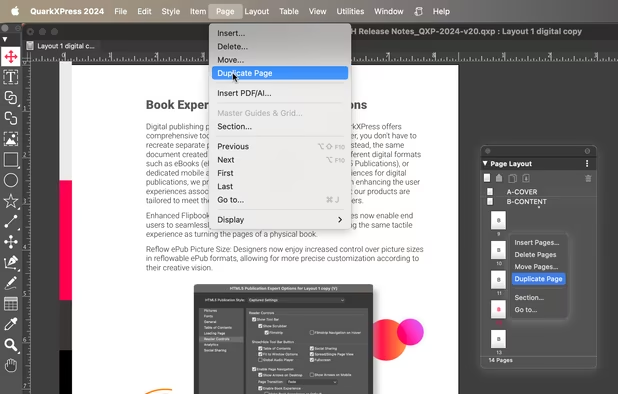
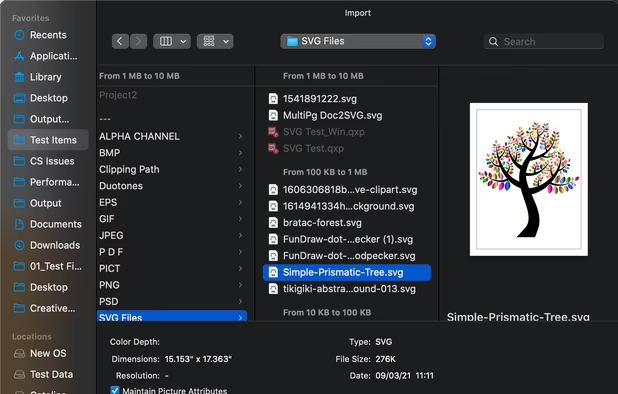
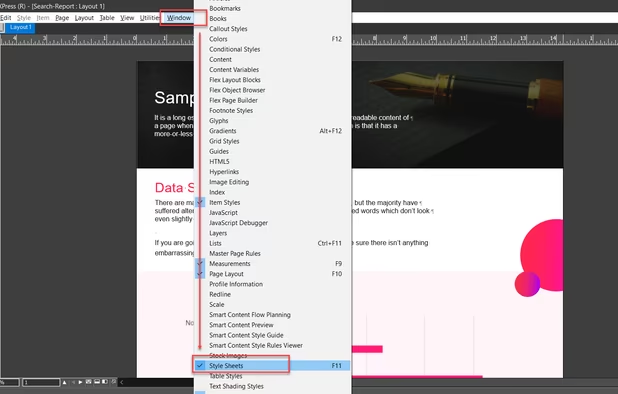
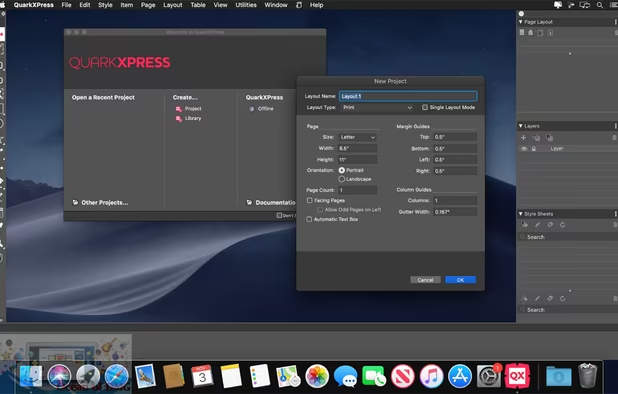
  4. Since I no longer use Adobe software, I've also stopped using Adobe InDesign icon Adobe InDesign. I'm currently using QuarkXPress and I'm waiting for Affinity Publisher to come out. I know almost nobody uses QuarkXPress nowadays but, after using it for some times, I find the 2017 version pretty good. QuarkXPress was the industry standard before InDesign took the lead, but I find that the developers have done a good job to catch up and you might want to try it to see for yourself.

    Cost / License

    • Paid
    • Proprietary

    Platforms

    • Mac
    • Windows
    QuarkXPress screenshot 1
    QuarkXPress screenshot 1
    QuarkXPress screenshot 2
    +2
    QuarkXPress screenshot 3
  5. Swift Publisher is a nice little page layout software that does a really great job for the price. It's not comparable to Adobe InDesign icon Adobe InDesign or QuarkXPress icon QuarkXPress but it's a good solution when you only need to make a quick flyer or business card. The software costs is pretty cheap ($19.99) so you might want to give it a try if you're looking for a page layout software but can't afford the two industry's behemoths.

    Cost / License

    • Paid
    • Proprietary

    Application type

    Platforms

    • Mac
    Swift Publisher screenshot 1
    Swift Publisher screenshot 1
    Swift Publisher screenshot 2
    +1
    Swift Publisher screenshot 3
  6. Photopea icon
     Like

    Photopea is an online photo editor, made with HTML5. With it, you can open, edit and save PSD and XCF - Adobe Illustrator icon Adobe Illustrator and GIMP icon GIMP files and convert them between multiple formats (PSD, XCF, JPG, PNG and WebP). I use this tool a lot when I'm on my Linux laptop or when I just want to do a quick edit and don't want to launch Affinity Designer icon Affinity Designer for that.

    Cost / License

    • Freemium
    • Proprietary

    Platforms

    • Online
    • Software as a Service (SaaS)
    Photopea screenshot 1
    Brush parameters.
    Editing text, many fonts available.
    +2
    Layer styles.
  7. Flinto icon
     Like

    I use Flinto (or sometimes Principle icon Principle) for quick prototyping apps and websites. It lets you create anything from simple tap-through prototypes, to comprehensive prototypes with impressive interactions. There’s no programming or timelines. It’s the prototyping tool designers have been waiting for.

    Cost / License

    • Paid
    • Proprietary

    Application type

    Platforms

    • Mac
    • iPhone
    Flinto screenshot 1
    Flinto screenshot 1
    Flinto screenshot 2
  8. I recently discovered Corel Vector icon Corel Vector. It's a free vector graphics tool that can run as a desktop application or in your web browser. The app has a nice and clean UI and is full of features. The software is cross-platform (macOS, Windows, Linux, Chrome OS, web browser) and Android and iOS mobile apps are coming soon. Gravit Designer is pretty recent so it's not as stable and complete as Adobe Illustrator icon Adobe Illustrator, Sketch icon Sketch and Affinity Designer icon Affinity Designer, but it's completely free and the app is evolving fast so you might want to take a look at it and maybe give it a try.

    Cost / License

    • Paid
    • Proprietary

    Platforms

    • Mac
    • Windows
    • Linux
    • Online
    • Chrome OS
    Corel Vector screenshot 1
    Corel Vector screenshot 1
    Corel Vector screenshot 2
    +4
    Corel Vector screenshot 3
  9. ImageOptim helps me reduce the size of the images I use in my creations and web designs. It's excellent for publishing images on the web or making websites and mobile apps smaller. ImageOptim removes EXIF meta­data, such as GPS position and camera's serial number, so that you can publish images without exposing private information (but there's an option to keep the meta­data if you need it). Caesium Image Compressor icon Caesium Image Compressor is also a really great alternative that you can download, use online or with the command line.

    Cost / License

    • Free Personal
    • Open Source

    Platforms

    • Mac
    • Software as a Service (SaaS)
    ImageOptim screenshot 1
  10. Smash icon
     Like

    We all know WeTransfer icon WeTransfer. But it's limited to 2 Go and it's not always the most stable service when you have to send important files quickly to a client. A few years ago, I stumbled upon Smash which is a similar service to WeTransfer but with unlimited file size. The service is really reliable and fast. Since I discovered Smash about two years ago, I haven't used WeTransfer once.

    Cost / License

    • Freemium
    • Proprietary

    Platforms

    • Mac
    • Online
    • Android
    • iPhone
    Smash screenshot 1
    Smash screenshot 1
    Smash screenshot 2
    +1
    Smash screenshot 3

So, these are some of the tools I use as a graphic designer. If you found this list interesting, feel free to share it on social media and to make your own list about the software that you use. You can also suggest some apps I might have missed on my inbox on AlternativeTo or on my Twitter account.

No comments so far, maybe you want to be first?
Gu