

Thorium Reader is a free, open source multi-language EPUB reader for Windows 10, MacOS and Linux. It's privacy aware and highly accessible for visually impaired and dyslexic people.
 France
 EU
EU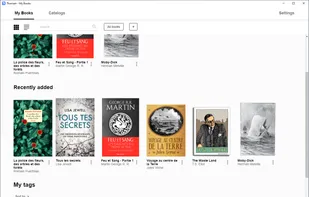
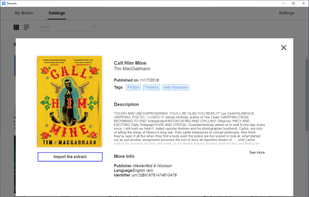
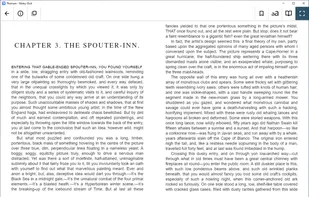


Thorium Reader is a free, open source multi-language EPUB reader for Windows 10, MacOS and Linux. It's privacy aware and highly accessible for visually impaired and dyslexic people.

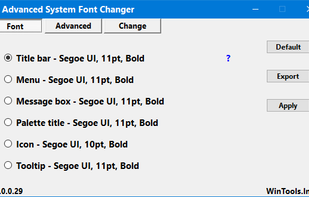
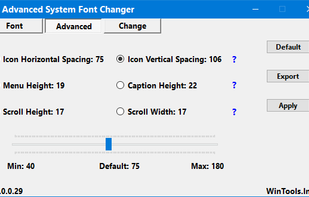
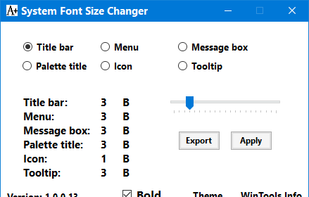
The Advanced System Font Changer software enables you to set the system font in Windows 10/11. It allows you to set system fonts displayed by Windows 10/11 in a detailed way. It significantly improves the user experience in terms of how text is displayed.
Seeing AI is a free app that narrates the world around you. Designed with and for the blind and low vision community, this ongoing research project harnesses the power of AI to open up the visual world by describing nearby people, text and objects.

Lend your sight to blind and low vision people through a live video connection, or receive assistance through the global network of volunteers. Be My Eyes connects blind and low vision users with sighted volunteers or company representatives who can assist them with a range of...

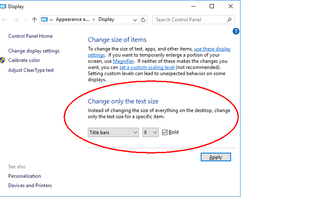
Windows 10 removed the system setting to increase the sizes of system fonts. This setting was separate to DPI scaling which changes the size of everything altogether. This tool provides a means of changing the respective registry entries to get in control of this setting again.

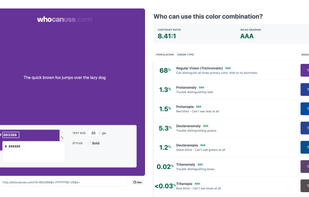
WhoCanUse is a tool that brings attention and understanding to how color contrast can affect different people with visual impairments.

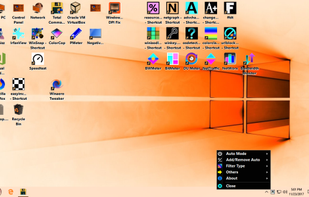
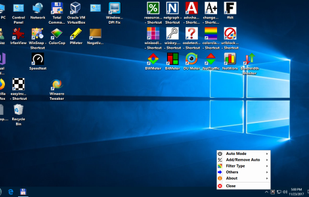
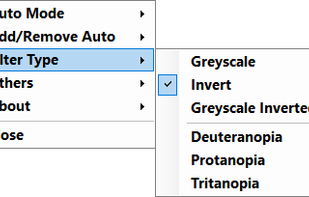
Easy Invert sits in the tray and provides a context menu by which you can set the color filter to apply to the screen. A regular click on the tray icon turns the filter on or off. There are also more specific functions to discover.

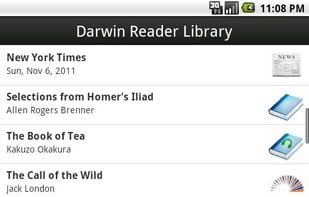
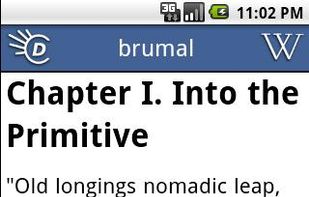
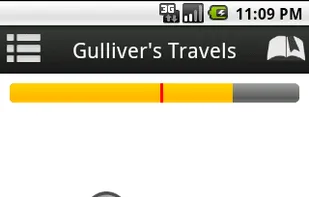
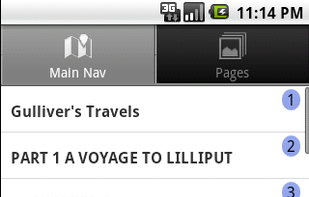
Darwin Reader is the first accessible Android book reader designed specifically for blind, low vision, and print disabled users. The app fully supports DAISY formatted audio and text books, and directly integrates with Benetech Bookshare and Librivox to make downloading books...
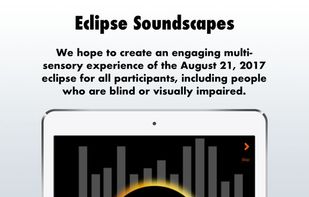
The Eclipse Soundscapes Project app is specially designed so that people who are blind and visually impaired can share in the awe and wonder of astronomical events in real time with their sighted peers.

VoiceOver is a revolutionary built-in screen reader that’s more than a text-to-speech tool. It tells you exactly what’s on your screen and talks you through actions like editing a video, building a presentation, or quickly navigating between apps.

 Russia
 United States
 Denmark


