


WAVE is a visual web accessibility analysis tool that evaluates web accessibility based on the Web Content Accessibility Guidelines (WCAG).
Cost / License
- Free
- Proprietary
Platforms
- Online
- Firefox


Sites and apps similar to Who Can Use include Wave (accessibility tool), which is free. Other options are Kontrast, Colour Contrast Analyser, Loupe Extension and Palette for Mac. In total there are eight Color Picker Tools like Who Can Use for Mac, Windows, Linux and self-hosting.
WAVE is a visual web accessibility analysis tool that evaluates web accessibility based on the Web Content Accessibility Guidelines (WCAG).

Kontrast is a color contrast checker that tells you if your color combinations are distinct enough to be readable and accessible. It is part of the Plasma Mobile app collection.
 Germany
 EU
EU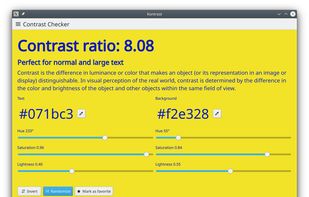
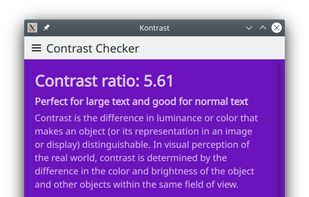


Colour Contrast Analyser allows you to evaluate the color visibility and contrast of foreground/background color combinations. It provides an initial pass/fail assessment against WCAG 2.0 color contrast success criteria.

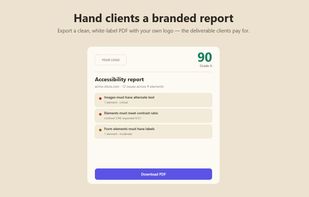
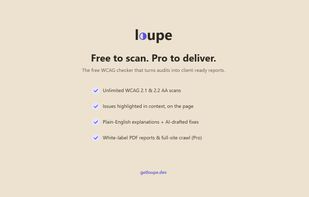
Loupe runs an instant WCAG 2.1 & 2.2 audit on any page (powered by axe-core), highlights every issue right on the page with plain-English explanations and optional AI-drafted fixes, and exports a white-label PDF report with your own branding.
 Iceland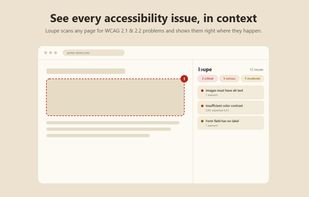


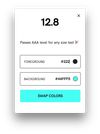
Palette provides a super simple way to analyze colors across RGB, #HEX and CSS formats. Try it online for free or download it for macOS with a donation-based download where you pay what you want (even $0 to try it).
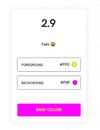


Cron Color Tool provides an easy and useful tool for designing color palettes with an intuitive color contrast checker.


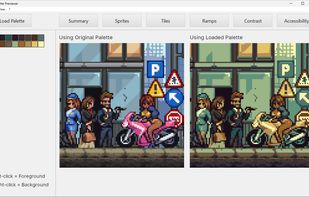
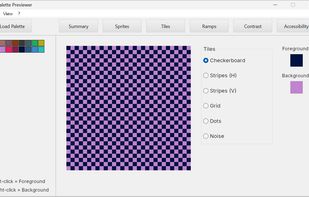
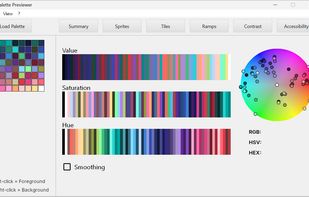
A Windows desktop utility for artists, pixel-artists, designers, and developers that extracts palettes from sprites, scores foreground and background contrast against WCAG AA/AAA guidance, checks accessibility pairings, and previews palettes as sprites, tiles, ramps, checkerboards, and text.
 United Kingdom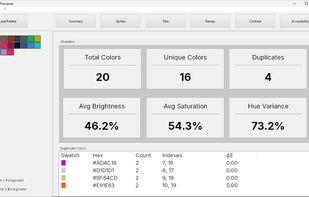

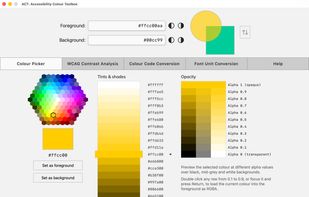
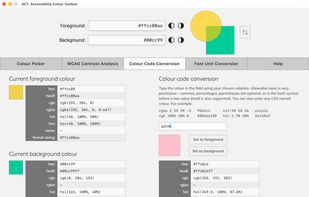
ACT is a free native macOS application for checking colour contrast against WCAG accessibility requirements.
United Kingdom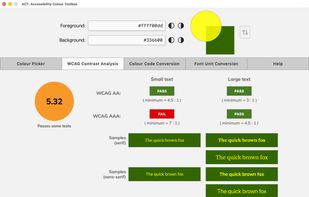


 United States


