

Get rid of typos and enjoy the best typing experience you’ve ever had with Typewise, the keyboard app for iOS and Android.
Cost / License
- Freemium
- Proprietary
Application type
 Germany
 EU
EUPlatforms
- Android
- iPhone
- Android Tablet
- iPad
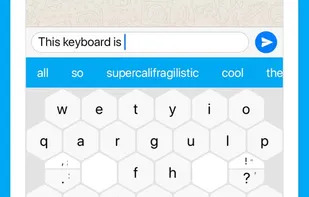


Get rid of typos and enjoy the best typing experience you’ve ever had with Typewise, the keyboard app for iOS and Android.

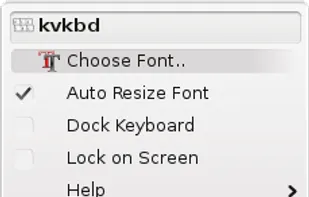
Kvkbd is a virtual keyboard for KDE, it contains many feature like system tray and dock support, autodetection and on the fly change of the keyboard layout, scripting with DBus, etc.
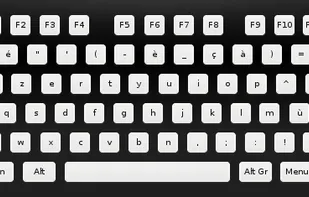
Comfort On-Screen Keyboard (Multilingual) Create YOUR ideal keyboard for easy and comfortable typing and controls for applications. It allows you to customize unique controls for every job and every application including special needs users.

Unlike other keyboards that make users learn new input methods or new keyboard layouts, CozyKey provides much bigger keys and a familiar keyboard layout by utilizing triangular shaped keys. With bigger keys, CozyKey helps those thumb-typers and users with big fingers can type...

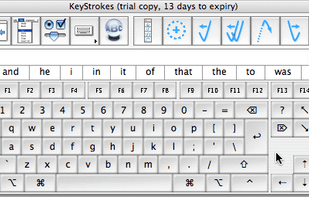
KeyStrokes™ is an award-winning, fully-functional, advanced on-screen keyboard providing people with physical impairments as well as graphic tablet and touch screen users full access to the computer.


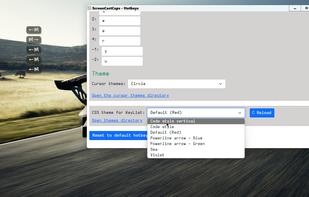
Keystrokes on screen, keyboard, mouse, draw on screen. Designed specifically for creating screencasts and tutorials. CSS Based keystroke on screen. Lots of predefined keystroke CSS themes. It's easy to create a theme yourself.




FotoAI Keyboard lets you easily customize your keyboard with cool themes and shortcuts. Whether you want a colorful design or an anime style, you can make your keyboard match your vibe and make typing more personal.


VirtualKeyboard is an on-screen keyboard that offers point-and-click typing using pointing devices such as a head pointer, mouse, graphic tablet, trackball, etc. This program is designed primarily for disabled person but it can be used also to teach the children to write, to...


 United States

