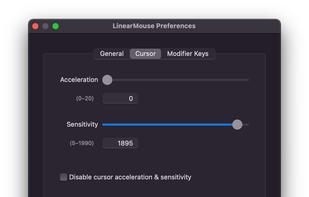
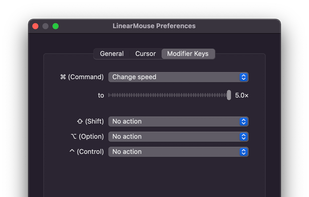
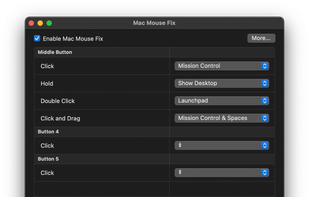
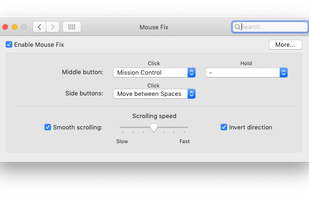
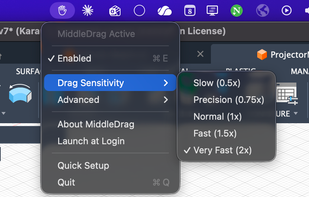
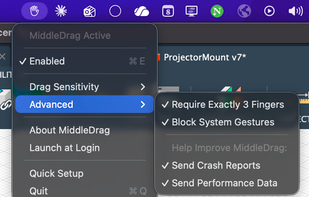
Switch between Spaces, use Windows-style Back and Forward, and more - right from your mouse. Also features a refined Smooth-Scrolling algorithm that strikes a perfect balance between fluidity and control.
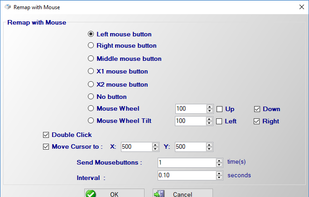
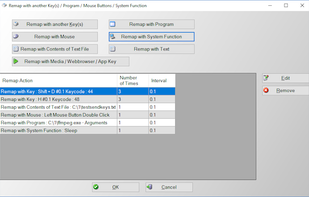
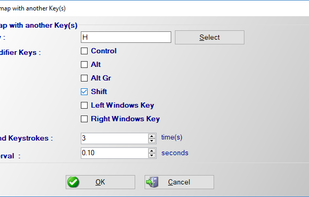
Do you want to remap keyboard keys with another key ? Do you want to remap mouse buttons ? Then try Key Remapper. With Key Remapper you can easily remap key or remap mouse buttons with another key, program, mouse button, custom text.
If you use third-party mice with your Mac, you've surely noticed just how useless the side buttons are. By default, they act as a sort of crippled middle click, consigned to opening new links out from under you when you least expect it.
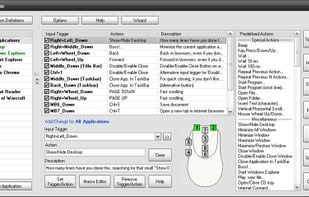
HydraMouse enables you to remap mouse buttons and to assign various actions to them. It is the only program in the world which can work not only with mice with up to 5 buttons, but also with many models of multi-button mice of various manufacturers (Microsoft, Logitech, Genius...
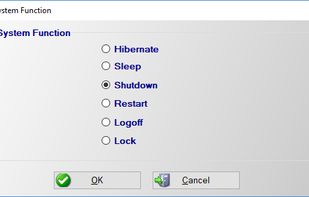
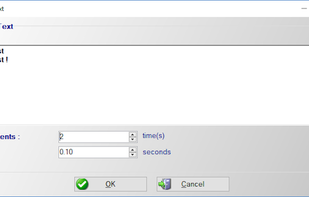
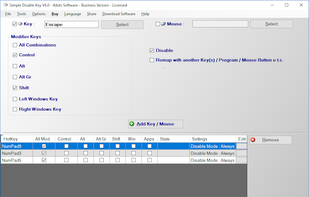
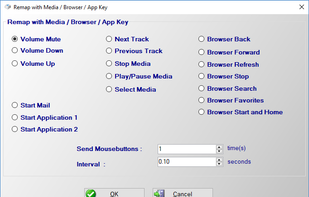
Do you want to want to disable any key on your keyboard or mouse buttons ? Do you want to remap a key or mouse button to another key, program, contents of text file, media key, text or system function ? Then this application is for you.
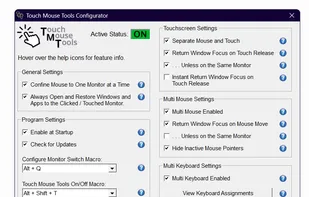
Touch Mouse Tools transforms Windows by enabling multiple mouse pointers, multiple keyboards with input focused to their own windows, mice confined to individual monitors, separation of touchscreen input from mouse input, opening of apps and windows to the current monitor, and much more.


 China
China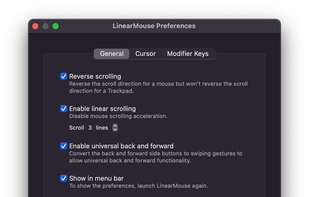

















 Germany
 EU
EU

 United States


 Greece


 United Kingdom