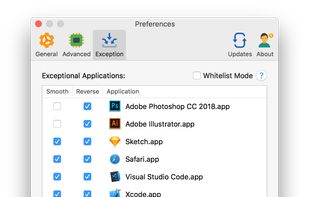
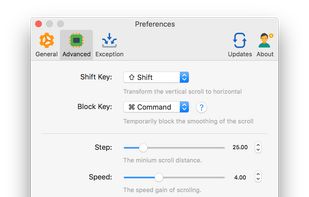
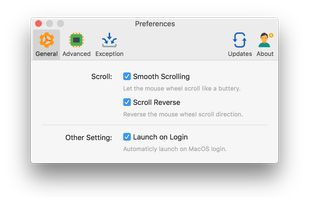
Mos is a lightweight tool used to smooth scrolling and set scroll direction independently for your mouse on MacOS.
Cost / License
- Free
- Open Source
Application type
Platforms
- Mac
 China
China




Apps similar to ScrollToZoom include MOS, which is free and open source. Other options are SmoothScroll, LinearMouse, Mac Mouse Fix and Panda Mouse Pro. You can choose from more than 10 Mouse Remapping Apps like ScrollToZoom for Mac, Windows, Linux, the web and Android.
Mos is a lightweight tool used to smooth scrolling and set scroll direction independently for your mouse on MacOS.
China
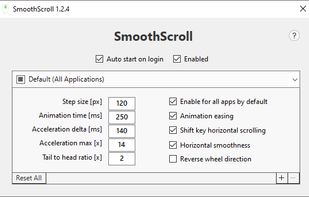
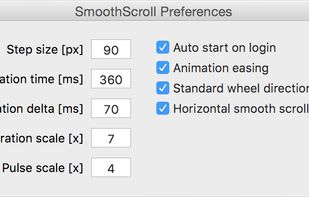
SmoothScroll will give your mouse wheel (Chrome, Word, OneNote, text editors, PDF, etc.) buttery smooth scrolling.


LinearMouse is a free and open-source utility for macOS which aims to improve the experience and functionality of third-party mice.
China


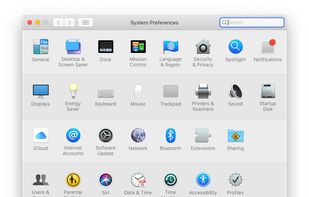
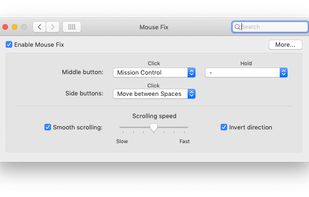
Switch between Spaces, use Windows-style Back and Forward, and more - right from your mouse. Also features a refined Smooth-Scrolling algorithm that strikes a perfect balance between fluidity and control.
 Germany
 EU
EU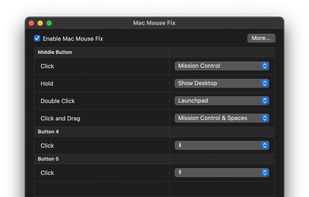


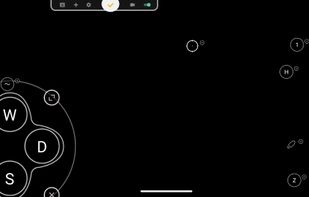
Support Android 12! The activator updated, please download the activator again and activate it on PC.





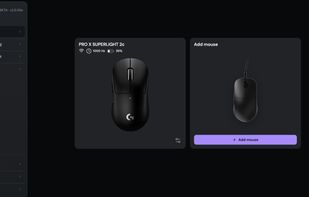
Browser-based control panel for supported gaming mice — change DPI, polling rate, and sensor settings without installing a driver.


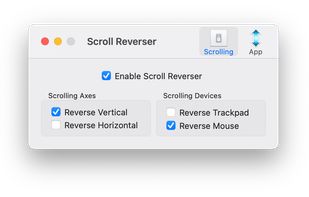
Scroll Reverser is a free Mac app that reverses the direction of scrolling, with independent settings for trackpads and mice.
 United Kingdom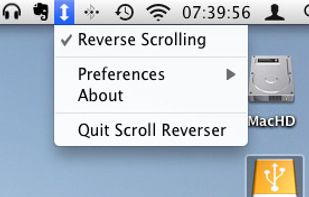


Smart Scroll makes scrolling smoother, faster and more comfortable:
 United States


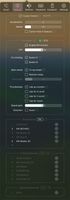
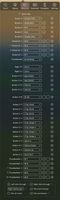
It’s a macOS utility app that gives you smooth mouse scrolling, cursor speed control, and powerful mouse/keyboard bindings.

 United States


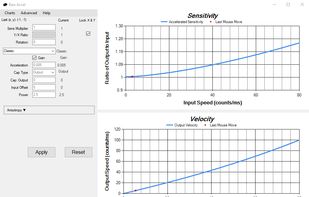
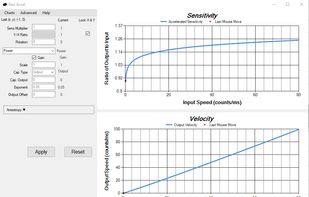
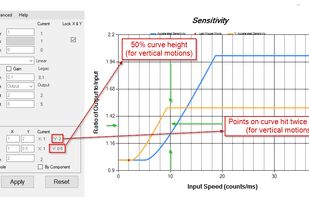
Raw Accel is a Windows 10 & Windows 11 x86-64 driver which allows for the acceleration of mouse input in the raw input stream.


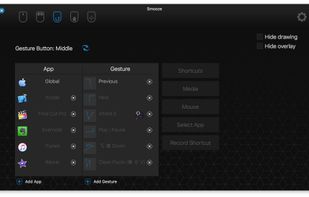
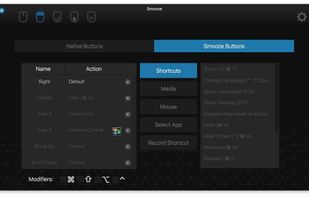
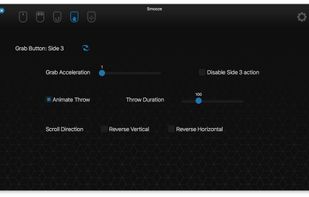
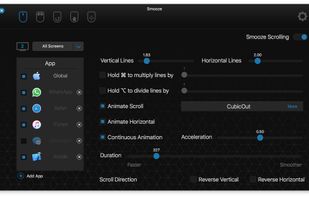
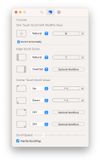
Smooze animates your scroll and adds functionality to your non-Apple mouse (scroll-wheel mouse).
Disable scroll acceleration in macOS, Save time by attaching mouse buttons to actions, Grab Scroll, Auto Scroll, Gestures and more.
 Singapore