

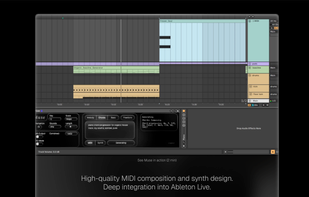
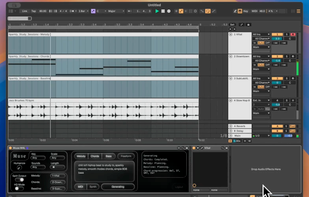
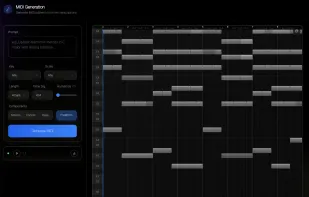
AI tool transforms natural-language prompts into real-time chords, melodies, and basslines, integrating with DAWs and browser for MIDI, audio, and synth editing.
Cost / License
- Paid
- Proprietary
Application types
 United States
Platforms
- Online
- Ableton Live
+6
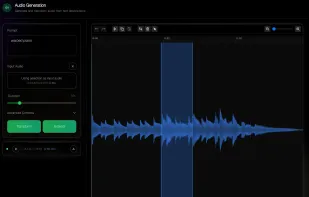


AI tool transforms natural-language prompts into real-time chords, melodies, and basslines, integrating with DAWs and browser for MIDI, audio, and synth editing.

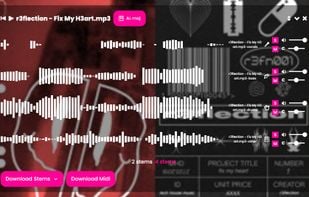
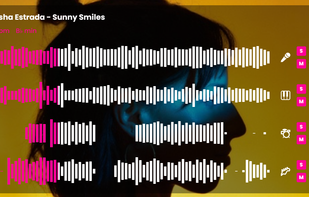
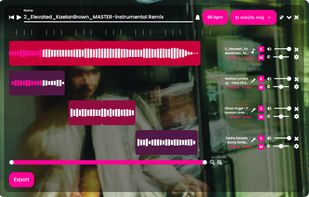
Add your favorite songs to your Fadr account using drag and drop. Fadr AI kicks into action, detecting the song's tempo, key, and chord progression, and extracting each instrument as audio and midi. Produce remixes and mashups. Change key and tempo.


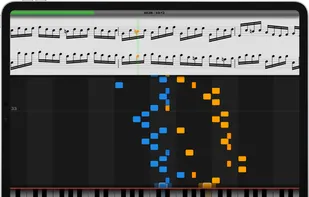
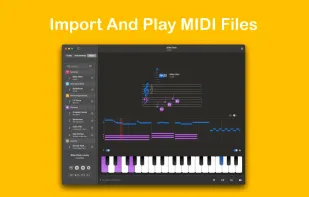
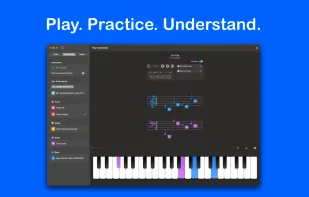
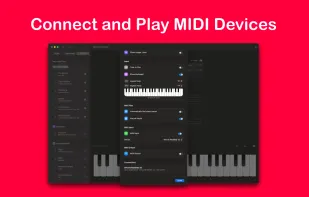
Interactive piano-learning web app. Runs in all modern browsers. Plays all MIDI files & supports MIDI devices as input.
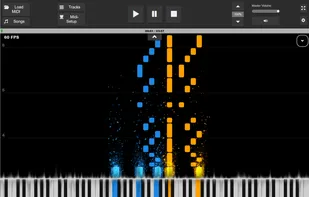

MIDI visualizer provides a nicely animated rendering of MIDI music that's easily configured through a sleek, on-screen settings dialog. It's open source software built with OpenGL in C++ and it works across Mac, Windows and Linux desktops.
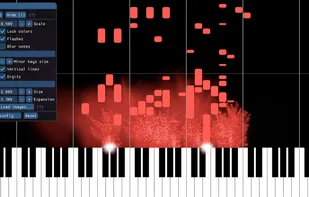


JJazzLab is a free Midi-based application which automatically generates backing tracks (a musical accompaniment) for any song. It’s a jam buddy to have fun improvising, learn new stuff or just practice your instrument. It’s also a great tool for teachers.
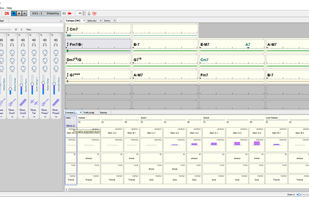


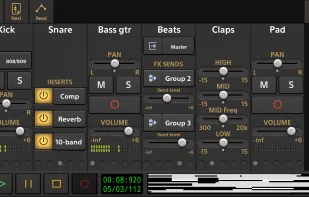
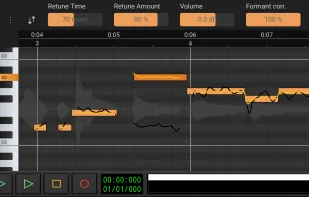
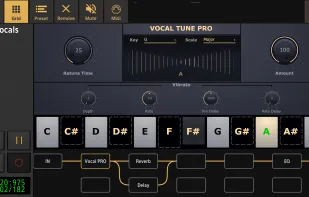
Audio Evolution Mobile Studio is a portable multitrack audio and MIDI recording studio app, offering features such as virtual instruments, pitch and time editing of vocals, unlimited undo/redo, mixing, real-time effects, automation, and more.
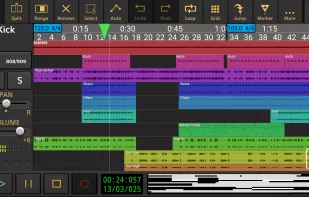

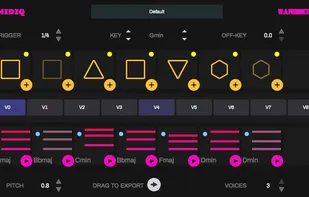
MIDIQ is a MIDI processor plugin that runs in any DAW with MIDI routing support. Place the plug-in on the generator track or use multiple instances of the plug-in assigned to different tracks (e.g. to layer the output for creation of very unusual, highly polyphonic progressions...


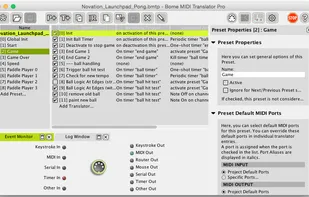
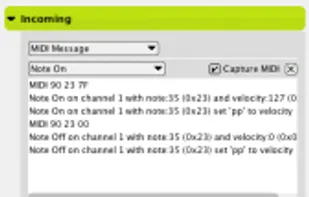
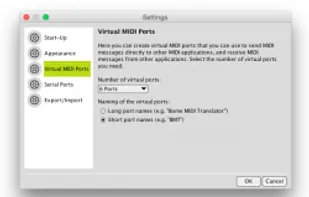
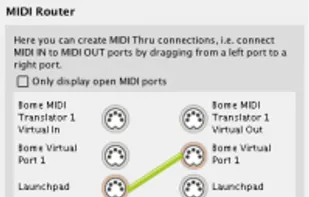
Bome MIDI Translator Pro is a popular MIDI and keystroke mapping tool: use it for controlling arbitrary software by way of MIDI and keystrokes. Its rich feature set also allows it to be used for general Windows automation.

Tiny Instrument makes playing, recording, and exploring MIDI keyboards simple, fun, and powerful — whether you’re a beginner or an experienced musician.


 MuseScore Studio

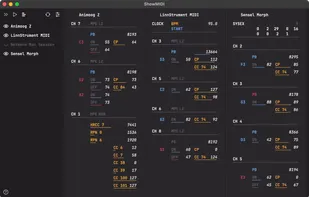
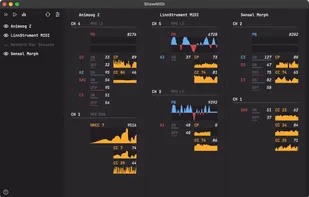
MidiView is a simple MIDI Monitor app to that shows bi-directional MIDI packages that flows through your machine.


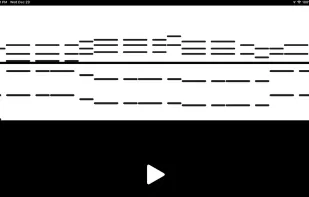


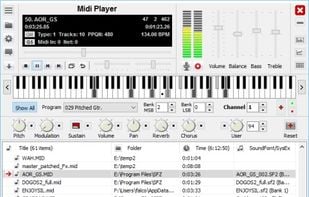
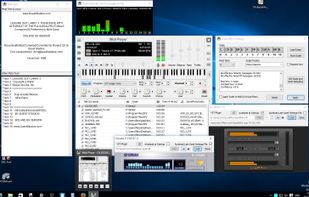
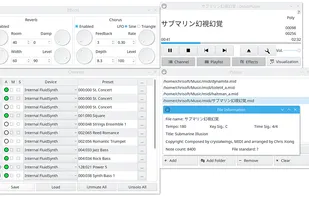
SoundFont Midi Player is a full-featured MIDI player/router and real-time MIDI synth combo, especially useful for Soundblaster (Live, Audigy, X-fi) users who can load SoundFonts automatically in real-time.





An application designed to create highly custom interfaces for live performances or installations featuring in app editing, multi protocol support, multiple commands per button, (MIDI, OSC, HTTP, UDP, TCP & sACN).


 Sensors2OSCand

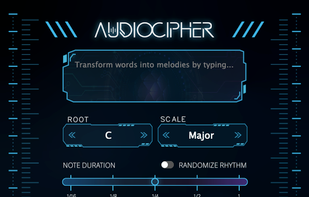
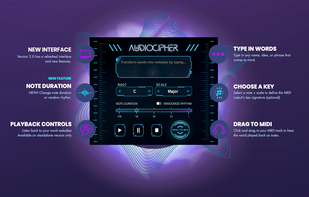
AudioCipher is a melody generator for music producers that turns text input into MIDI notes.


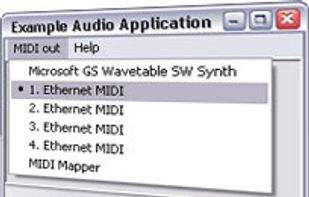
ipMIDI - send MIDI data over Ethernet. Ease of use with Multicast n-way MIDI network. No more hardware MIDI interfaces needed.


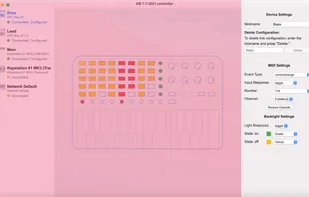
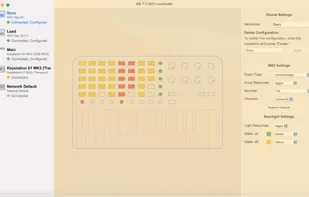
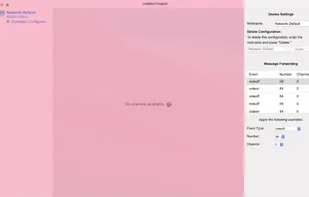
SuperController gives your MIDI devices SUPERPOWERS: Take control of the lights, messages, and communications between controllers.

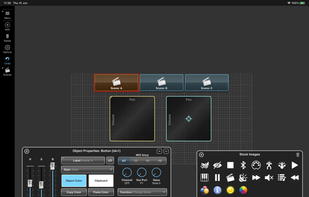
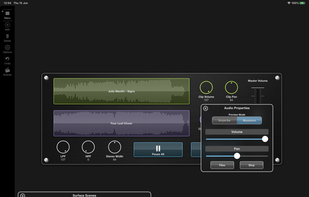
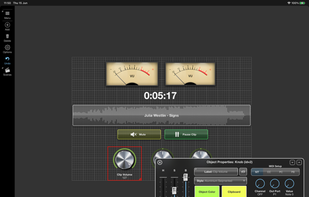
Surface Builder is a tool to design your own MIDI control layout using components like buttons, rotary controls, faders, menus and more. It can run standalone or as a auv3 plugin.
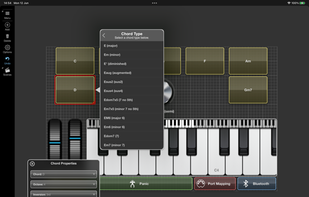

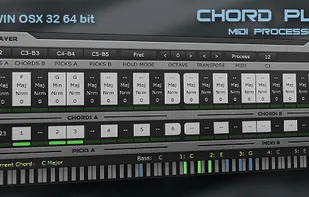
Chord Player is a MIDI processor plug-in to help play chords and progressions through configured key presses that trigger chords in various ways including strumming. It's available for Windows and Mac in VST and Audio Unit plugin formats.


 Germany
 EU
EU




 France
 Netherlands


 Czechia




 Hungary




 United Kingdom
