Apps with 'Memory usage' feature Page 3 of 4

All apps in Apps with 'Memory usage' feature category. Use the filters below to narrow down your search. 
Copy a direct link to this comment to your clipboard
  1. BarTab Tycho icon
     1 like

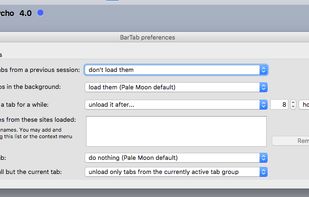
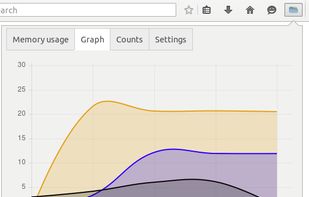
    BarTab Tycho reduces memory usage by unloading tabs, either manually or automatically after an adjustable time period. It can also intercept when tabs are loaded in the background or restored after a browser restart, and only load the content when the tab is actually visited.

    • FreeOpen Source
    • Mac
    • Windows
    • Linux
    • Pale Moon
    the add-on settings, 
as of 2019-01,
on pale moon beta version for mac.
    1 alternatives
  2. Memory Diag icon
     1 like

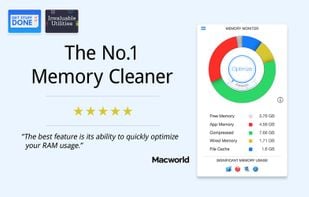
    Memory Cleaner keeps your systems memory (RAM) clean by monitoring and optimizing the memory usage. Helps you to quickly access detailed memory information and diagnosis from your menu bar and CLEAN your memory with a simple click.

    • FreeProprietary
    • Mac
    Memory Diag screenshot 1
    4 alternatives
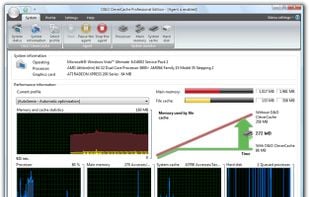
  3. O&O CleverCache optimizes your file cache management in Windows. This results in an enormous performance

    • PaidProprietary
    • Windows
    O&O CleverCache screenshot 1
    4 alternatives
  4.  1 like

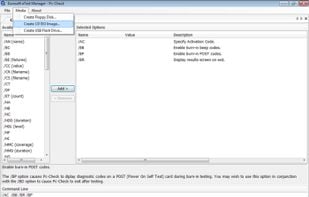
    Pc-Check will scan for errors in all hardware components on the computer it is being deployed on and display diagnostic results. The software is bootable from CDs and USBs, so even if the OS won't start the program will still be able to run.

    • PaidProprietary
    • Windows
    Pc-Check screenshot 1
    26 alternatives
  5.  2 likes

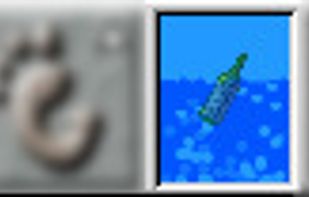
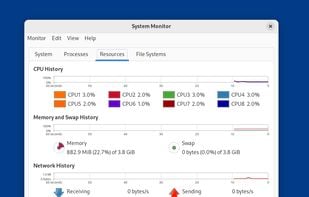
    The Bubbling Load Monitor (or "Bubblemon" for short) is a system CPU and memory load monitor. It displays something that looks like a vial containing water. The water level indicates how much memory is in use.

    Bubblemon screenshot 1
    9 alternatives
  6. Minimem icon
     1 like

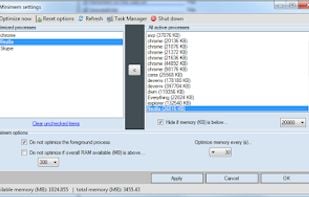
    Initially developed for Firefox only, Minimem now can reduce the memory footprint of any application. It runs in the background and can be set up to optimize as many proceses as youd like, using a very intuitive graphical interface.

    • FreeProprietary
    • Windows
    Main Program
    3 alternatives
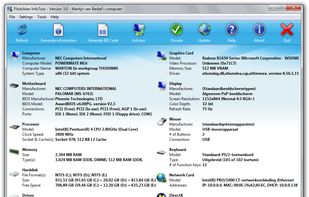
  7. Flitskikker InfoTool offers you essential information about your system. Afterwards, you can save it as a text file, or BB Code to share on forums. Most people can help you better if you share your system information with them. Now you can do this easily with this free utility.

    • FreeProprietary
    • Windows
    Main screen
    33 alternatives
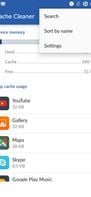
  8. Best Android app for clear cache & Speed-up your mobile phone other important functions available in this app. Top Cache & Ram cleaner mobile application and phone speed booster for android. It's powerful clear cache and clear data software

    Zingbytes Cache Cleaner screenshot 1
    Zingbytes Cache Cleaner screenshot 2
    Zingbytes Cache Cleaner screenshot 3
    110 alternatives
  9. Fresh RAM icon
     1 like

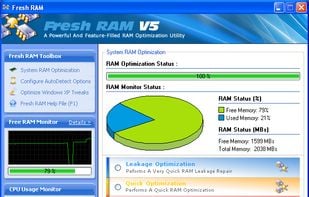
    The physical memory is among the most important things in a computer system. Keeping the system's physical memory allocated only for the tasks that are actually needed doesn't always happen because some computer programs sometimes come with bugs that prevent the software...

    • PaidProprietary
    • Windows
    Fresh RAM screenshot 1
    29 alternatives
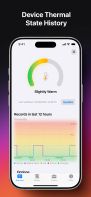
  10. Status Monitor is your all-in-one device system status monitor app for iPhone and iPad, offering a seamless overview of your device’s performance and status—right at your fingertips. With a beautifully designed interface that supports both light and dark themes, you’ll enjoy...

    System Status Monitor screenshot 1
    System Status Monitor screenshot 2
    System Status Monitor screenshot 3
    2 alternatives
  11. BDoggy icon
     1 like

    A magical creature lives in your menu bar — it might be a game character, a playful puppy, or something entirely unique. And it never stops running!

    • FreemiumProprietary
    • Mac
    BDoggy screenshot 1
    49 alternatives
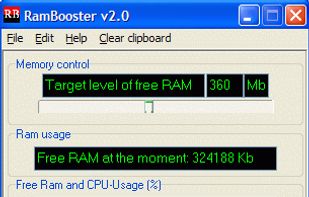
  12. RamBooster icon
     1 like

    Windows fills up your computer's memory (RAM) little by little and finally RAM is filled with unnecessary data. Sooner or later you have to reboot your computer to make it work faster.

    • FreeProprietary
    • Windows
    Main screen
    18 alternatives
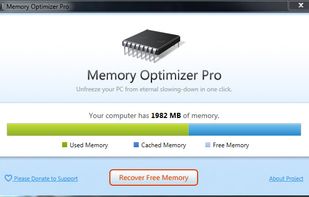
  13. Understand your computer’s memory usage and keep it under control – Memory Optimizer will graph your computer’s memory showing you what’s using it and giving you an easy way to optimize it’s usage. Just click “Optimize” and speed your computer up immediately!

    • FreeProprietary
    • Windows
    Main screen
    15 alternatives
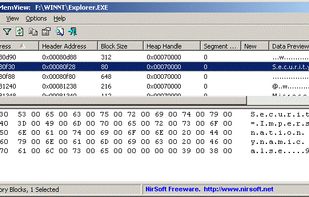
  14. HeapMemView is a small utility that allows you to view the content of all memory blocks allocated in the heap of the process the you select.

    • FreeProprietary
    • Windows
    HeapMemView screenshot 1
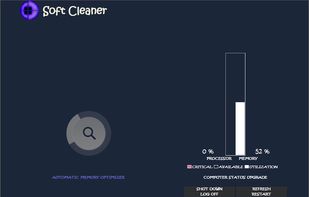
  15. Automatically creating the highest speed for your computer just before it becomes slow, at all times the virtual acceleration on your computer like smartphone is assured with very reduced CPU power consumption and very high performance.

    Soft Cleaner screenshot 1
    84 alternatives
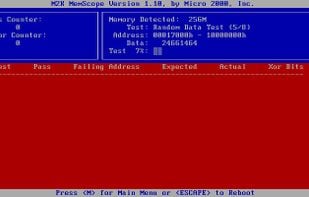
  16. M2K MemScope is a free memory testing software program from the makers of Micro-Scope - a large suite of professional, time tested (and expensive) computer diagnostic tools.

    • Discontinued
    • FreeProprietary
    • Windows
    M2K MemScope Memory Tester screenshot 1
    9 alternatives
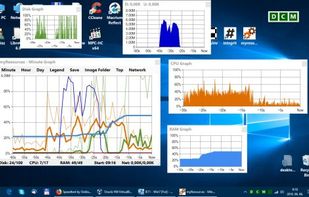
  17. myResources displays the load status of the computer's basic resources (disk, CPU, memory, network) using graphs and active icons. The program is also capable of displaying resources on a merged graphic chart (SumGraph).

    • FreeProprietary
    • Windows
    myResources screenshot 1
    7 alternatives
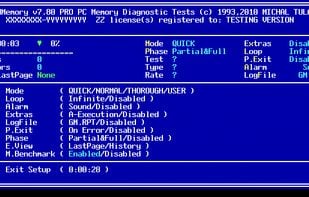
  18. DocMemory Diagnostic, an advanced self-bootable PC Memory Diagnostic Software is a rigorous test pattern exercises both the PC Base and Extended Memory to locate defective memory, all carried out without the need for user to disassemble memory from the PC.

    • FreeProprietary
    • Windows
    DocMemory Memory Diagnostic screenshot 1
    8 alternatives
  19. Nebulearn icon
     Like

    AI-native, spaced-repetition: Instantly transforms any content into quizzes (for comprehension) and flashcards (for retention). The first platform to simplify serious spaced repetition by scheduling both.

    6 alternatives
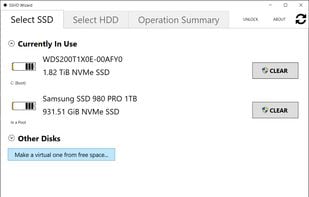
  20. Creates a virtual SSHD out of raw (unformatted) SSD+HDD combo. Alternatively, can use free space instead of whole disks.

    • PaidProprietary
    • Windows
    SSHD Wizard screenshot 1
    6 alternatives