Neo Backup (formerly OAndBackupX) is a fork of the famous OAndBackup with the aim to bring OAndBackup to 202X and part of Neo Applications suite. For now the app is already fully rewritten, coming up would be making it robust and adding some lengthily planned features which...
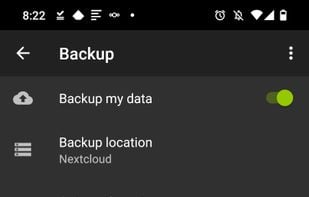
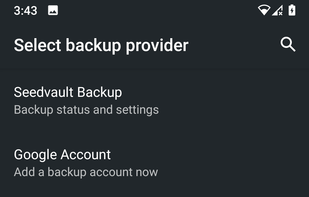
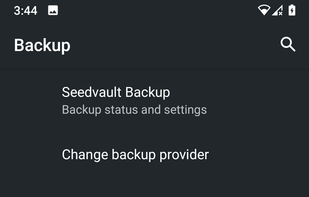
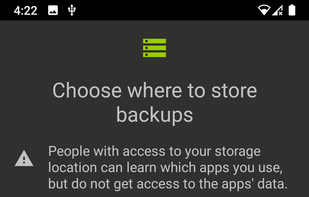
SeedVault is only pre-built into Custom Android ROMS (CalyxOS & LineageOS 17.1+), uses the same internal APIs as adb backup and the Android to Android device transfer systems, therefore no root access is used.
Helium is the missing app sync and backup solution for Android.
Helium does NOT require root. All Android users can use Helium to backup and sync Android applications.
Helium lets you backup your apps and data to your SD card or cloud storage. With Helium, you can sync app data f.
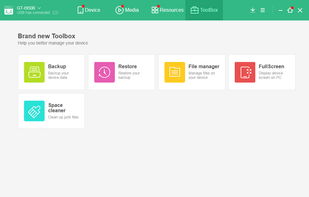
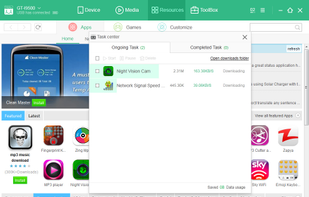
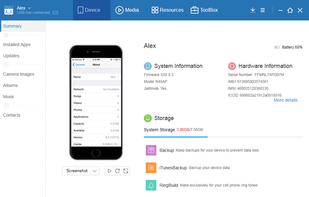
MoboPlay lets you manage Android/iOS devices from computer or the files manager. This powerful multi-files manager is going to make it much easier than ever to manage your devices. You can now backup, restore, manage your files, apps, ringtone, wallpaper, music, images and even...
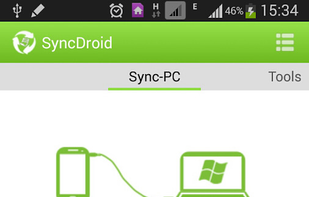
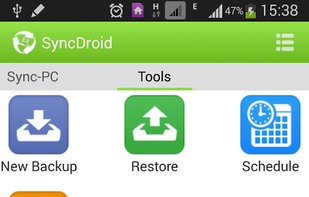
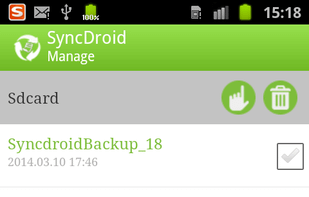
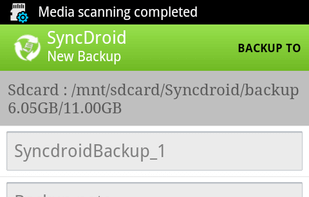
SyncDroid Android Manager has both Android app, as well as Windows PC client. With Android app, you can simply backup and restore Android to and from SD card or Dropbox. And with the help of the desktop client, you can backup data to your PC.
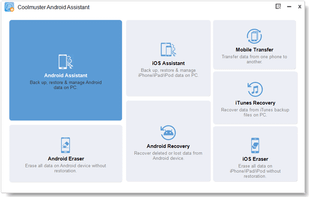
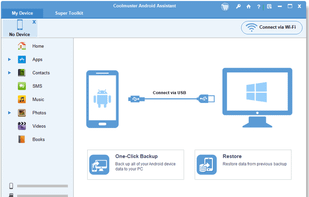
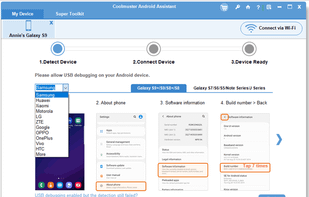
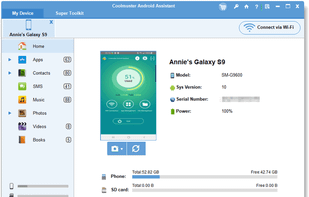
As one-stop Android managing software, Coolmuster Android Assistant is fully capable of dealing with Android media, contacts, SMS, apps, etc. in one place on your PC!.
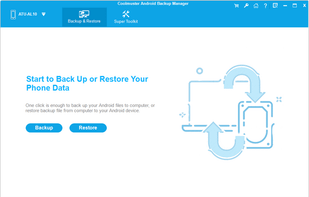
Coolmuster Android Backup Manager can help us take Android data backup & restore on computer with one-click. Data like contacts, text messages, apps, photos, videos, music, call logs, documents are supported.
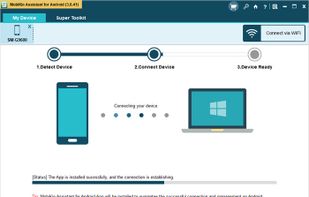
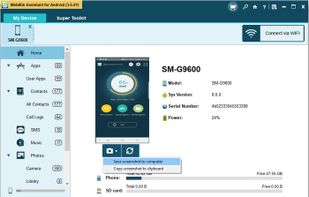
As one-stop solution, MobiKin Assistant for Android can help you backup, edit or manage your Android contacts, messages, music, photos, movies, etc. on computer directly.
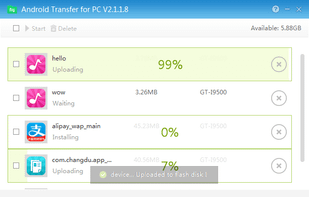
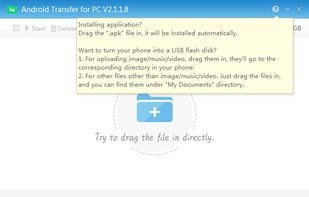
Android Transfer for PC connects your mobile phone to your computer. This utility is quite useful for those who want to keep ther information organized, its use is pretty simple, and the only thing you will need is a USB connection on your PC.




 France
 EU
EU






 United States


 China
China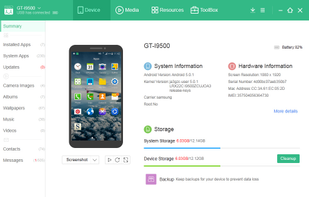




 United Kingdom