Apps tagged with 'Media Tools'

All apps in Apps tagged with 'Media Tools' category. Use the filters below to narrow down your search. 
Copy a direct link to this comment to your clipboard
  1. GSpot icon
     31 likes

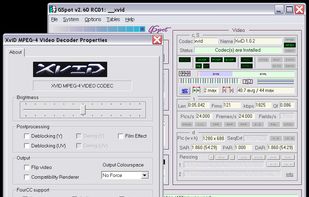
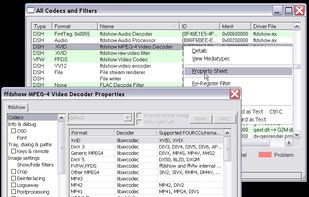
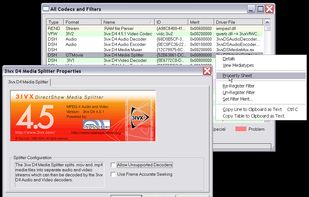
    GSpot is a Windows-based freeware designed to identify codecs used in video files. In addition, the application checks if the required DirectShow filters or Video for Windows codecs are installed and configured for proper playback.

    Cost / License

    • Free
    • Proprietary

    Application type

    Since

    • Since 2009

    Alerts

    • Discontinued

    Platforms

    • Windows
    • US flagUnited States
    GSpot screenshot 1
    GSpot screenshot 1
    GSpot screenshot 2
    +2
    GSpot screenshot 3
    14 alternatives
  2. File browser for Windows with Mac Finder-style inline navigation and built-in media editing tools. Browse deeply nested folders without drilling into windows, preview any file instantly, and edit images/videos without switching apps.

    Cost / License

    • Free
    • Proprietary

    Application type

    Since

    • New

    Platforms

    • Windows
    • US flagUnited States
    Folders open in place. See your whole project in one list, with image sequences grouped and labels, tags and ratings in view.
    Preview almost anything. A unified image and video carousel, plus documents, spreadsheets, 3D models and audio.
    Every tool in one panel: batch rename, contact sheets, folder presets, color picker, render calculator and audio extraction.
    +8
    Light, dark and in between. 20 themes to choose from, each with a selection of accent colors.
    18 alternatives
  3. SKALDA FLINT icon
     1 like

    FLINT is a privacy-first, in-browser file toolkit with a multi-format converter (100+ formats), PDF organizer, file metadata cleaner, and subtitle fixer—no uploads, no logins, no tracking, and no file size limits.

    Cost / License

    • Free
    • Proprietary

    Since

    • Since 2025

    Platforms

    • Online
    • Global
    SKALDA FLINT screenshot 1
    File Converter
    PDF Organizer
    +2
    Metadata Tools
    50 alternatives
  4. Extract high-quality screenshots from videos automatically. Blur detection filters out blurry shots. Auto-extract frames at intervals to scan hours of footage in minutes. Smart duplicate removal. Unlimited projects. 100% private - local processing. Free to start.

    Cost / License

    • Freemium
    • Proprietary

    Application type

    Since

    • Since 2025

    Platforms

    • Online
    • Global
    Clean interface for quick video processing
    Clean interface for quick video processing
    Advanced blur detection and interval extraction
    +1
    Browse and download extracted screenshots
    3 alternatives